> ## Documentation Index
> Fetch the complete documentation index at: https://docs.t3planet.de/en/latest/llms.txt
> Use this file to discover all available pages before exploring further.
# Important notes before Installation
# Important notes before Installation
We recommend to install fresh TYPO3 installation, sometimes TYPO3 may faces difficulties to automatically create page tree and records.
# License Activation & TYPO3 Installation
To activate license and install this premium TYPO3 product, Please refer this documentation [License documentation](/en/latest/en/latest/License/Index)
# How to Install TYPO3 Template T3 Ayu
* **Normal Template Installation** [https://www.youtube.com/watch?v=OCf-cbsV-3U](https://www.youtube.com/watch?v=OCf-cbsV-3U)
# Site Management
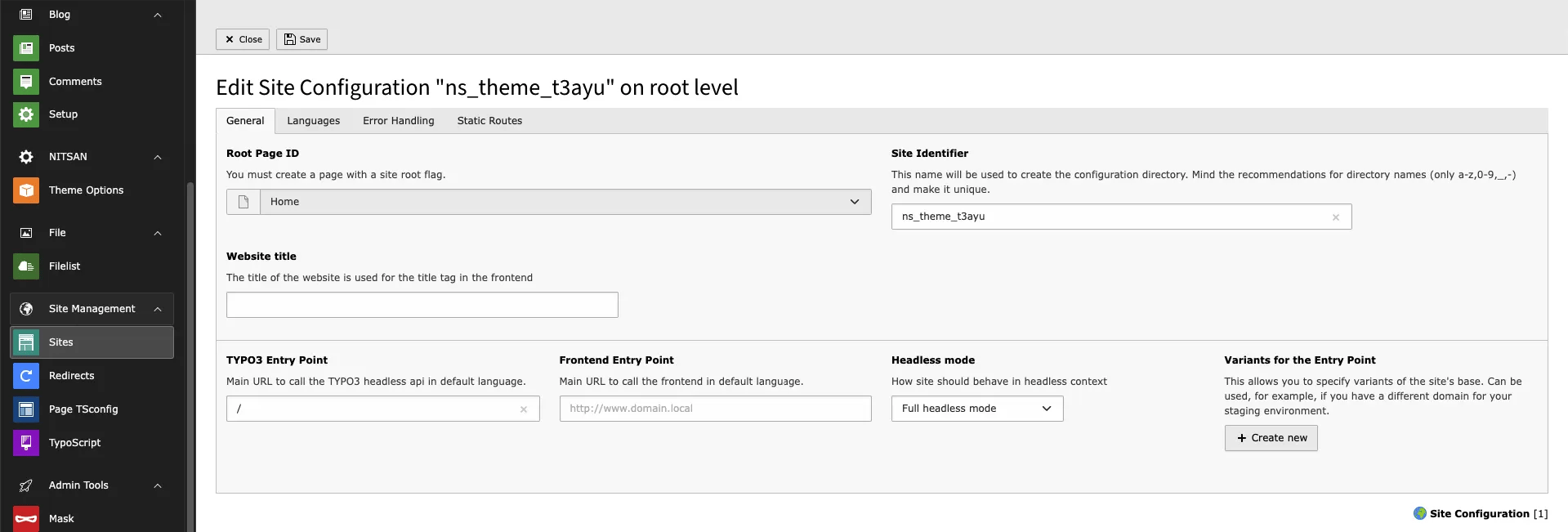
We have already provided Site Configuration and if you want to overwrite it then you can do it from Sites Module in Site Management.
 # Page Tree
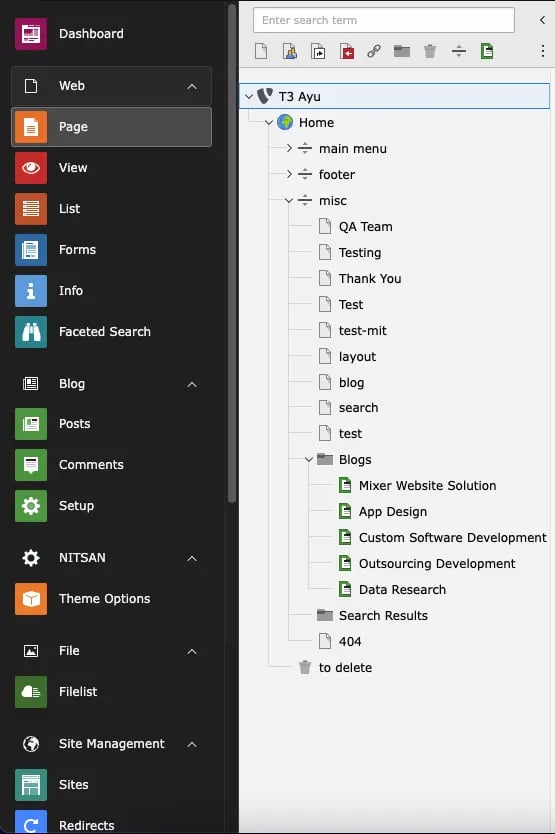
Once you install your TYPO3 Template extension, it will automatically generate "Page tree" in your TYPO3 backend with all the pages and content.
# Page Tree
Once you install your TYPO3 Template extension, it will automatically generate "Page tree" in your TYPO3 backend with all the pages and content.