> ## Documentation Index
> Fetch the complete documentation index at: https://docs.t3planet.de/en/latest/llms.txt
> Use this file to discover all available pages before exploring further.
# News Slider Plugin
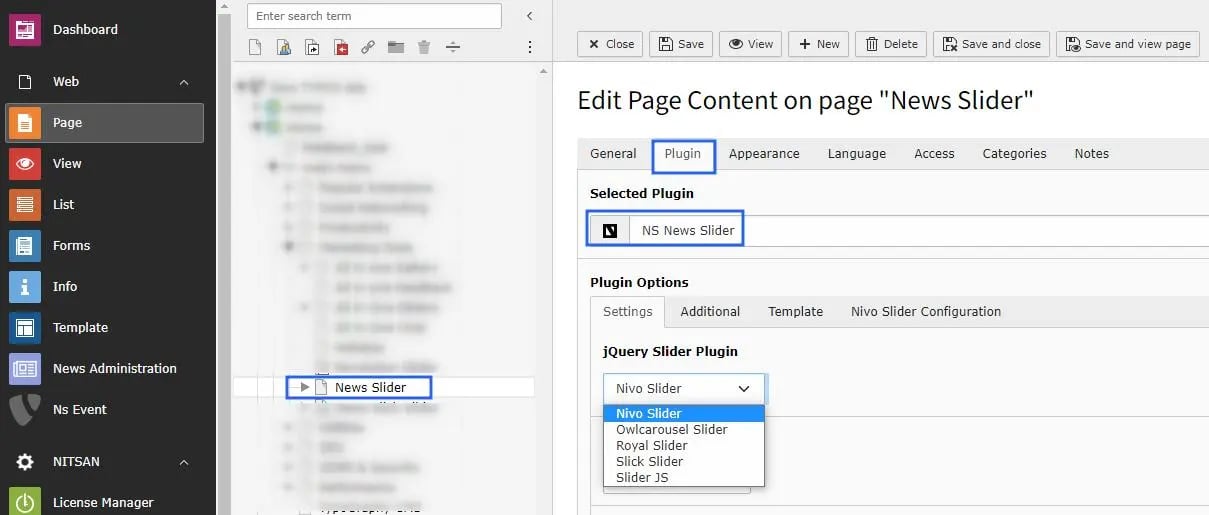
> Here you need to select the jquery Plugin for News Slider.
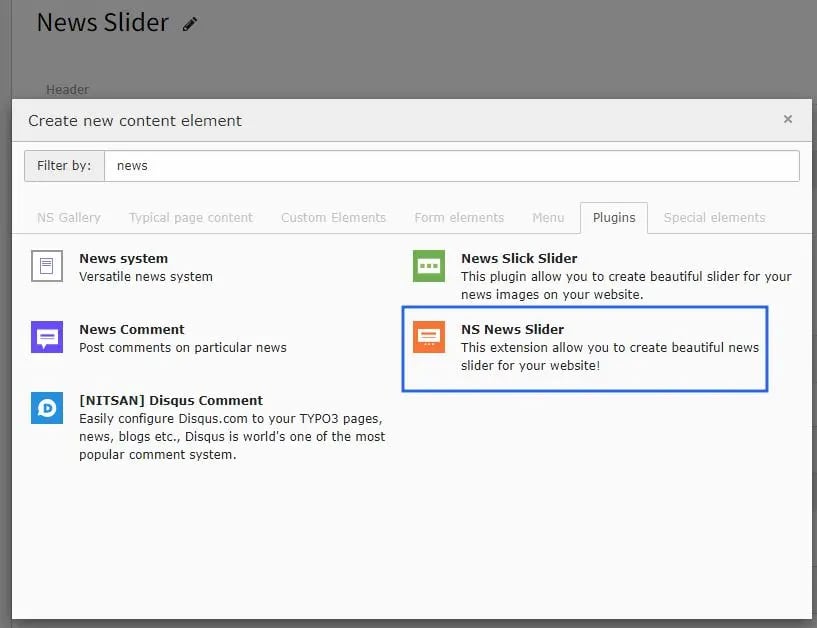
## 1. Add News Slider Plugin
 ## 2. Select jQuery Slider Plugin
Here you need to select the jquery Plugin for News Slider. Also configure settings related to News (like Storage folder, categories, etc.) in Settings, Additional and Template tabs.
## 2. Select jQuery Slider Plugin
Here you need to select the jquery Plugin for News Slider. Also configure settings related to News (like Storage folder, categories, etc.) in Settings, Additional and Template tabs.