> ## Documentation Index
> Fetch the complete documentation index at: https://docs.t3planet.de/en/latest/llms.txt
> Use this file to discover all available pages before exploring further.
# Installation
# Installation
## License Activation & Installation
To activate license and install this premium TYPO3 product, Please refer this documentation [License documentation](/en/latest/en/latest/License/Index)
For TYPO3 >= v11 composer-based TYPO3 instance, Please don't forget to run below commands.
```python theme={"theme":{"light":"github-light","dark":"github-dark"}}
vendor/bin/typo3 extension:setup
vendor/bin/typo3 nsrevolution:setup
```
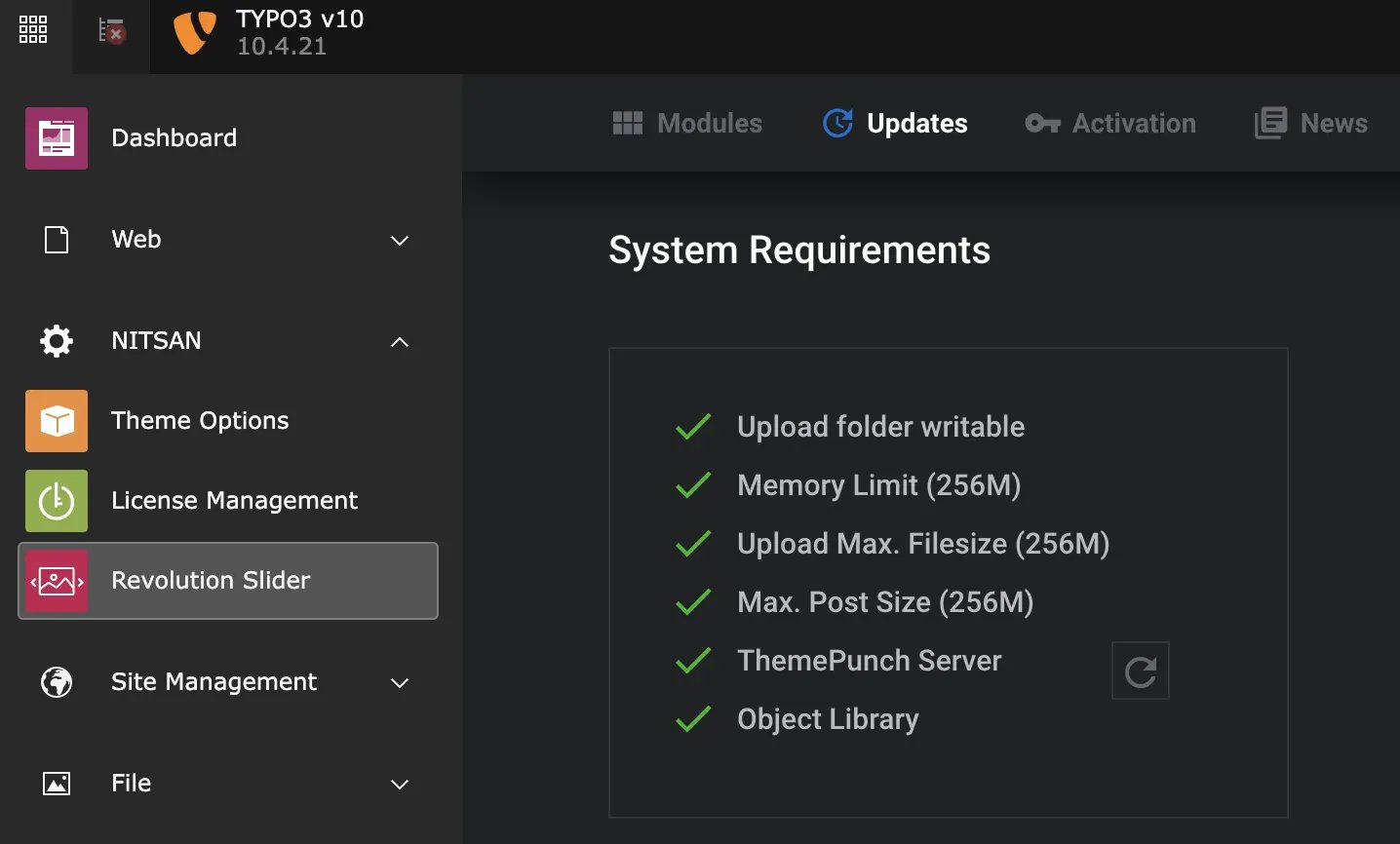
## Check System Requirements
> 1. Switch to NITSAN > Slider Revolution
> 2. Click on "Updates" and check system requirements. Please make sure to have all green-signals ;) If something is wrong then adjust your server according to needs.