> ## Documentation Index
> Fetch the complete documentation index at: https://docs.t3planet.de/en/latest/llms.txt
> Use this file to discover all available pages before exploring further.
# Quick Installation
Install CKEditor Pack with one of these methods.
## Via Composer using Command Line
```
composer req t3planet/rte-ckeditor-pack
```
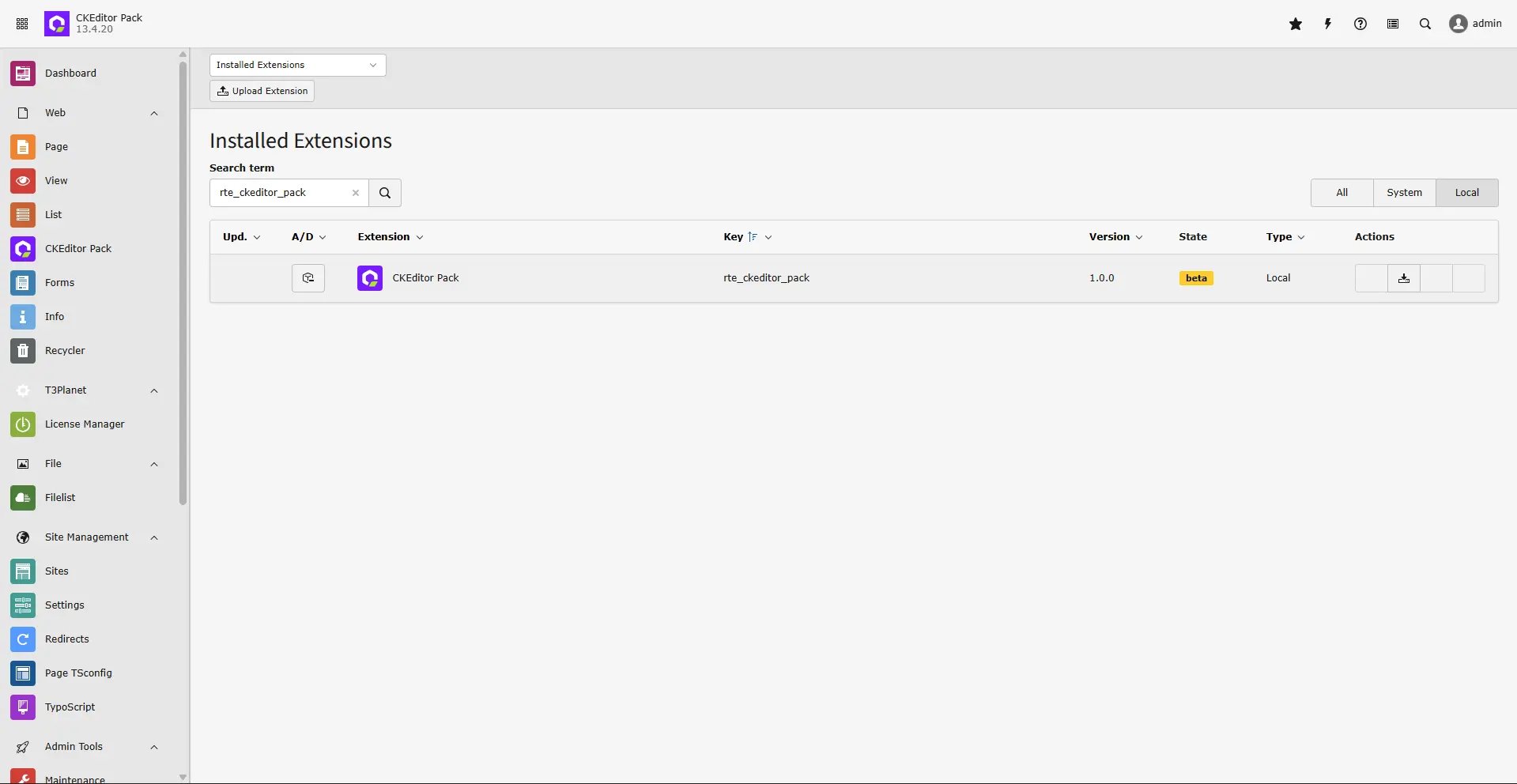
## Via Extensions Module
You can also install it in the TYPO3 backend with Extension Manager.
* Open the module **Extension Manager**.
* Click **Retrieve/Update**.
* Search for extension key `rte_ckeditor_pack`.
* Import the extension from the repository.
* Or download it from [https://extensions.typo3.org/extension/rte\_ckeditor\_pack/](https://extensions.typo3.org/extension/rte_ckeditor_pack/) and upload the `t3x` or `zip` file.
 ## Drag-n-Drop Toolbar & Manage Preset
Follow the demo to configure free features, toolbar drag-and-drop, and preset management.
## Drag-n-Drop Toolbar & Manage Preset
Follow the demo to configure free features, toolbar drag-and-drop, and preset management.
## Figures
