Configure Zoho CRM with Powermail
1. Generate Auth Token from Zoho.
You can generate Auth Token for your site by following steps mentioned here: https://www.zoho.com/projects/help/rest-api/get-tickets-api.html Once Auth Token is generated, you need to set this at constants.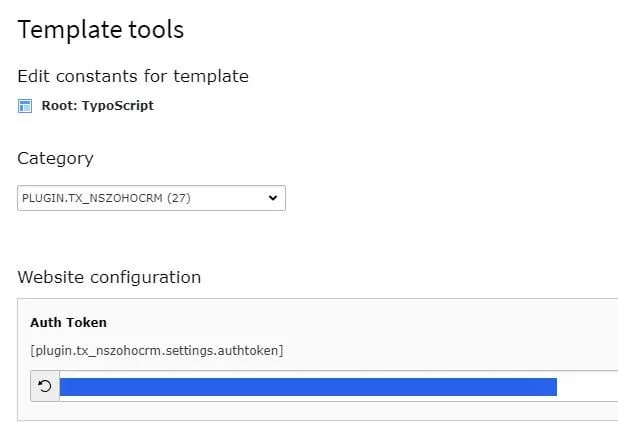
2. Create a Powermail Form at your TYPO3 Backend
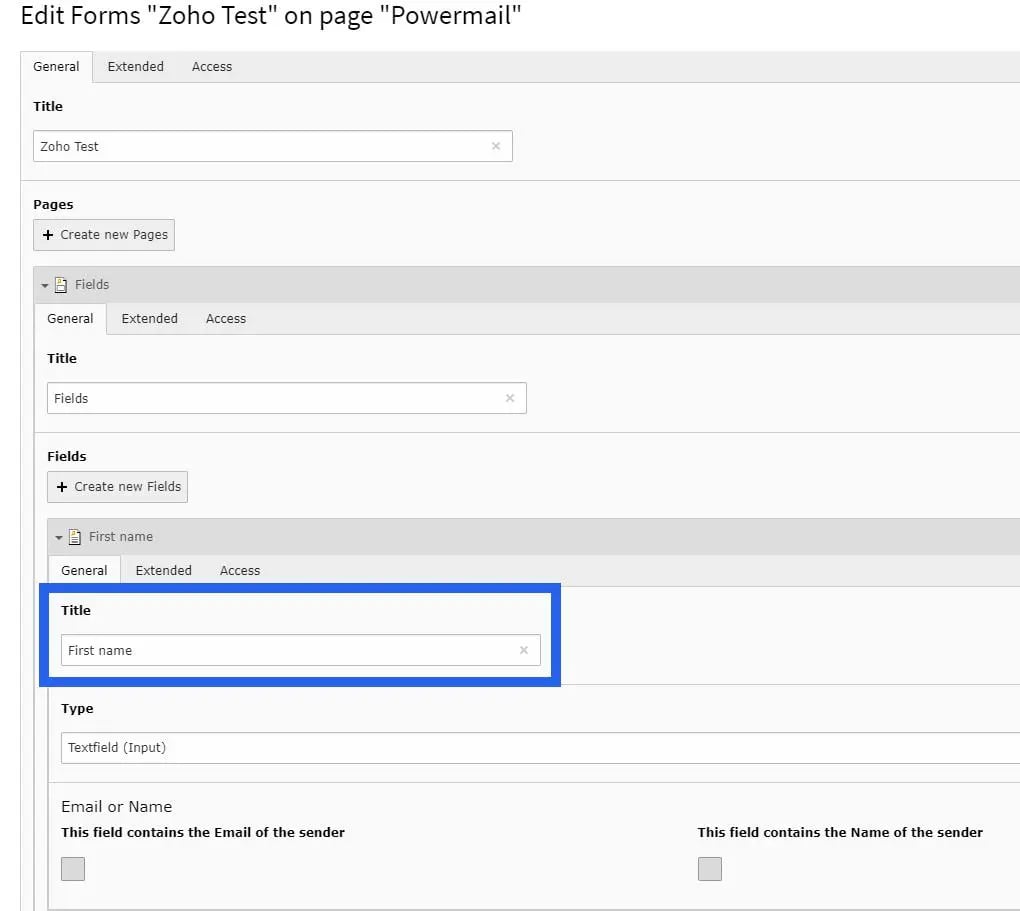
3. Link Powermail form with Zoho at Constants
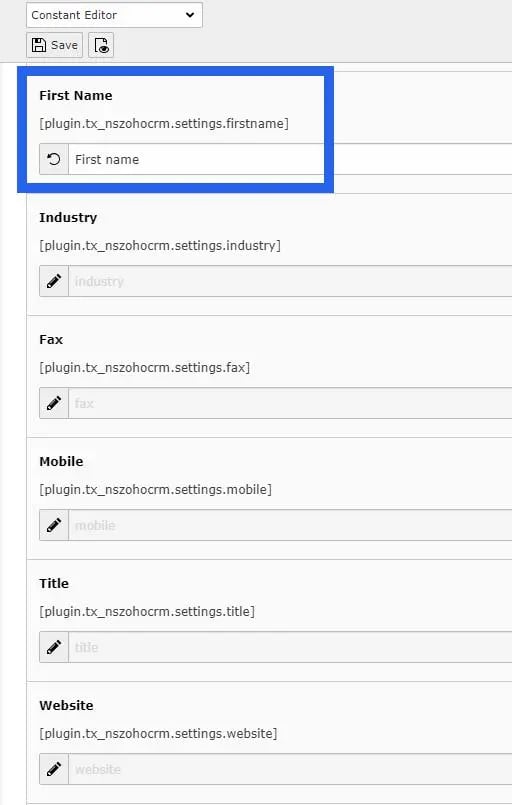
Constants will list all the possible fields of a lead generated in Zoho. Title of field in Powermail should be set at respective Constant. Set title of all the Powermail form fields at their respective Constants.