

EXT:ns_t3af
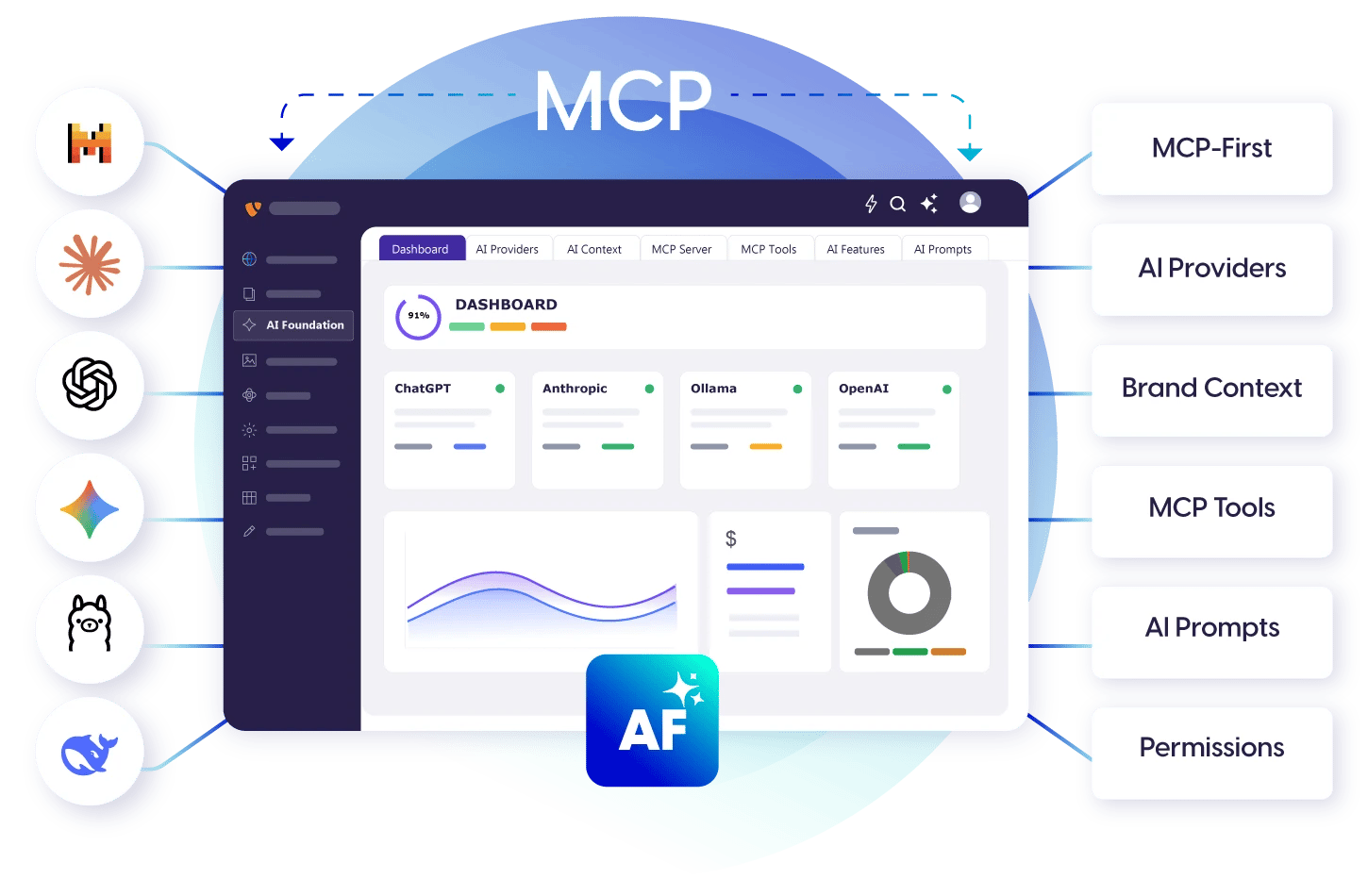
Overview
AI Foundation connects your TYPO3 website to an AI service such as OpenAI (ChatGPT), Claude or Gemini. All T3Planet AI extensions – for example AI Chatbot and AI Search – use this one connection. You set up the AI once, and every AI extension can use it. Editors usually don’t work in AI Foundation directly. They use the AI extensions. Administrators set up AI Foundation in AI Universe → AI Foundation. AI Foundation is free and open source (GPL-2.0-or-later). Activate it with a free license key in T3Planet Shop > AI Universe > AI Foundation > Start.Key capabilities
- AI Providers – connect your AI service. Your API keys (passwords for the AI service) are stored encrypted.
- T3Planet Credits – optional: use AI without your own AI account.
- AI Context – describe your brand voice once, so all AI texts sound like you.
- AI Prompts & Features – ready-made instructions for the AI, and a choice of AI service per feature.
- Usage & Logs – see how much AI was used and what it cost.
- AI Permissions – decide which editors may use which AI features.
- MCP Server – optional: let AI assistants such as Cursor or Claude Desktop work with TYPO3.
- Quick Setup – a guided setup for the first start.
All AI Foundation modules
You find these in the TYPO3 backend under AI Universe → AI Foundation, in this order:- Dashboard – setup progress, provider status and costs at a glance.
- AI Providers – connect AI services with your own API keys, or use T3Planet Credits.
- AI Context – your brand profile (voice and tone).
- MCP Server – connect AI assistants such as Cursor or Claude Desktop.
- MCP Tools – what AI assistants may do, and which tools are switched on.
- AI Features – settings cards for each AI extension.
- AI Prompts – reusable instructions for the AI.
- AI Label – mark AI-generated content (EU AI Act Article 50).
- Scheduler & CLI – all AI background tasks in one list.
- AI Permissions – which editor groups may use what.
- For Developers – a starter kit for building your own AI features.
- AI Usage and AI Logs – requests, tokens (units the AI service bills by), costs and error messages.
- Quick Setup – guided first-time setup.
AI Chatbot and AI Search build on AI Foundation. They use its providers, AI Features cards, permissions and logs.
Helpful Links
- Product: https://t3planet.de/en/ai-foundation-for-typo3
- Get support: https://t3planet.de/support
- License activation: https://docs.t3planet.de/en/latest/License/Index.html