

Purpose
AI Context is a short profile of your company: who you are, who you write for and how you sound. The AI adds it to every request, so texts from all AI extensions match your brand – without editors typing the same instructions again and again. Path: AI Universe → AI Foundation → AI Context Store your brand profile once. T3AF injects it into prompts for consistent, on-brand results across all connected extensions.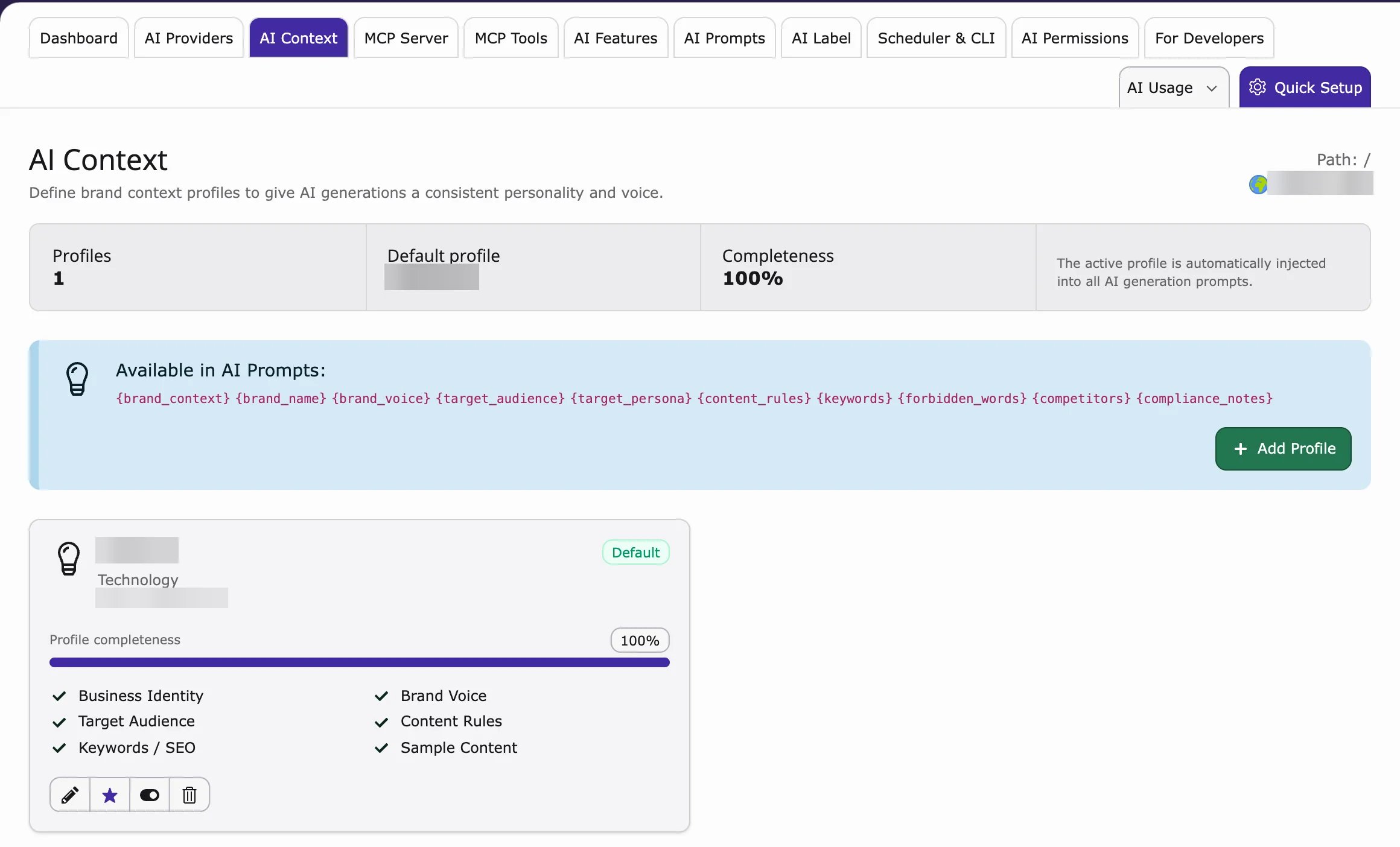
Setup (3 steps)
- Go to AI Universe → AI Foundation → AI Context.
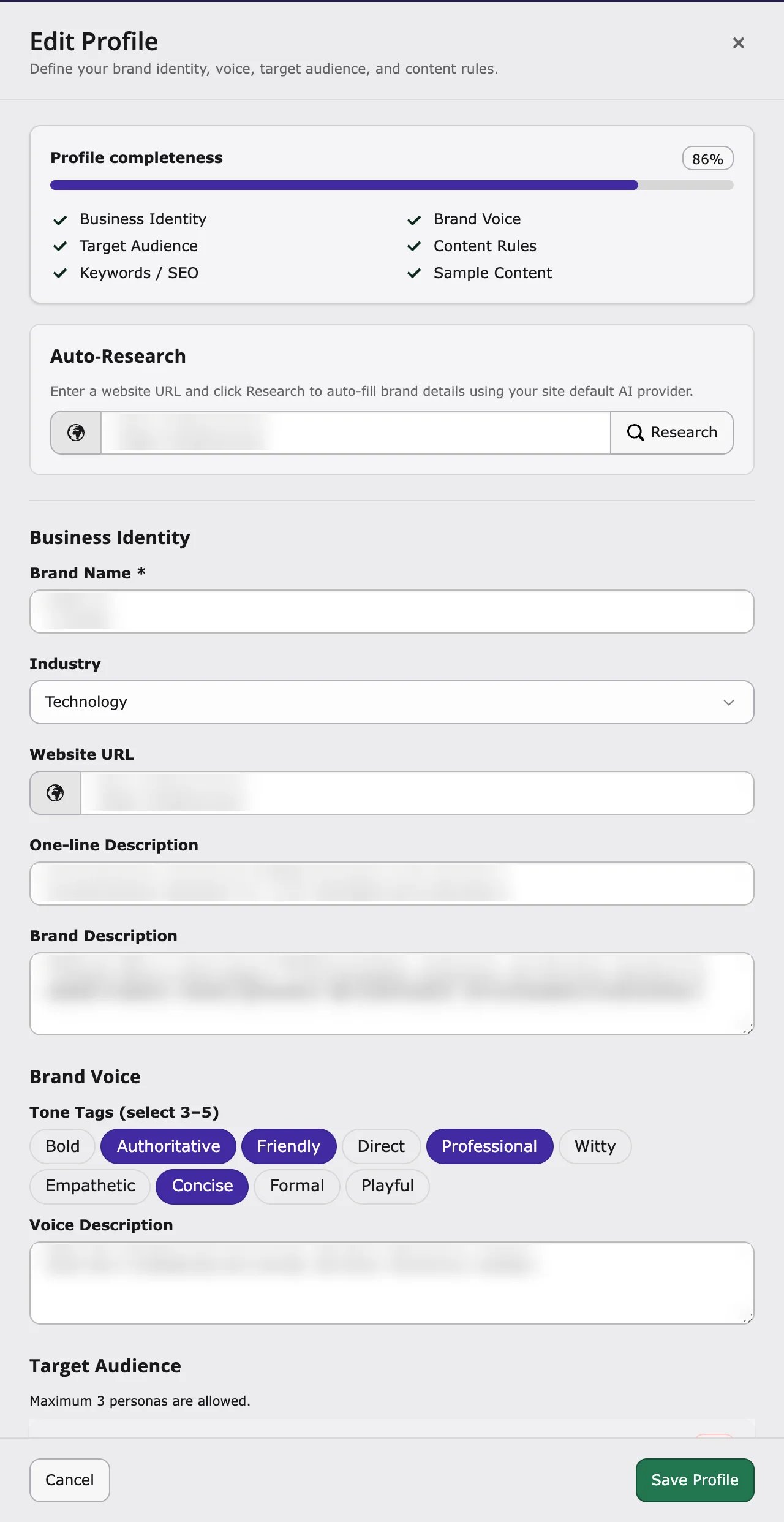
- Fill in the fields about your business (see below).
- Click Save. AI extensions use it from the next AI request.
What to store
- Company name — For example Finance Company GmbH
- Industry — For example financial services
- Audience — For example SME owners in Germany
- Brand voice — Professional, clear, trustworthy
- Key messages — Digital-first, personal service
- SEO keywords — finance, banking, loans
- Language style — German formal (Sie) or simple English
Content Rules
Content Rules are writing rules for the AI, for example:- Always: use the Oxford comma
- Never: use slang
Why it matters
Without context, AI texts sound generic. With context, they match your brand and your market.When to update AI Context
- Rebrand or new product line
- New target market (for example expand from DE to EN)
- Compliance change (formal Sie required everywhere)
- After AI Prompts changes still produce off-brand text