

Quick start
This page shows you how to install AI Foundation and connect your first AI service. AI Foundation is free (open source, GPL-2.0-or-later) and needs a free license key. In short- Install the License Manager (
ns_license). - Install AI Foundation (
ns_t3af). - Activate your free license key in the T3Planet Shop.
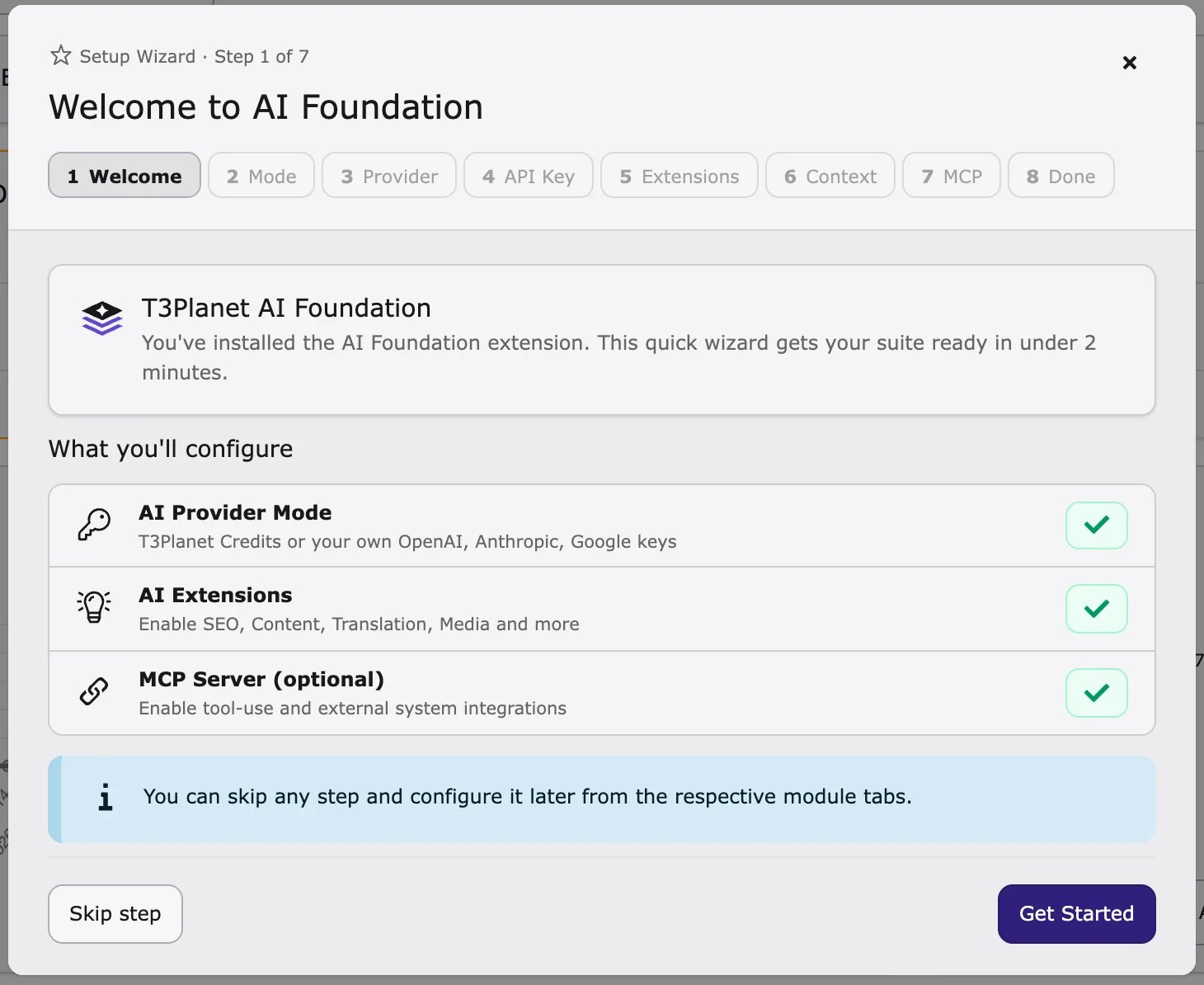
- Open AI Universe → AI Foundation and click Quick Setup.
- Connect your AI service in AI Providers.
Requirements
Your developer or hosting provider can check these:- TYPO3 13.4 LTS or 14.3+ (TYPO3 12 is no longer supported since 2.0.0)
- PHP 8.2 or higher (8.3 recommended), with the
sodiumextension - Database MySQL 8.0+ or MariaDB 10.3+
- Internet access from the server to your AI service (HTTPS)
- Composer 2.x (if your website uses Composer)
- License Manager (
ns_license) – checks your license. - Scheduler – runs AI tasks in the background.
- Workspaces – lets AI changes be saved as drafts first.
Install from the backend
Use this if your website does not use Composer.- Go to Admin Tools → Extensions (on TYPO3 v14: System → Extensions).
- Choose Get Extensions.
- Search for
ns_license, install and activate it. - Search for
ns_t3af(or T3AF), install and activate it. - Go to Admin Tools → Maintenance (on TYPO3 v14: System → Maintenance) and run Analyze Database Structure. Apply all changes.
- Clear all caches.
Composer installation
Install with Composer (for developers)
Install with Composer (for developers)
Activate your OSS license key
- Go to the T3Planet Shop module (under Admin Tools, on TYPO3 v14 under System).
- Open AI Universe > AI Foundation.
- Click Start.
Verify the installation
Check that:- AI Universe → AI Foundation appears in the backend menu.
ns_licenseandns_t3afare active in Admin Tools → Extensions.- Analyze Database Structure shows no open changes.
Next steps
- Go to AI Universe → AI Foundation.
- Click Quick Setup at the top of the module and follow the steps.
- Or connect your AI service by hand in AI Providers.