

Purpose
You set the permissions per backend user group (a group of editors in TYPO3). For each group you choose:- Modules – which AI Foundation tabs and AI extensions they see.
- Features – which AI functions inside those modules they may use.
- Records – whether they may only read or also change providers, prompts, AI Context and logs.
- Limits – how many pages they may process at once, and monthly or daily limits for credits and requests.
Recommended workflow
- Create or choose a backend user group for your editors.
- Go to AI Universe → AI Foundation → AI Permissions.
- Select the group in the list on the left.
- Go through the five steps of the wizard (see below).
- Click Apply on the last step.
- Clear all caches.
- Log in as an editor of that group and check what they see.
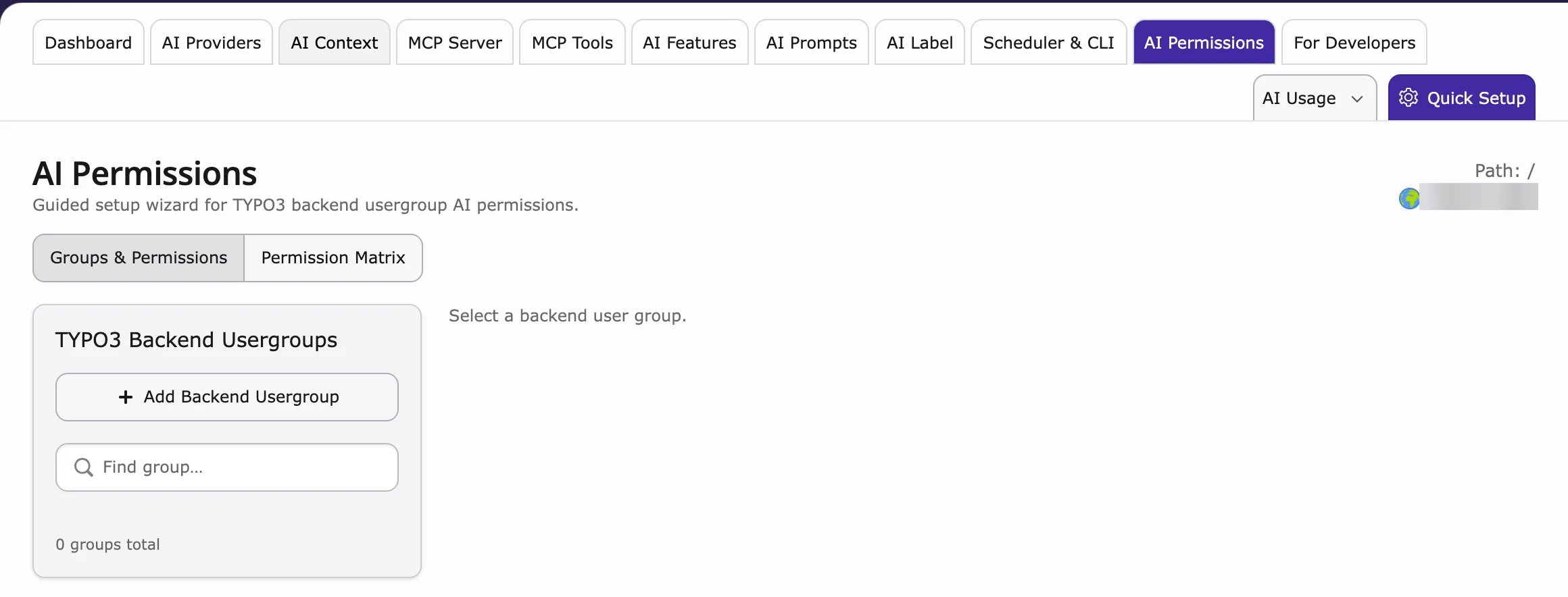
TYPO3 Backend Usergroups
The left list shows all backend user groups with their number of members and how many AI modules are set up. Use Find group… to search. Select a group to open the wizard.Guided wizard
- Modules – switch AI Foundation modules and AI extensions on or off.
- Features – allow single features in those modules.
- Records – choose read or read/write access.
- Limits – credit limits, daily request limits, batch limits, workspace and audit options.
- Review – check the summary and apply.
Permission Matrix
The Permission Matrix tab shows all groups side by side.- Use / Read / On (green check) – allowed
- Mgr – may manage (read and change)
- — – no access
What enforcement does
After you apply the permissions:- Editors only see the AI tabs they are allowed to use.
- Without write access, the AI Providers list is read-only (Test connection still works).
- AI extensions follow the same rules. Actions that are not allowed are blocked.
- Administrators always keep full access.
When to use this module
- Safe AI access for junior staff, clients, and freelancers
- Editors share one instance across departments
- MCP or provider management must stay admin-only
- Per-group credit or request caps are required
- Child extensions must show only allowed tabs, features, and write actions
For developers: how permissions are stored
For developers: how permissions are stored
The permissions are saved in the normal TYPO3 backend user groups, so they work like all other group rights.
- Only the AI rights are changed. Other rights of the group stay as they are.
- Your own extension can add its modules and features here: Custom Access Catalogs.
Related
- AI Features – the settings these permissions protect
- AI Search permissions and AI Chatbot permissions – the record permissions for AI Chatbot/Search