Get Domain Group ID

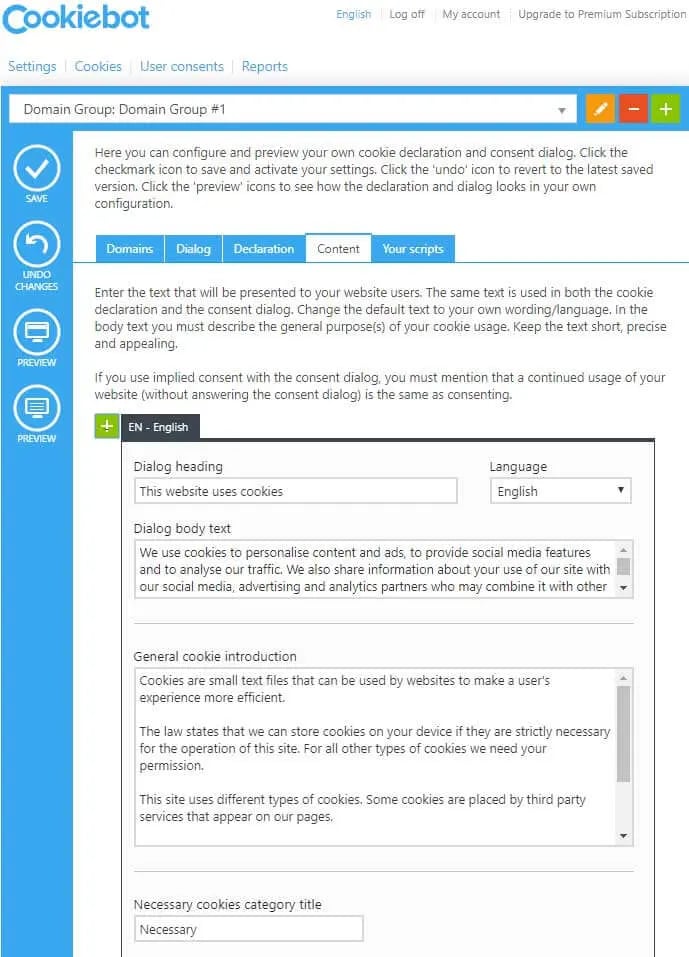
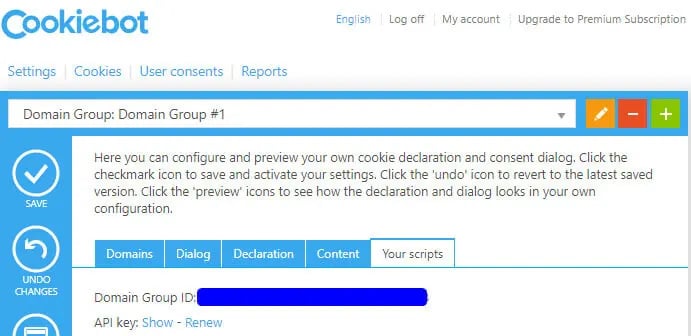
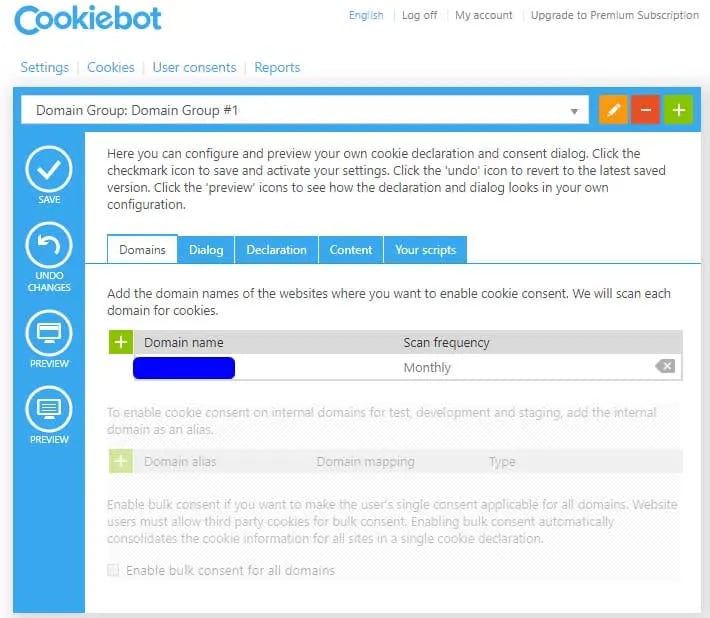
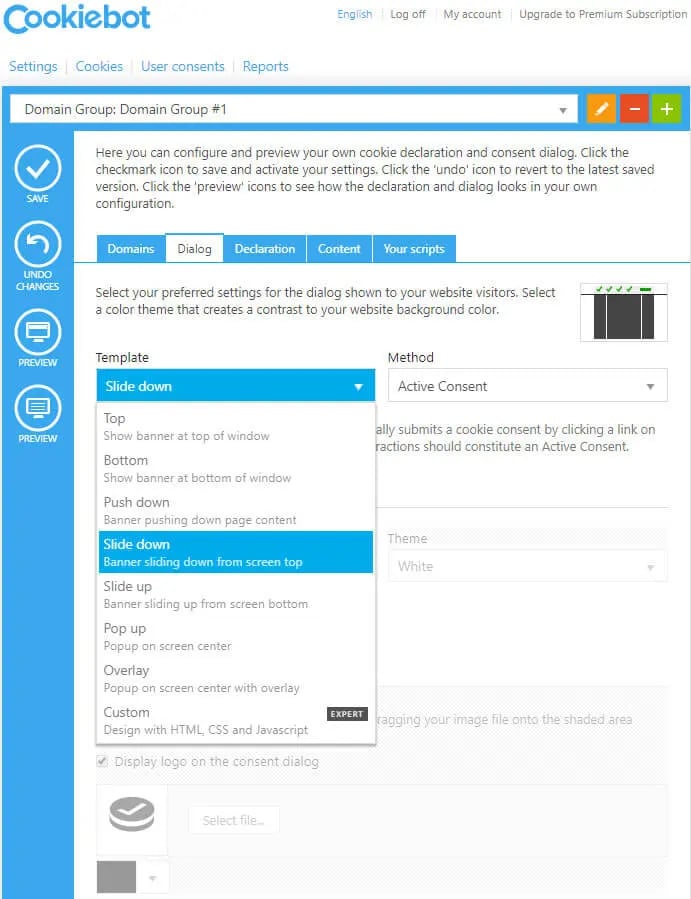
Step 1: Go to https://www.cookiebot.com/en/ and Login. Step 2: Navigate to Domain Tab. Add Domain by clicking on “+” button. Cookiebot Configuration Step 3: Navigate to Dialog tab. Set Template of cookiebar. You can also configure other settings like Method, Page scroll, Type, Checkboxes default mode, etc. Cookiebot Configuration Step 4: Go to the Content tab. Set the content to display in Cookies introduction text for all selected Cookies categories. Cookiebot Configuration Step 5: Switch to Your scripts tab. There you would find the Domain Group ID for your domain. Cookiebot Configuration
Configure Domain Group ID in your website

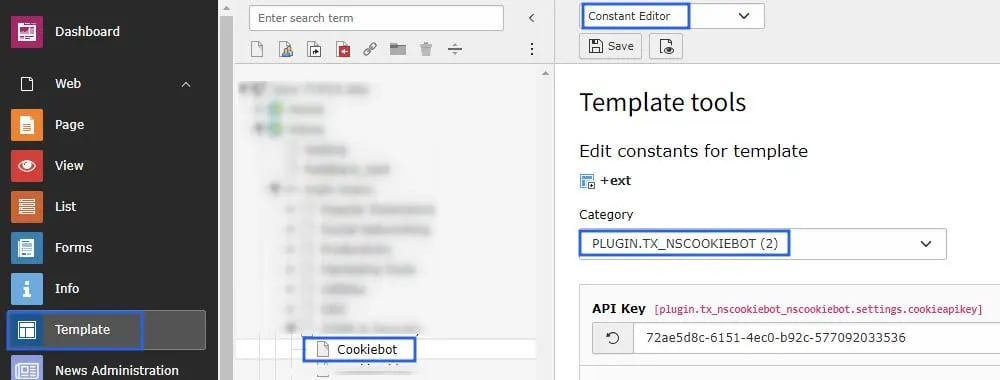
Set this Domain Group ID at TYPO3 constant editor, Check below screenshot Cookiebot Configuration