

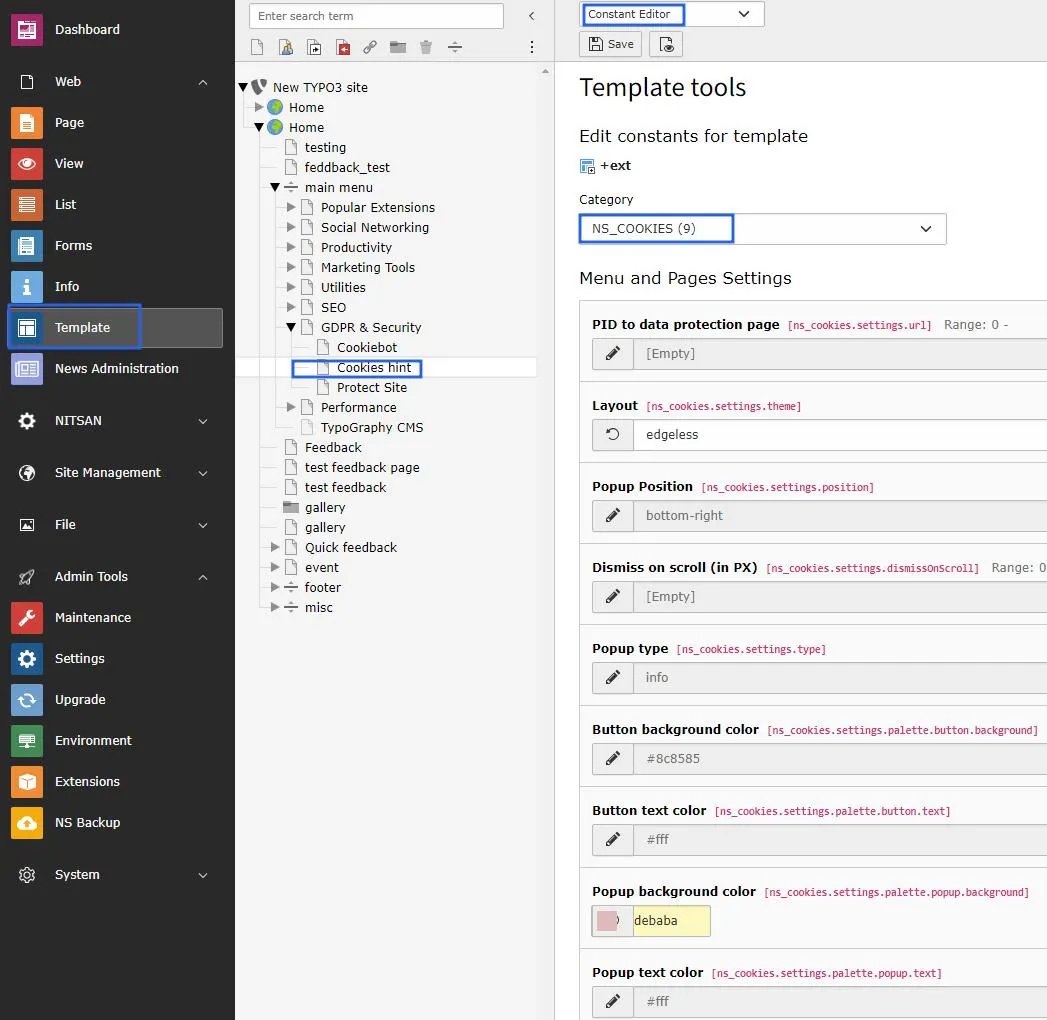
- Step1 -> Go to constant editor from template module.
- Step2 -> Choose Ns_Cookies plugin from category dropdown box.
- Step3 -> Setup page id to “more info” link on cookie hint box, by default it takes root page id.
- Step4 -> Choose layout from layout dropdown box of cookie box. It will render according to your choice of selection.
- Step5 -> You can choose popup position to render cookie box on front end. various options are available on dropdown box.
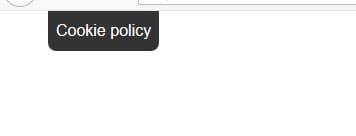
- Step6 -> Setup scrolling position, this will enables to collapse the cookie box in smaller view & this will only reflect when you choose the optout poppup type. Refer below screenshot.
- Step7 -> Choose popup type, either info OR optout.
- Step8 -> Fillout button background color from color picker, you can set according to your website theme.
- Step9 -> Select button text color.
- Step10 -> Select cookie box popup background color.
- Step11 -> Choose text color of cookie information content.