Installation
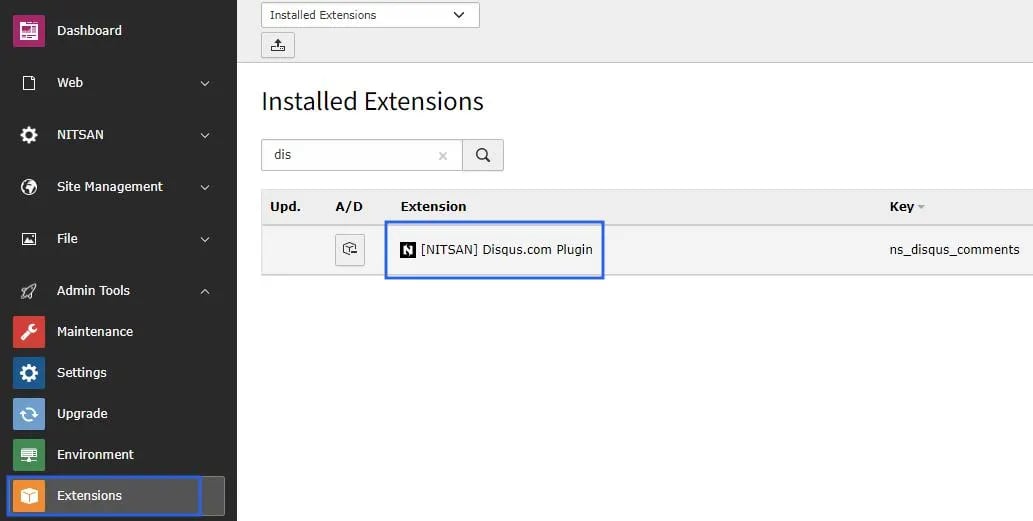
Just install this extension the usual way like any other TYPO3 extension..1. Get the extension
Via Composer using Command Line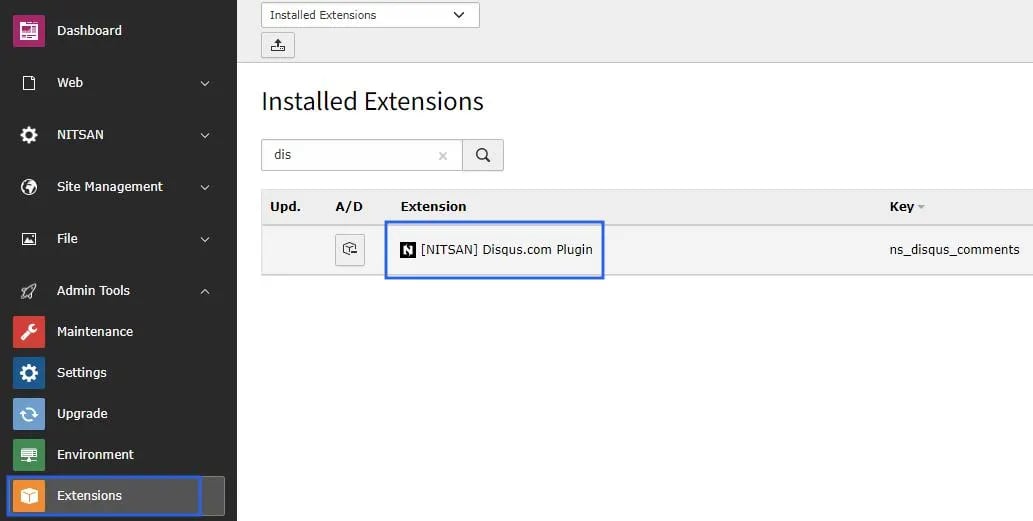
2. Activate the TypoScript
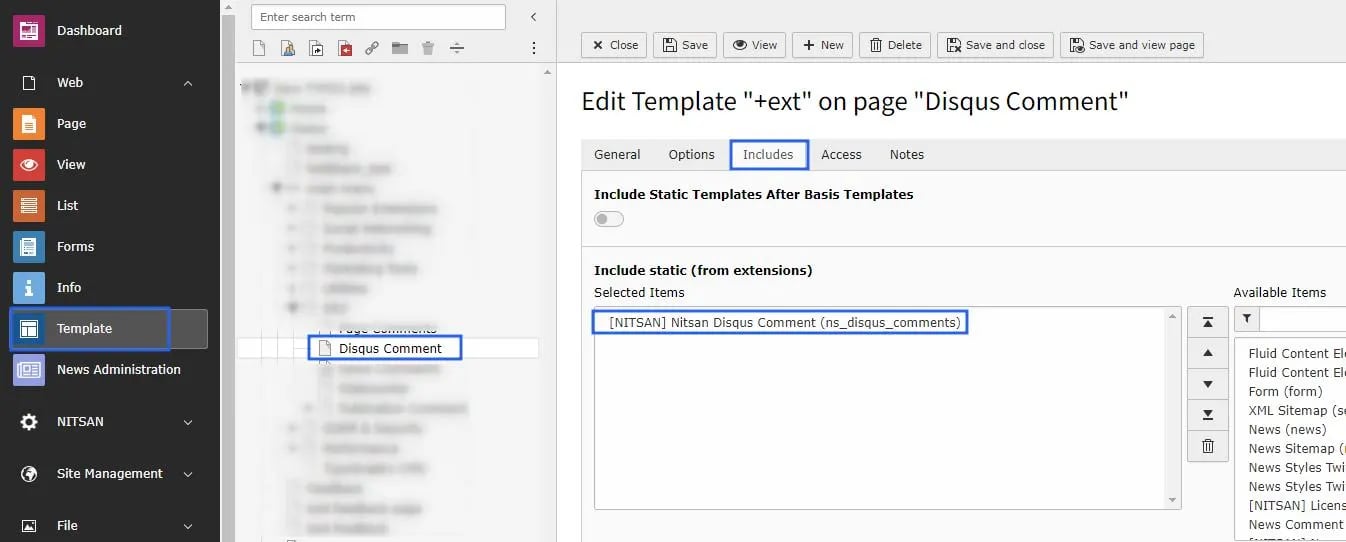
The extension ships some static TypoScript code which needs to be included. Step 1. Switch to the root page of your site. Step 2. Switch to the Template module and select Info/Modify. Step 3. Click the link Edit the whole template record and switch to the tab Includes. Step 4. Select ‘Nitsan Disqus Comment’ at the field Include static (from extensions): Step 5. Include ‘Nitsan Disqus Comment’ at the last place.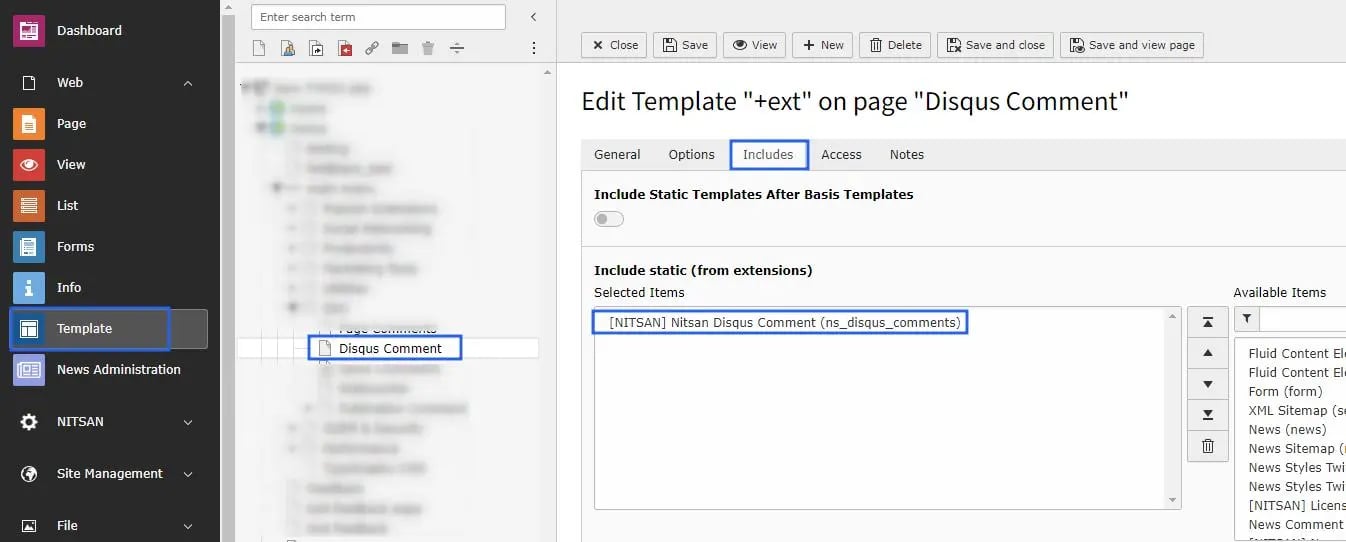
How to Install TYPO3 Extension ns_ns-disqus-comments
Extension Installation Via without Composer mode https://www.youtube.com/watch?v=SN5HoFQcDM4 Extension Via Composer https://www.youtube.com/watch?v=_7ILu4lwU-kFigures