

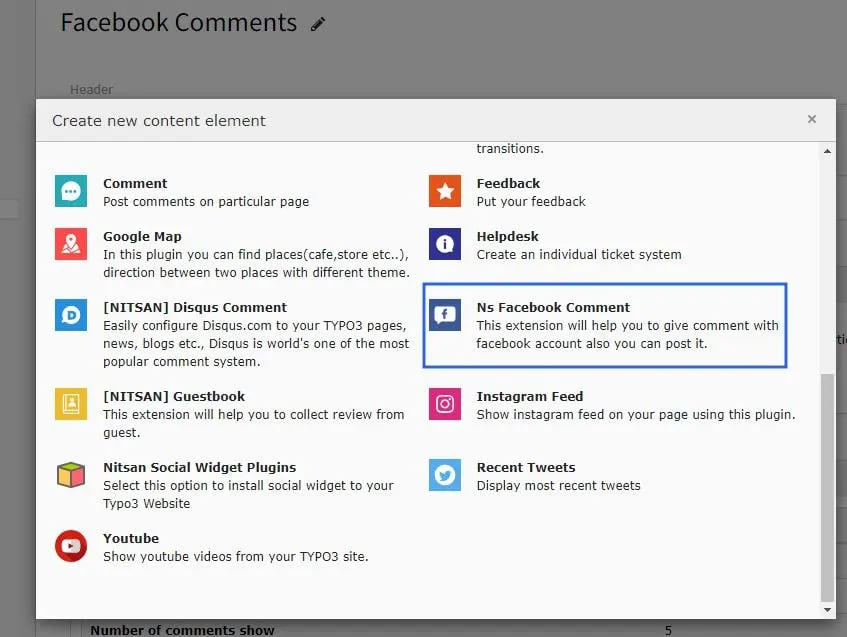
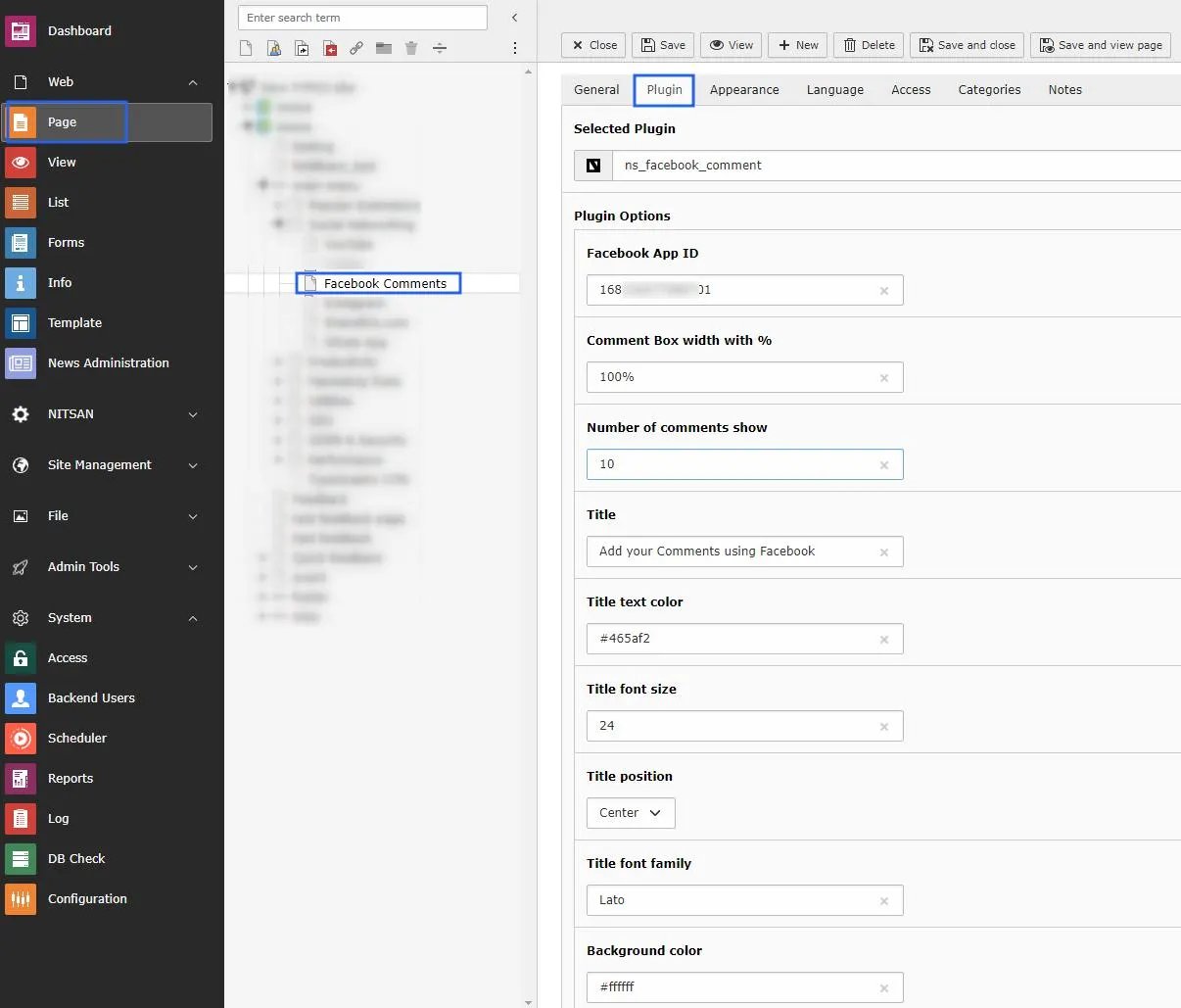
3.1: Go to Page Module. 3.2: Open the page where you want to add the plugin. 3.3: Click on add content button and switch to Plugins tab. 3.4: Now integrate it to the selected page.
3.1: Go to Page Module. 3.2: Open the page where you want to add the plugin. 3.3: Click on add content button and switch to Plugins tab. 3.4: Now integrate it to the selected page.