

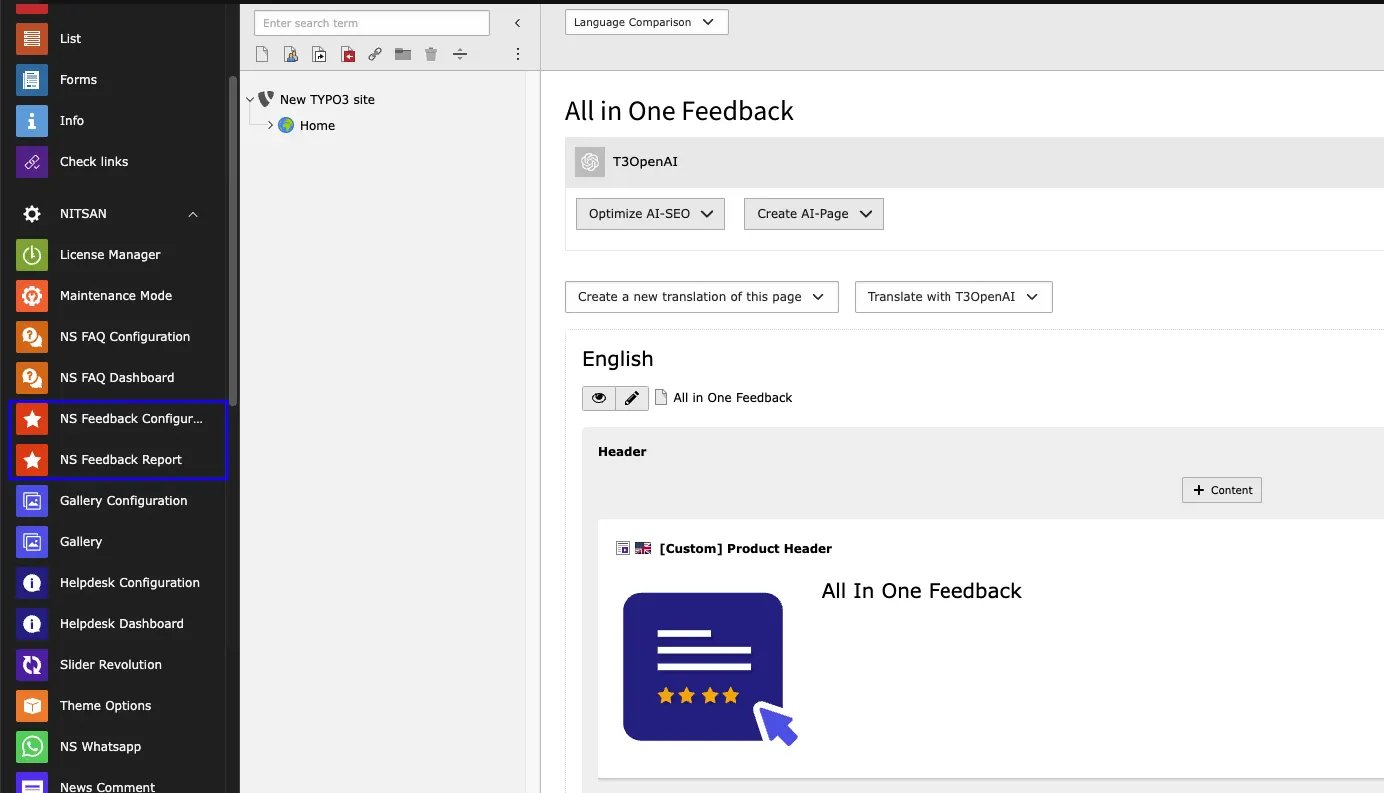
NS Feedback Report
Dashboard
This is the first tab in NS Feedback Report Module and as name suggest, it shows dashboard of complete module. It highlights total feedbacks received from visitors. It also displays how many ratings are received from visitors and summary of the ratings. It also displays how many “Yes” and”No” feedbacks are received from Quick Feedback Form.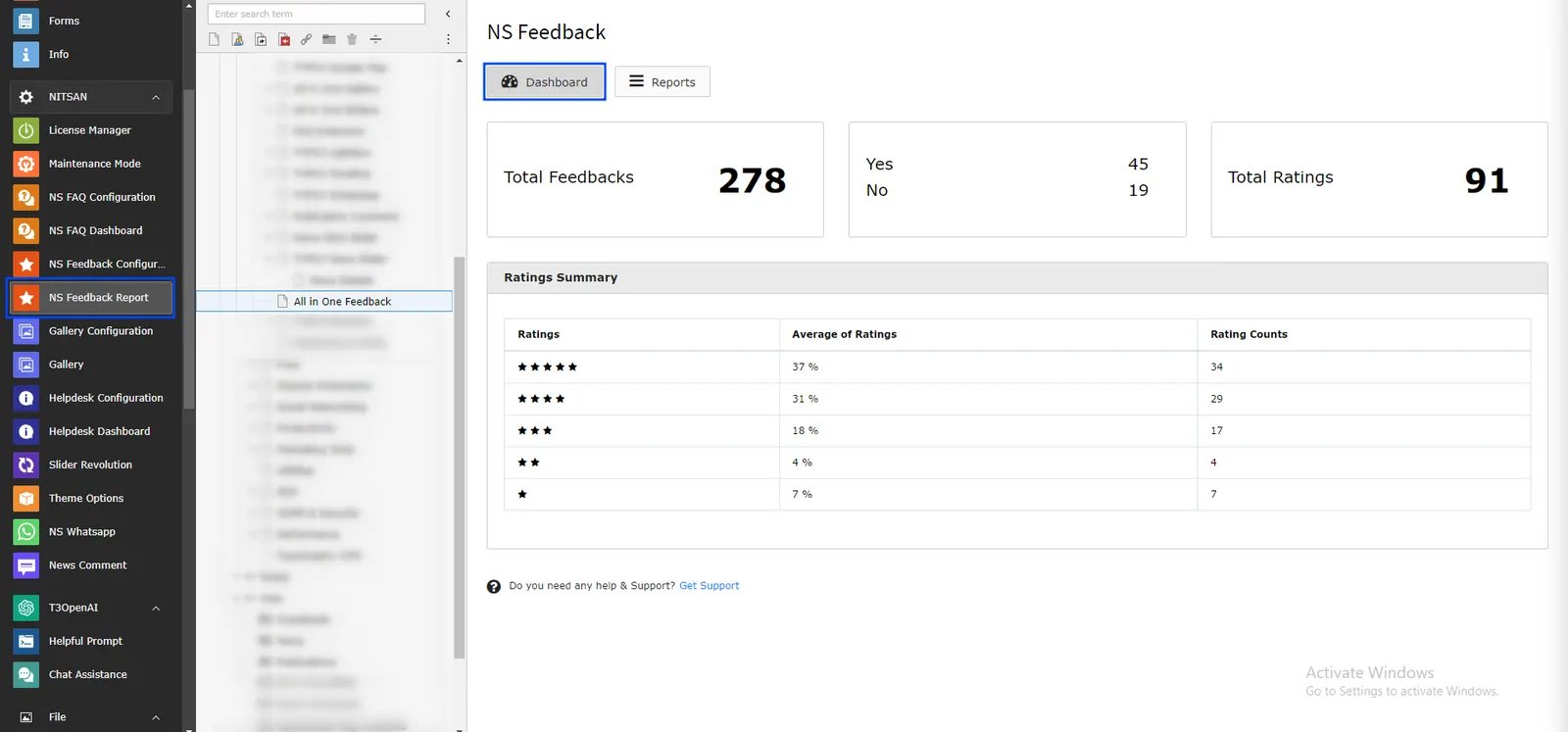
Reports
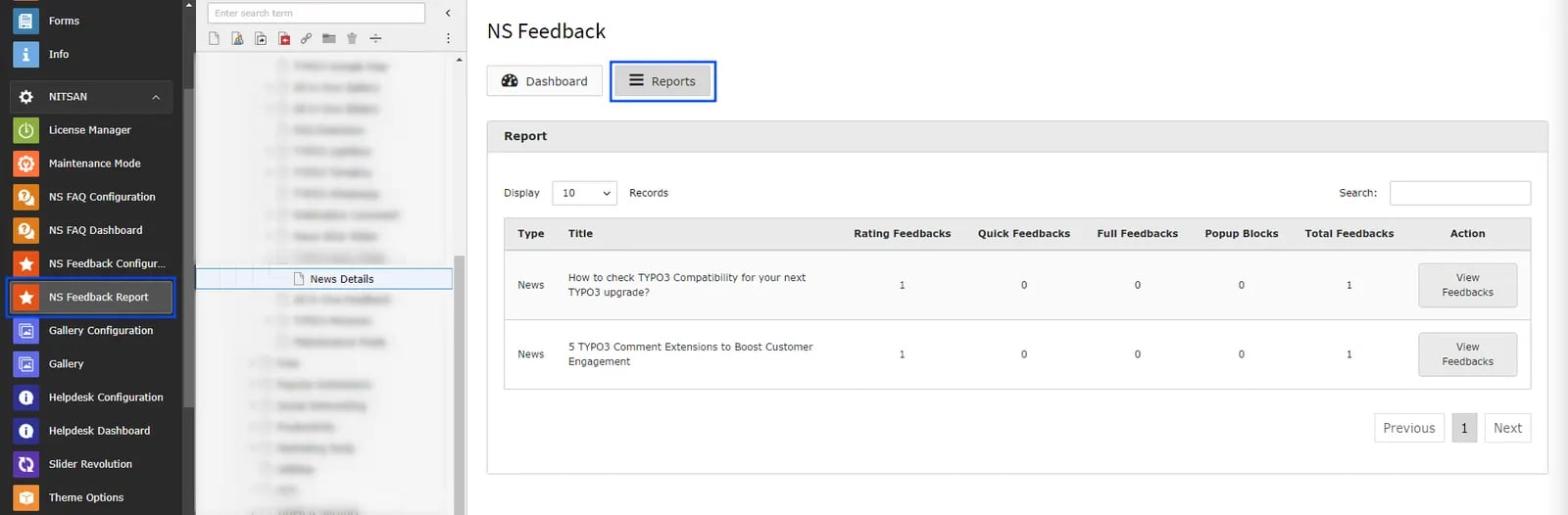
This is the most crucial tab for Administrator since all the detailed reports of Feedback forms are displayed here. This tab will provide overview of all the feedback received in Current page. It will display how many feedbacks are received in each feedback form for selected page.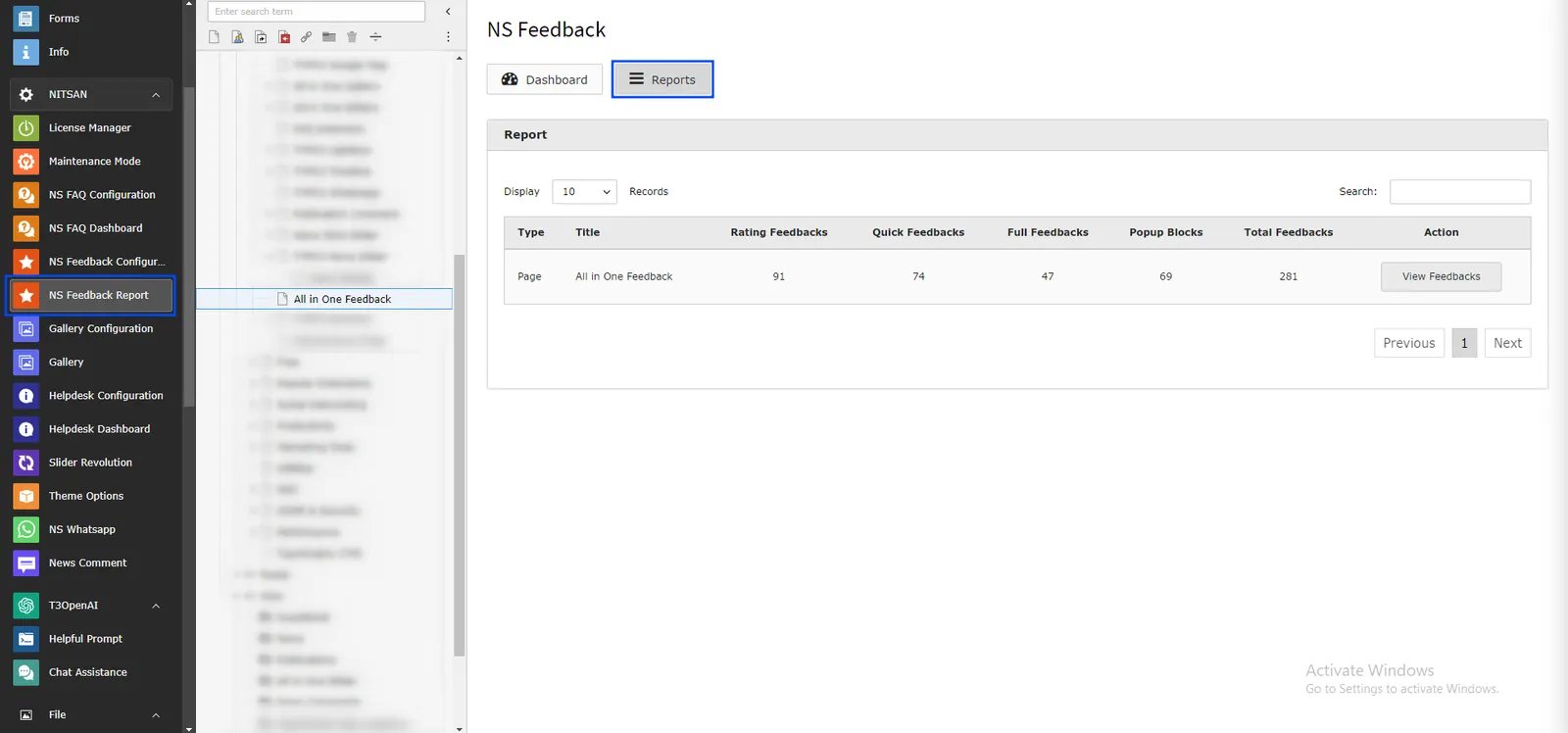
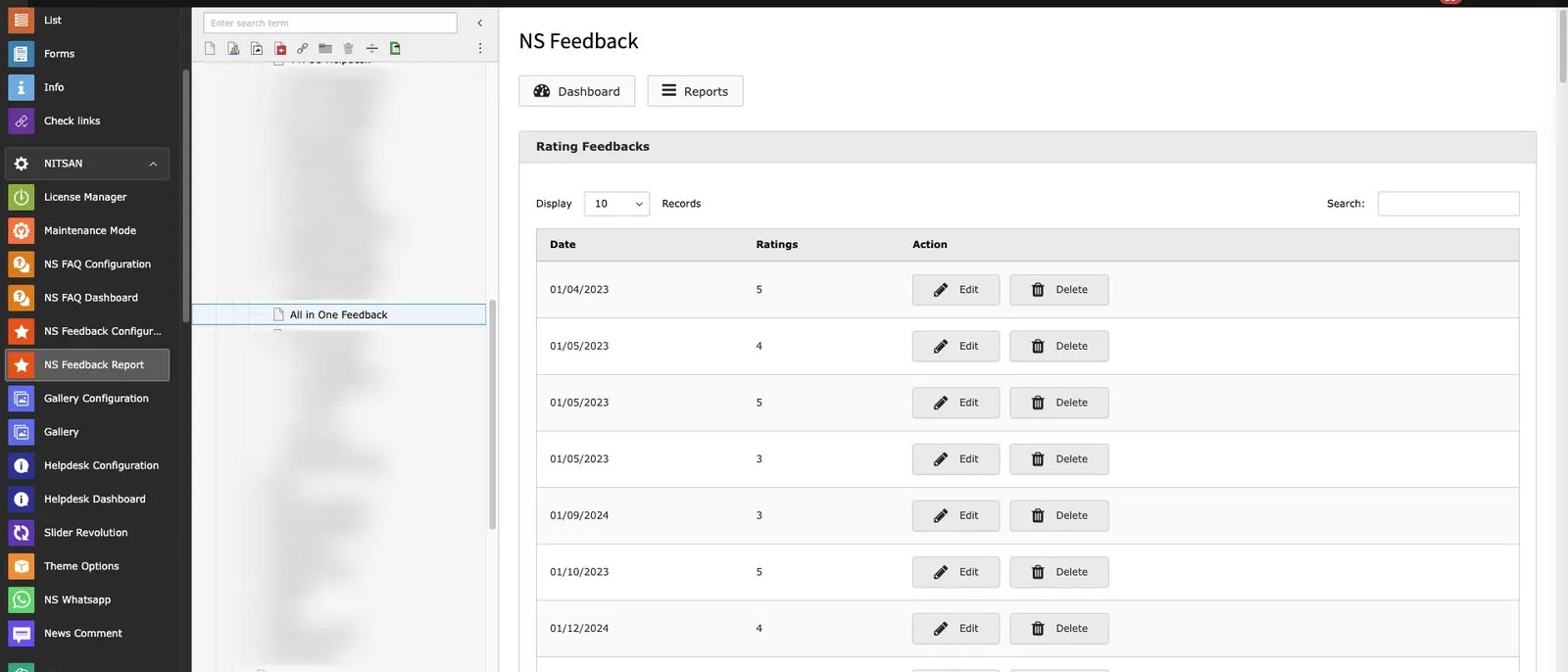
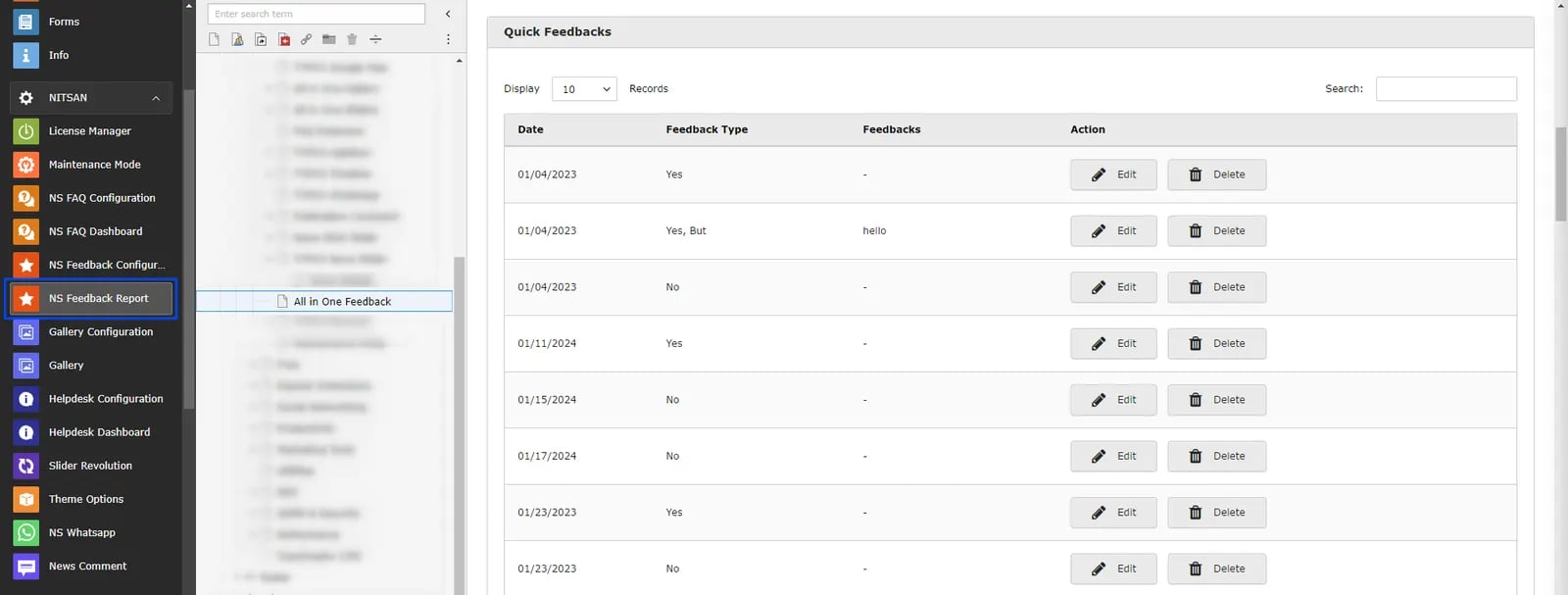
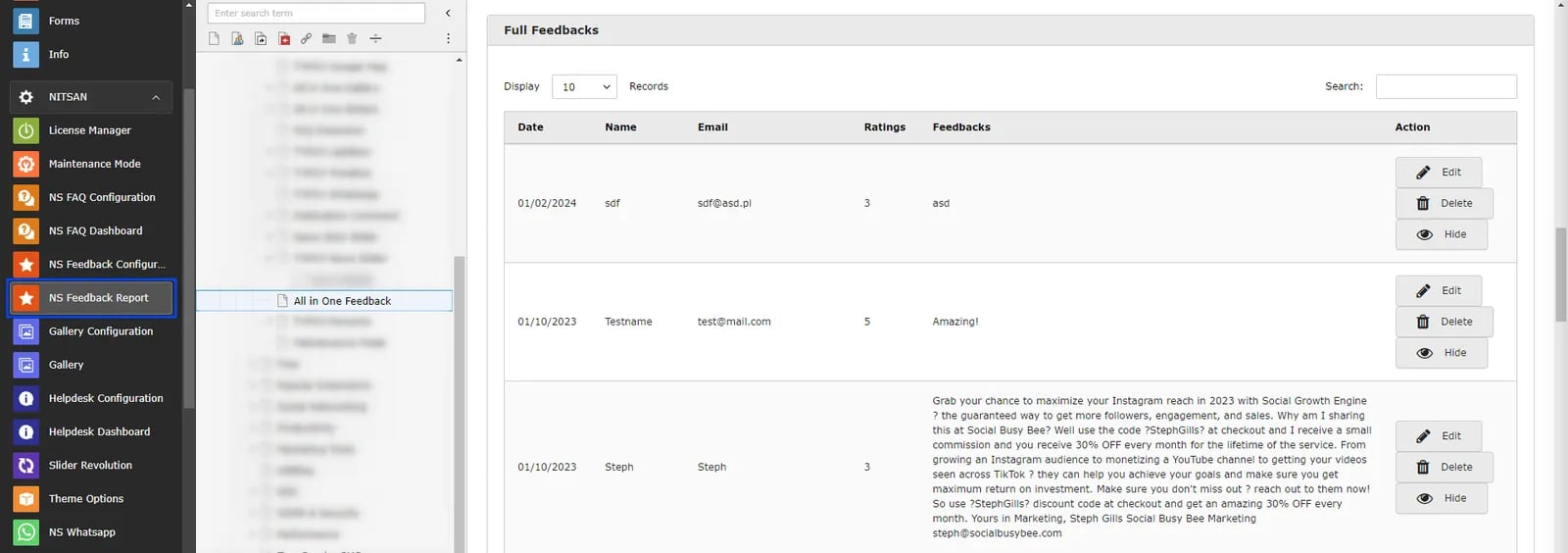
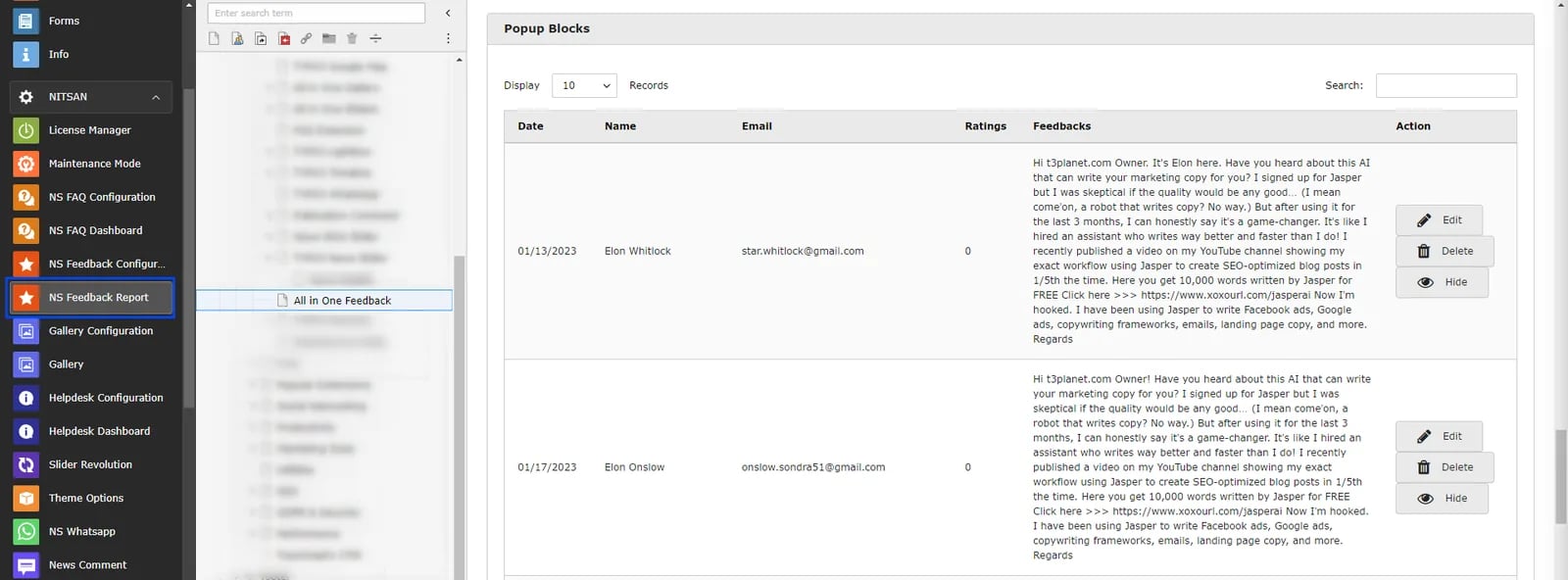
If you have added Feedback Forms at News Details page then you need to select News Details page from Page-tree after selecting NS Feedback module. Reports tab will display list of all the News records where feedbacks are received from visitors.
NS Feedback Configuration
Global Settings
This module is used to configure Global Settings for the Feedback Forms. Here you can set Basic Configuration, Design Settings, E-mail settings and Thank you message settings.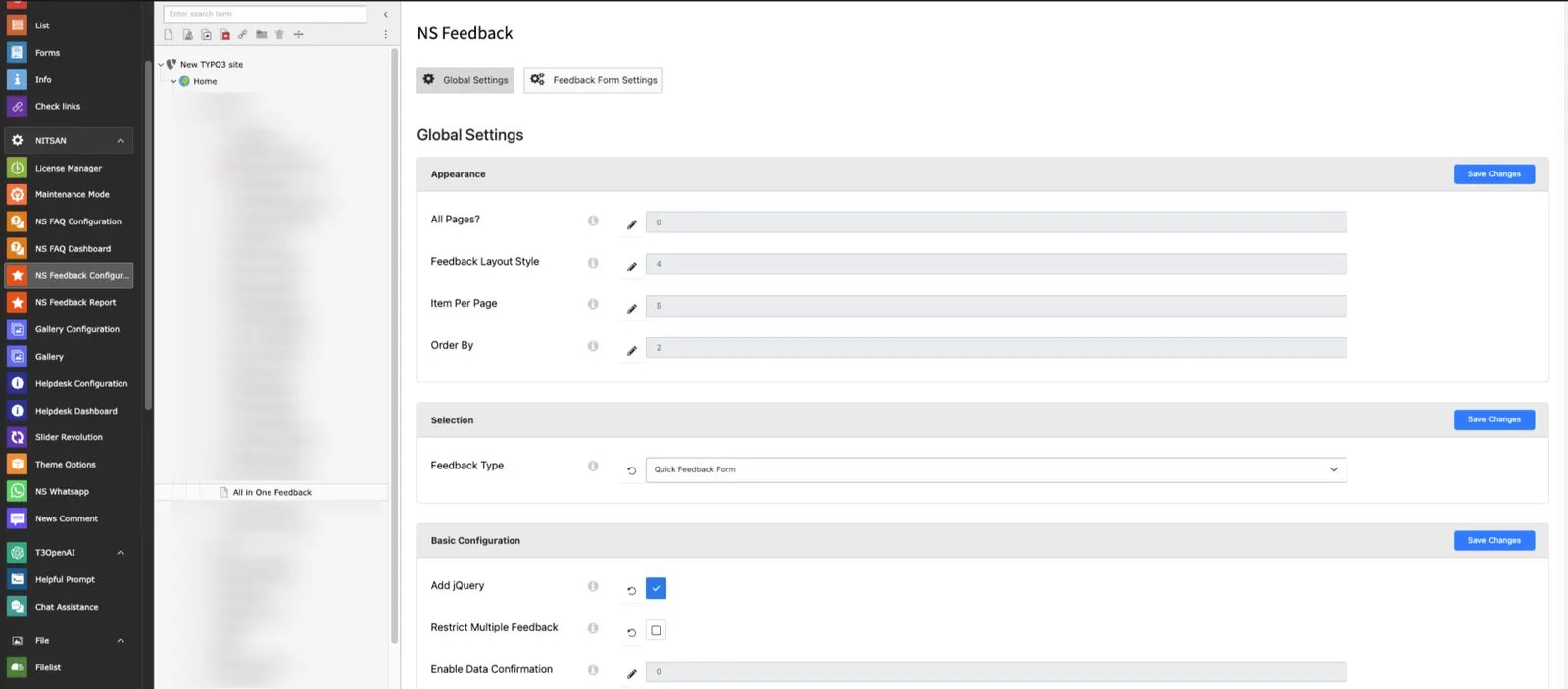
- Appearance: Set this ON if you want to display selected Feedback form on all pages of the site. If this is OFF then Feedback Forms displayed through Plugin will be displayed.
- Selection: Select the default Feedback type. This feedback type will be displayed on all pages if All Pages option above is ON.
Feedback Form Settings
In this tab, You can configure all available Feedback Forms.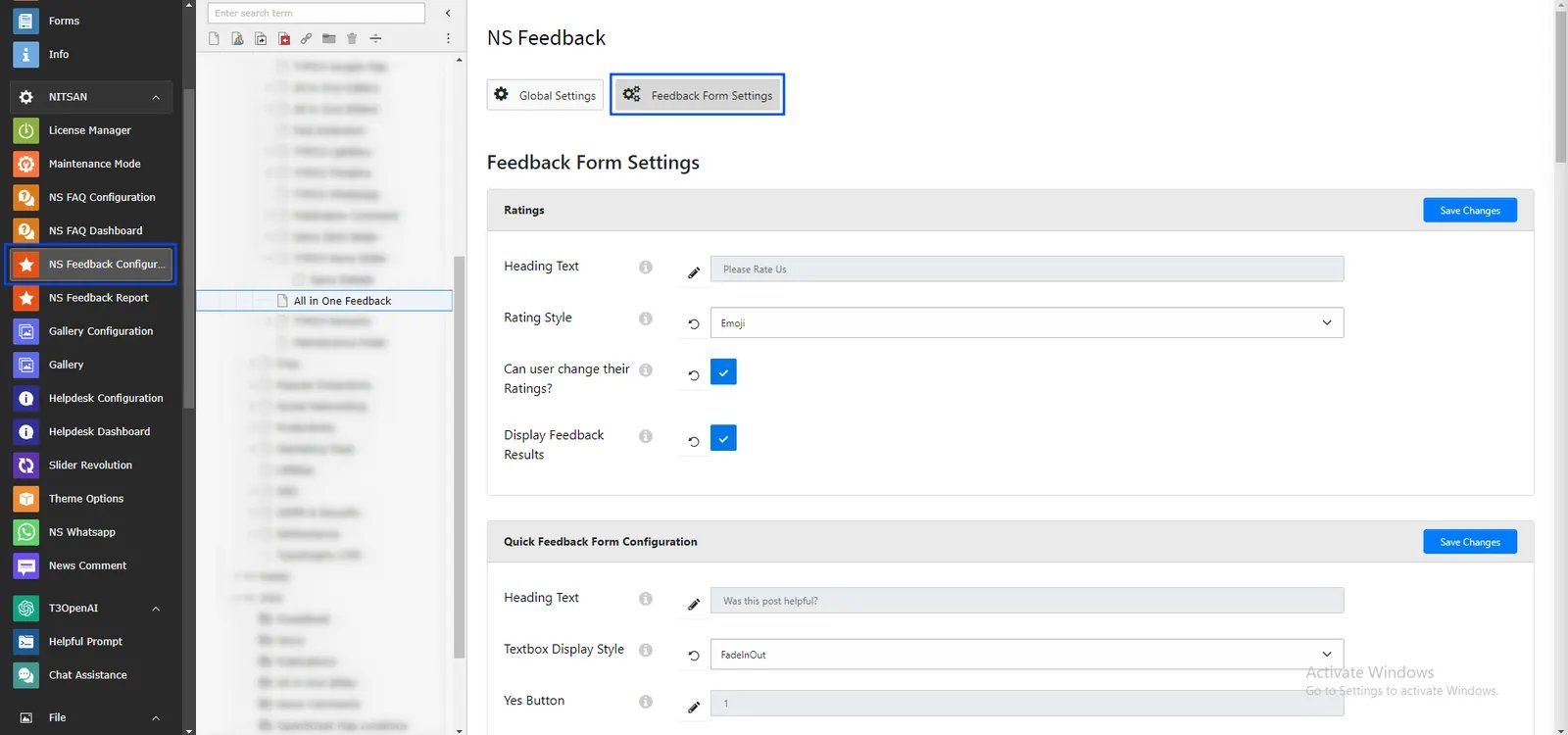
- Title Text: Set Text to display with Ratings Feedback Form.
- Rating Style: Here you can select Rating style from Star, Emoji & Numbers.
- Can user change their Ratings?: If this ON, visitor can give rating again. If this is OFF then visitor will not be able to update the rating.
- Enable Feedback: Keep thi ON if you want to display Feedback Form results below feedback form.
- Title Text: Set Text to display with Quick Feedback Form.
- Textbox Appear Style: Set Animation to display while Feedback box is displayed
- Select Buttons: Check buttons to display in the Feedback form.
- Enable Feedback: Keep thi ON if you want to display Feedback Form results below feedback form.
- Popup Layout: User can decide where to display Popup. User can select from following options: Left Bottom, Right Bottom, Left Sidebar, Right Sidebar
- Popup Title: Set title to display on Popup.
- Popup Titlebar Text: Set text to display on Popup Titlebar when popup is opened.
- Popup Titlebar Color: Set Titlebar color.