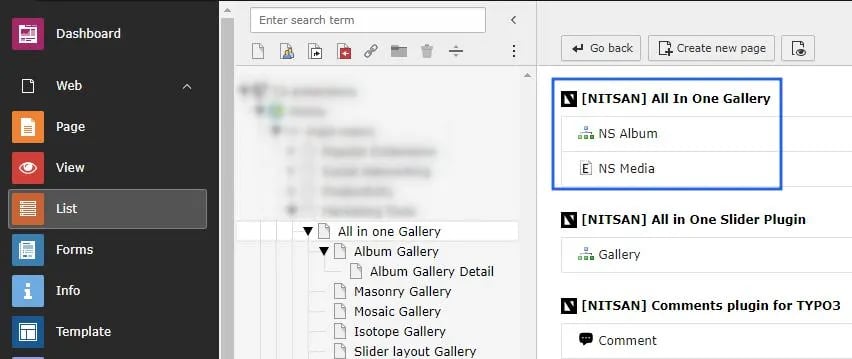
Album View gallery
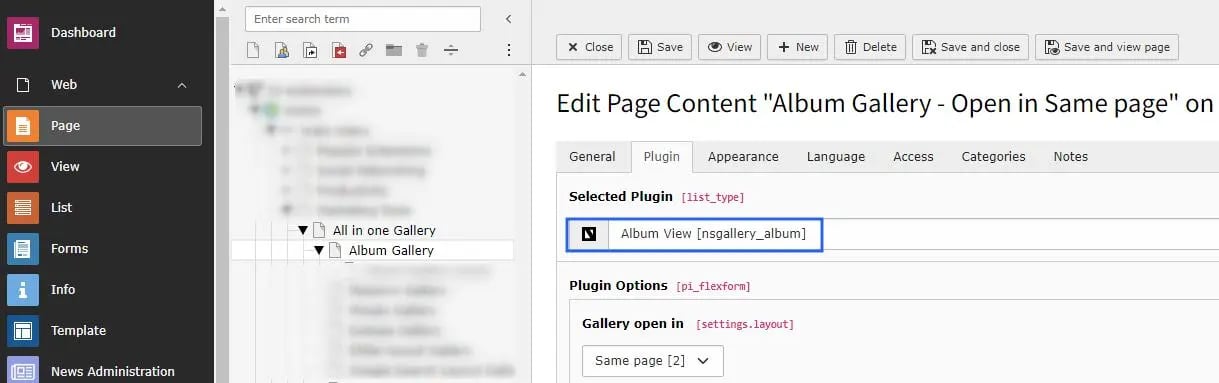
Setup album view gallery module.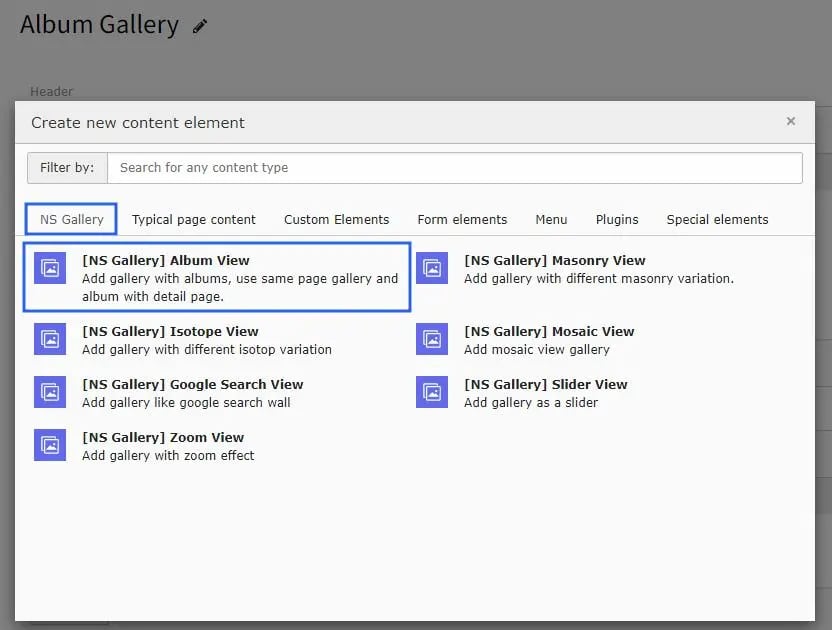
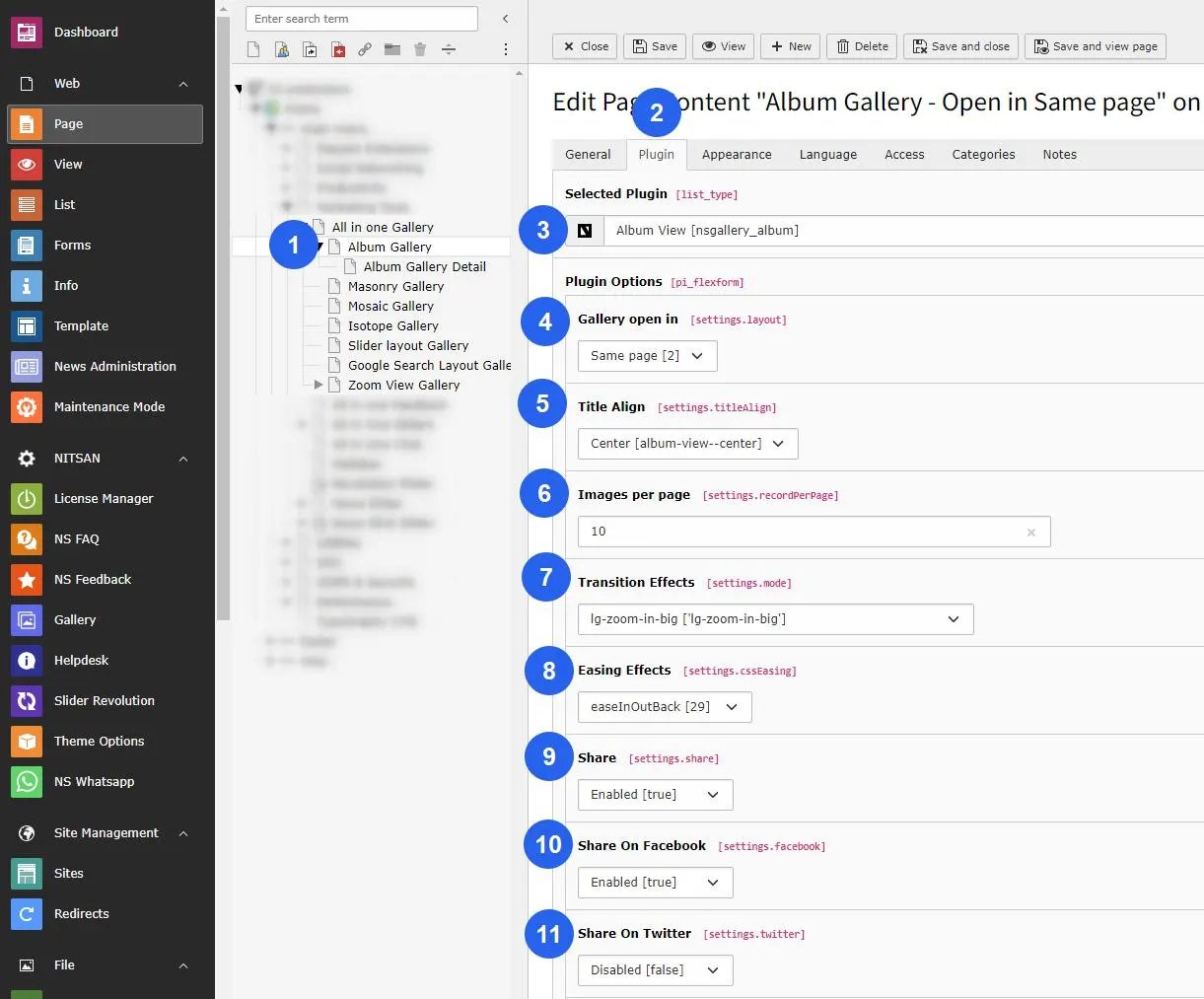
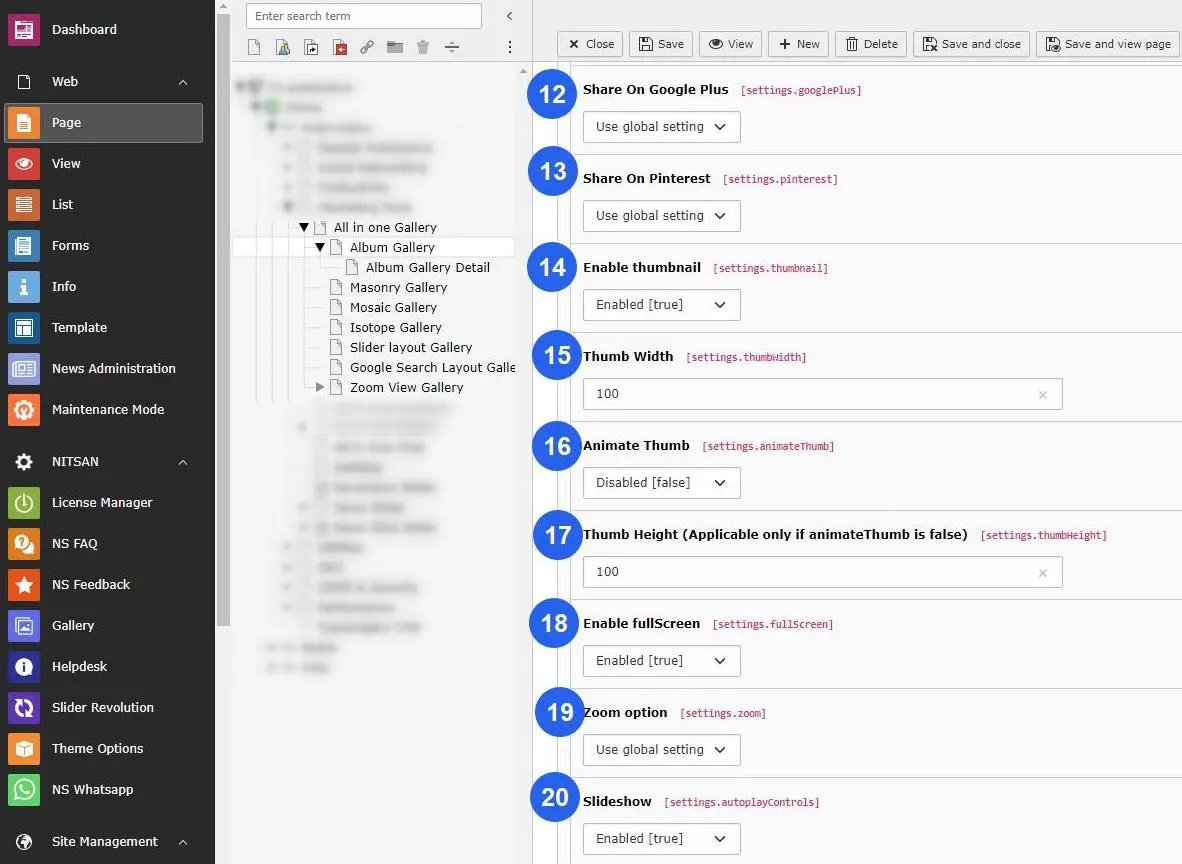
- Title Align : Setup alignment of the title in center/left alignment.
- Images per page : Insert the number of images you want to display on your gallery page.
- Transition Effect : Different types of transitions effect will present the progresses from one slide to the next.
- Easing Effect : You may apply different types of easing effect on the gallery images.
- Share : If this option enabled then social sharing apps like Facebook,Twitter, & Pinterest option will displayed. You can add particular social sharing option on your site by enable/disable that fields.
- Enable Thumbnail : You can setup Enable/Disable OR according to the global settings.
- Thumb Width : Insert the width of Thumbnails of the gallery image.
- Animate Thumb : If you need to animate the thumb then enable it otherwise disable OR setup according to the global settings.
- Thumb Height : Set Thumbnail’s height, Its applicable only if animateThumb is disabled.
- Enable Full Screen : Enable this option if you want to display image in full screen otherwise setp accordingly global setting or disable it from plugin.
- Zoom options : You can enable/disable the zoom option of image.
- Slide Show : Enable this option for slide show of the image gallery.
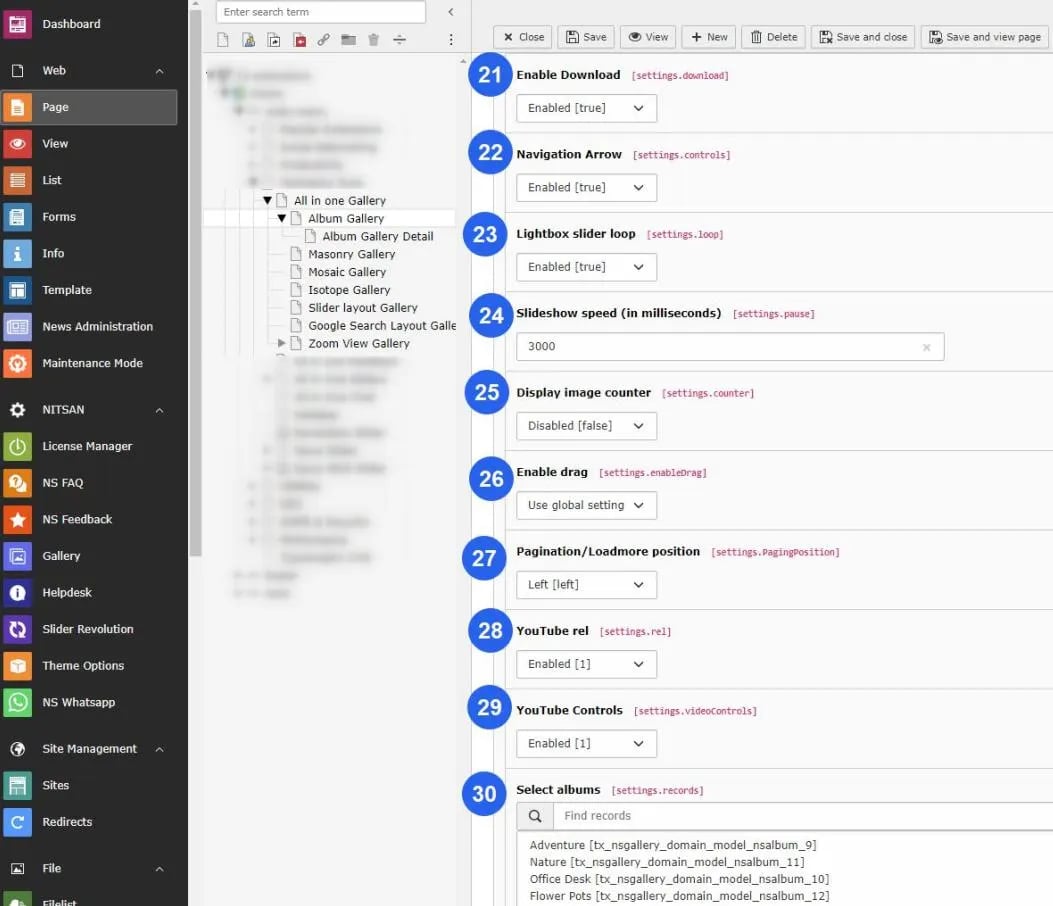
- Enable Download : This will give user to allow download the image.
- Navigation Arrows : This will hide/unhide the navigation arrows of gallery image.
- Lightbox Slider Loop : This option will enable/disable the loop on slider view.
- Slideshow speed : Insert the speed of the slide show in millisecond.
- Display Image Counter : This will display the image counter on the gallery image if its enabled.
- Mouse Dragging : This option will facilitates the user to change the image by mouse dragging if its enabled.
- Pagination/Load more Position : Setup left/center alignment of pagination/loadmore position.
- Youtube rel : This options indicates whether the player should show related videos when playback of the initial video ends.
- Youtube Controls : Hide/Show the the youtube controls by this option.
- Select Albums : Finally choose the storage folder on where you have stored the images for your gallery.
Figures