Configuration
Preconditions for Migration:
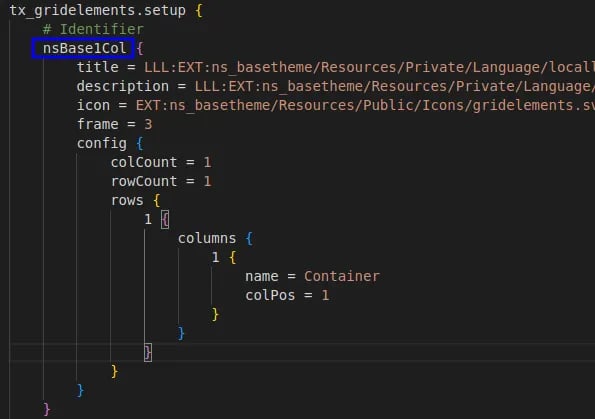
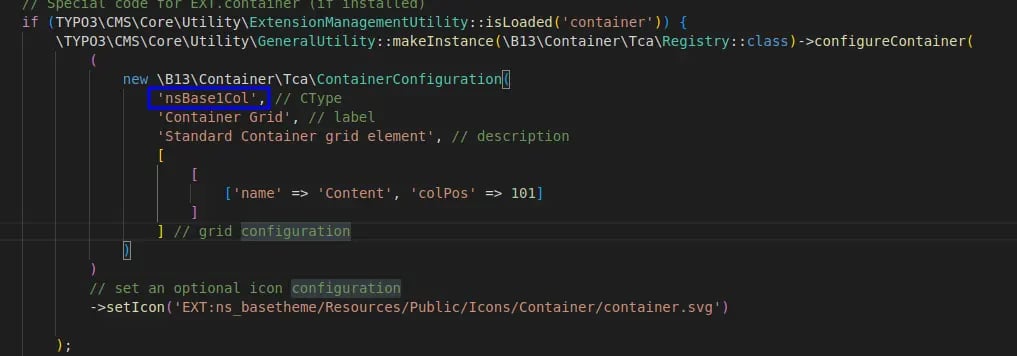
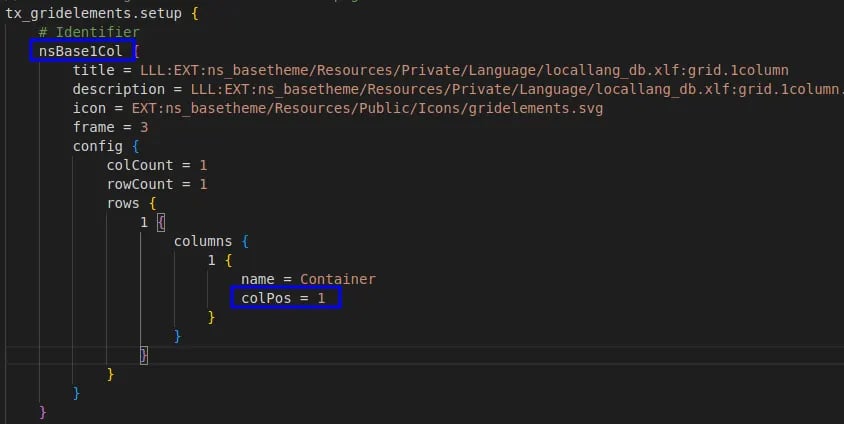
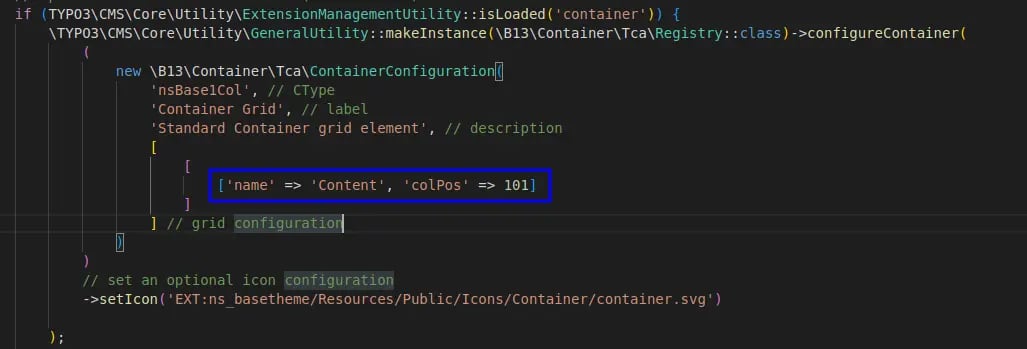
We assume you have EXT:grid elements and EXT:container Extension.For migration you must set Container Configuration same as Grid Configuration ! When you make the container configuration then some points are strict to follow for migration process Container CType and Old Gridelements tx_gridelements_backend_layout the key must be the same. For Example : I need to migrate the Grid of “nsBase1Col” then while in container configuration, you need to put container’s CType as “nsBase1Col”Grid Backend Layout Key
Container CType
We provide 2 options for migrating grids
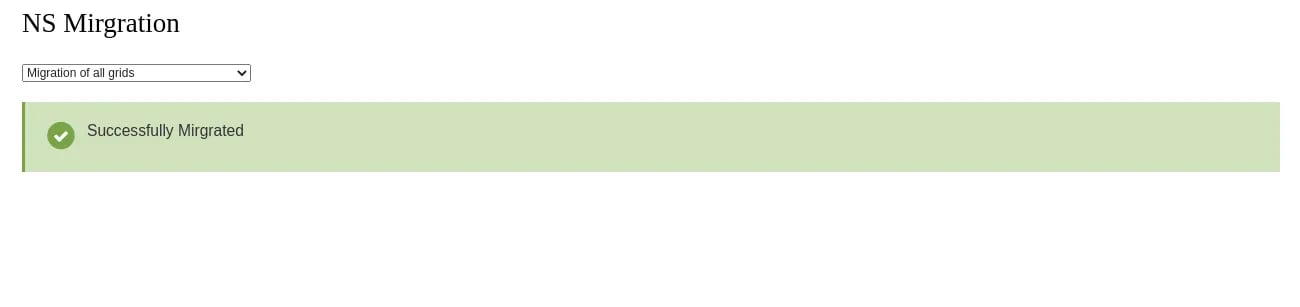
Option 1:Migration of all Grids available on the site.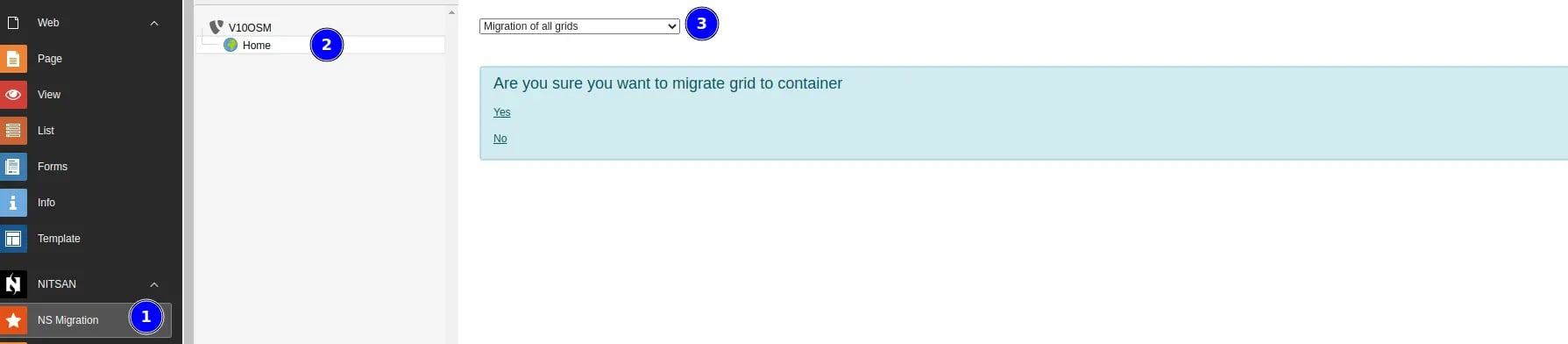
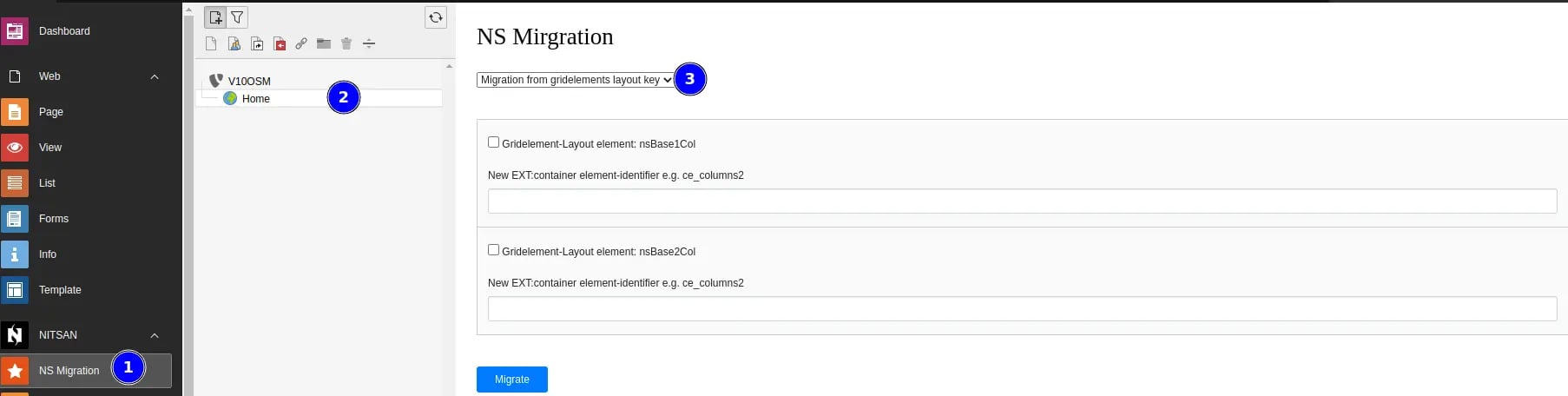
Migration Process:
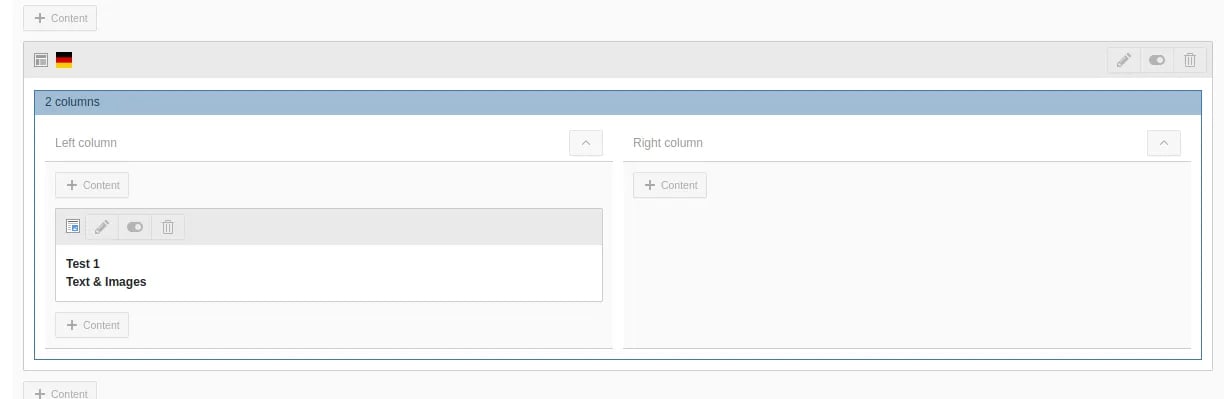
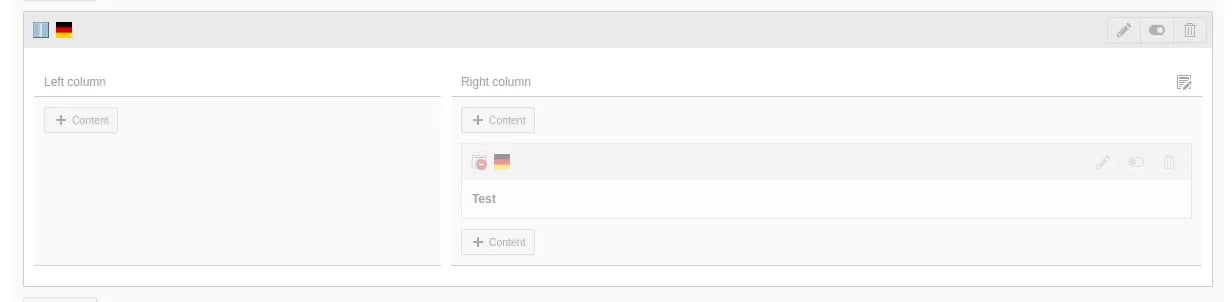
Grid: For example You want to migrat this gird