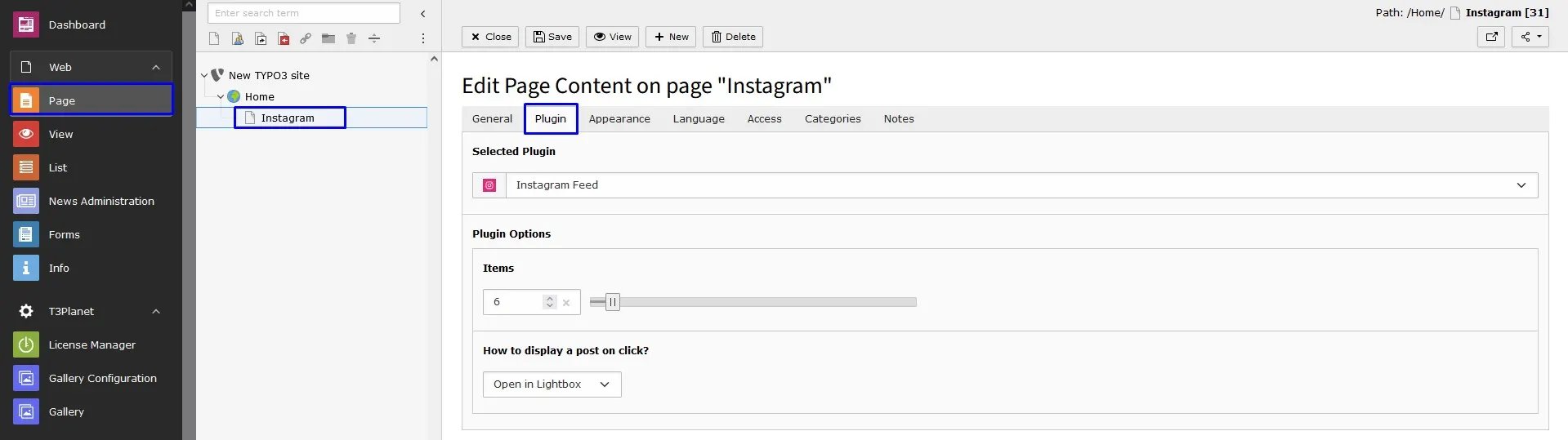
Configure Global settings
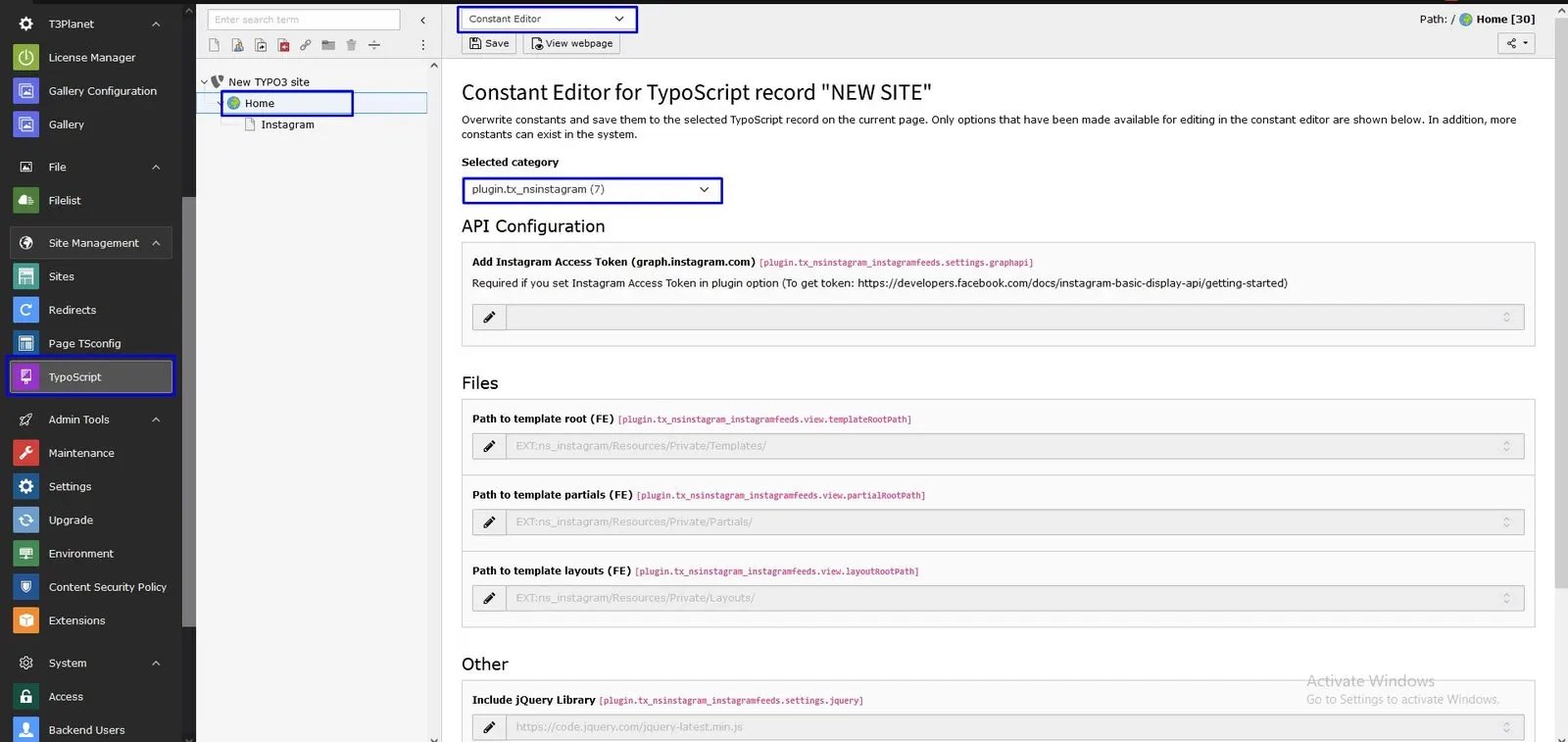
You can set all the global settings of this extension at constants.- Step 1: Go to Template/TypoScript.
- Step 2: Select root page.
- Step 3: Select Constant Editor
- Step 4: Select option Plugin.TX_NSINSTAGRAM. Now, you can configure all the options which you want eg., API Configuration, jQuery, etc.
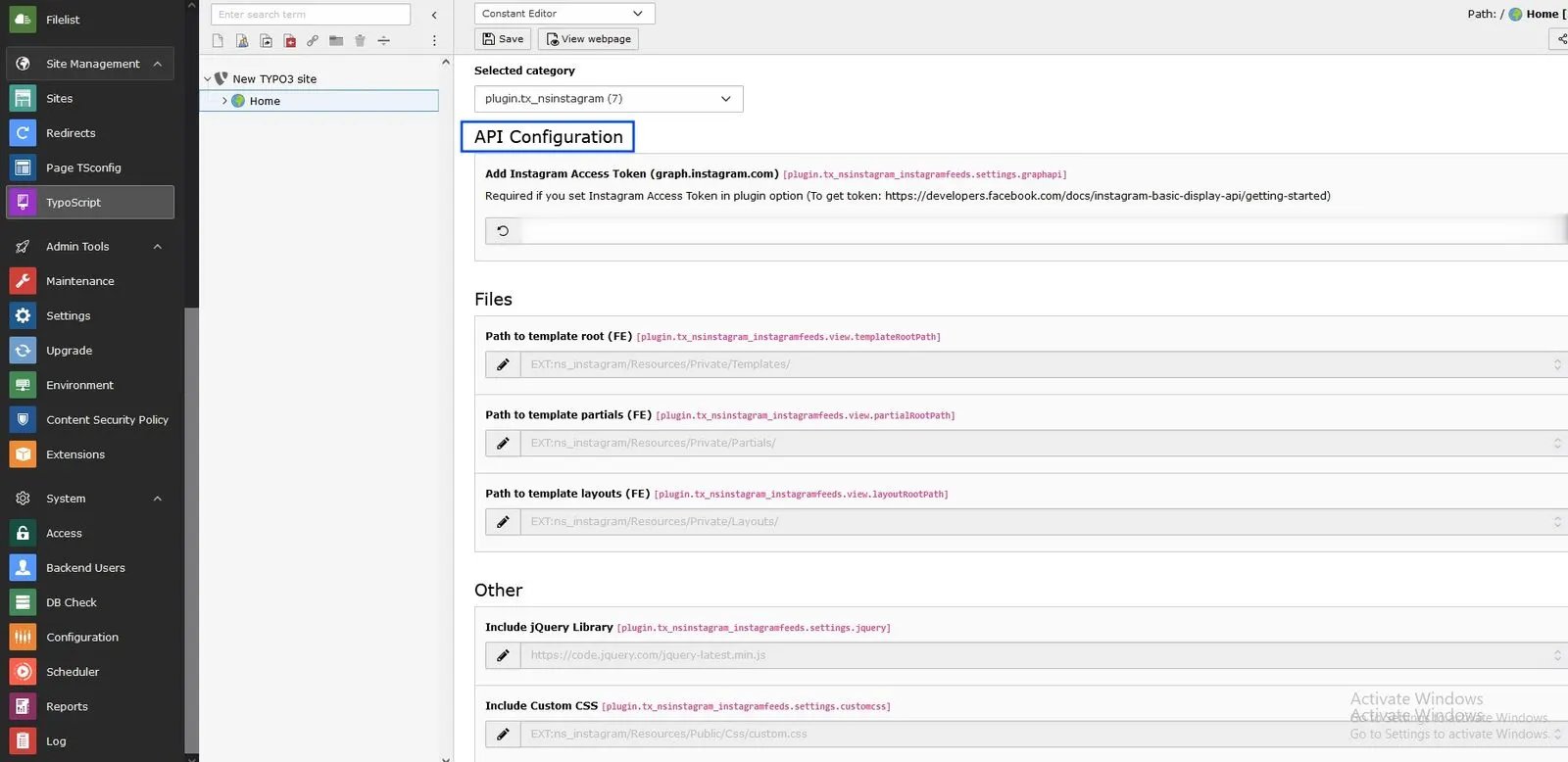
- 1. Instagram API Access Token - This token can be generated from here: https://developers.facebook.com/apps/
Configure Instagram Plugin
First of all, Add Instagram Plugin from Create new content element > Plugins > Instagram Feed