1
Step 1
Go to Nitsan Module > NS Whatsapp
2
Step 2
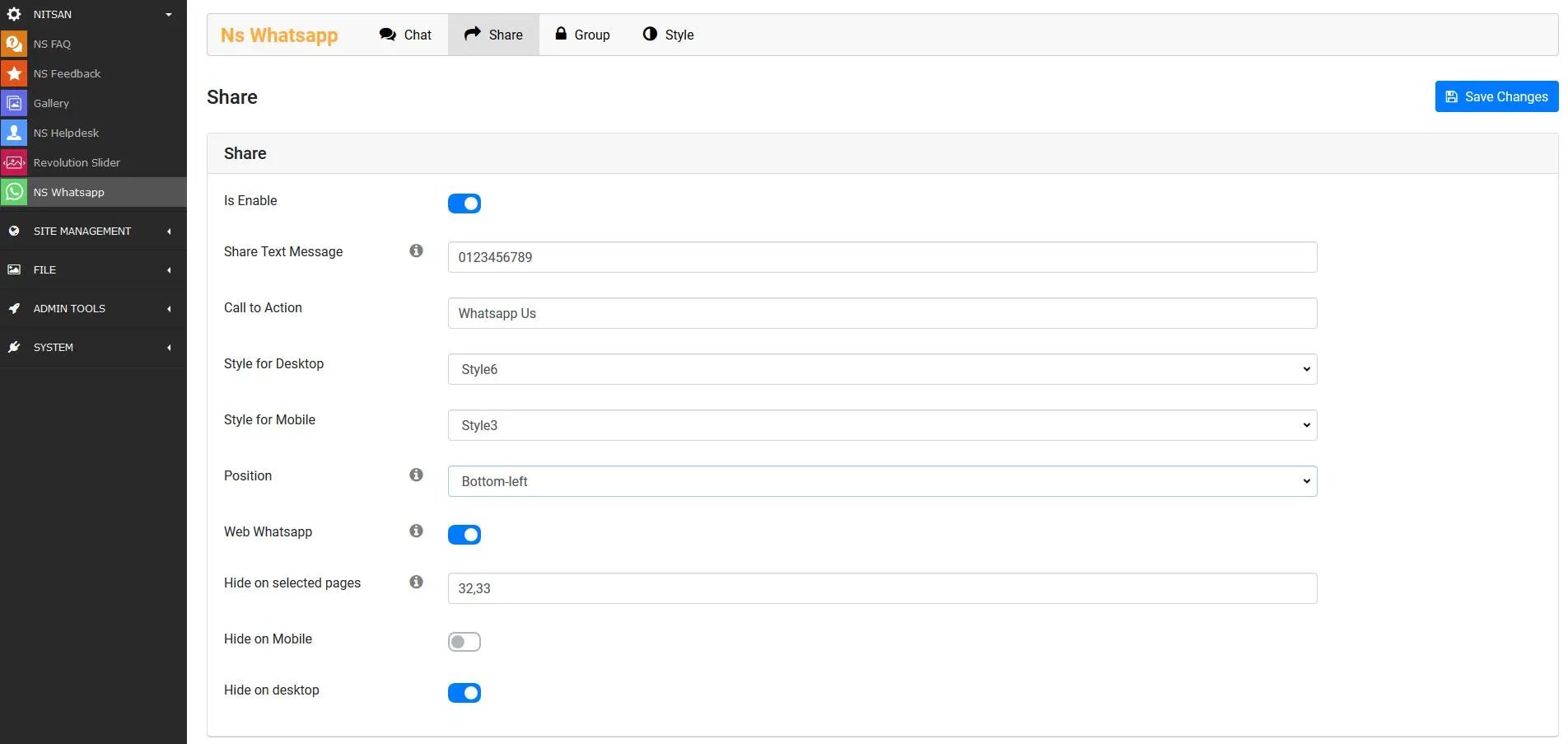
Click on “Chat / Share / Group” menu, Fill-up Whats app number, Click on the enable checkbox & insert all the required information and click on “Save Changes” button.
3
Step 3
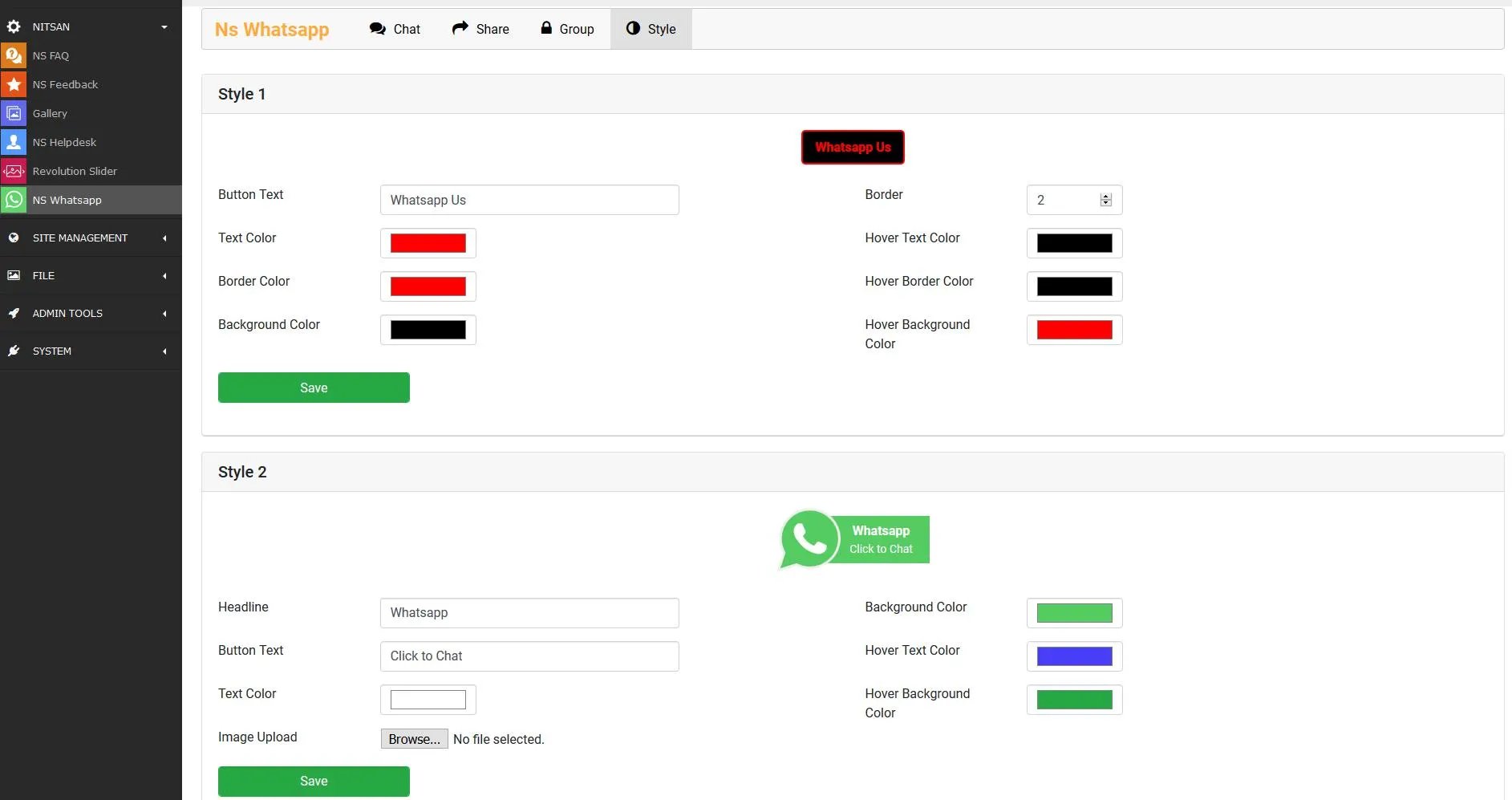
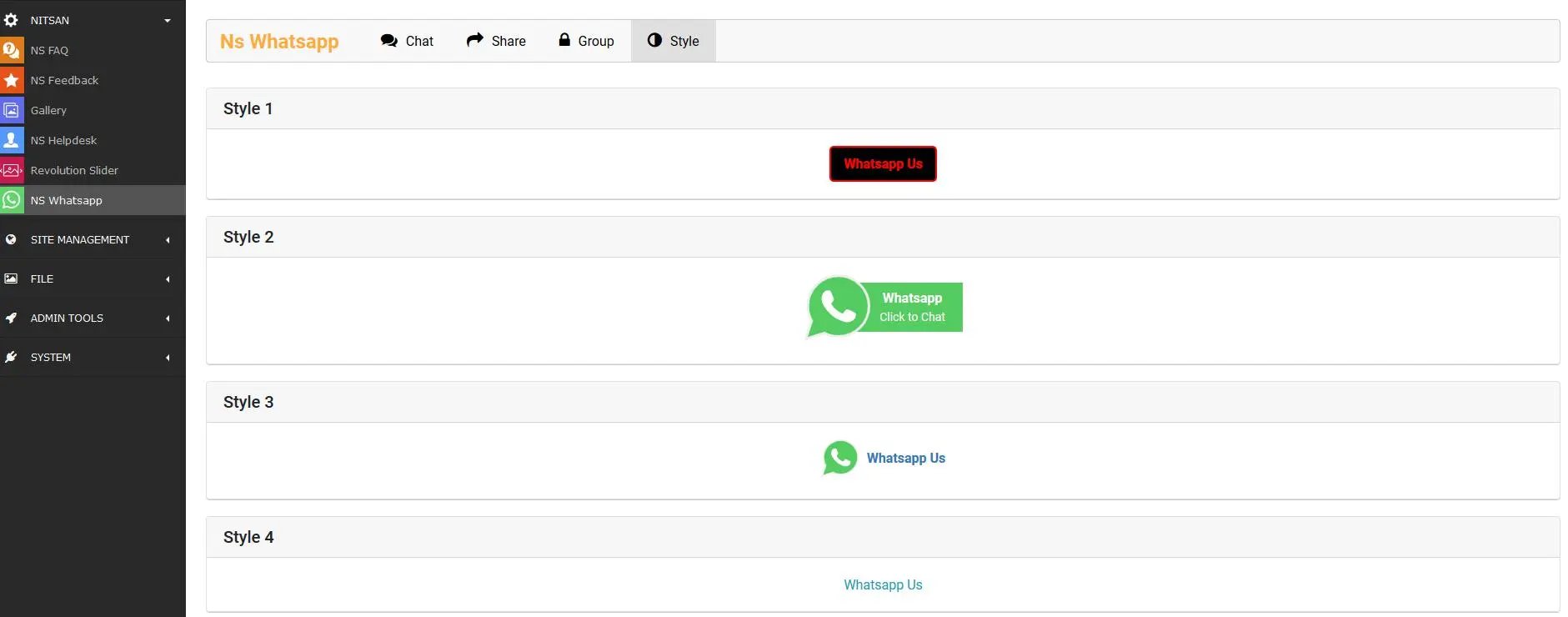
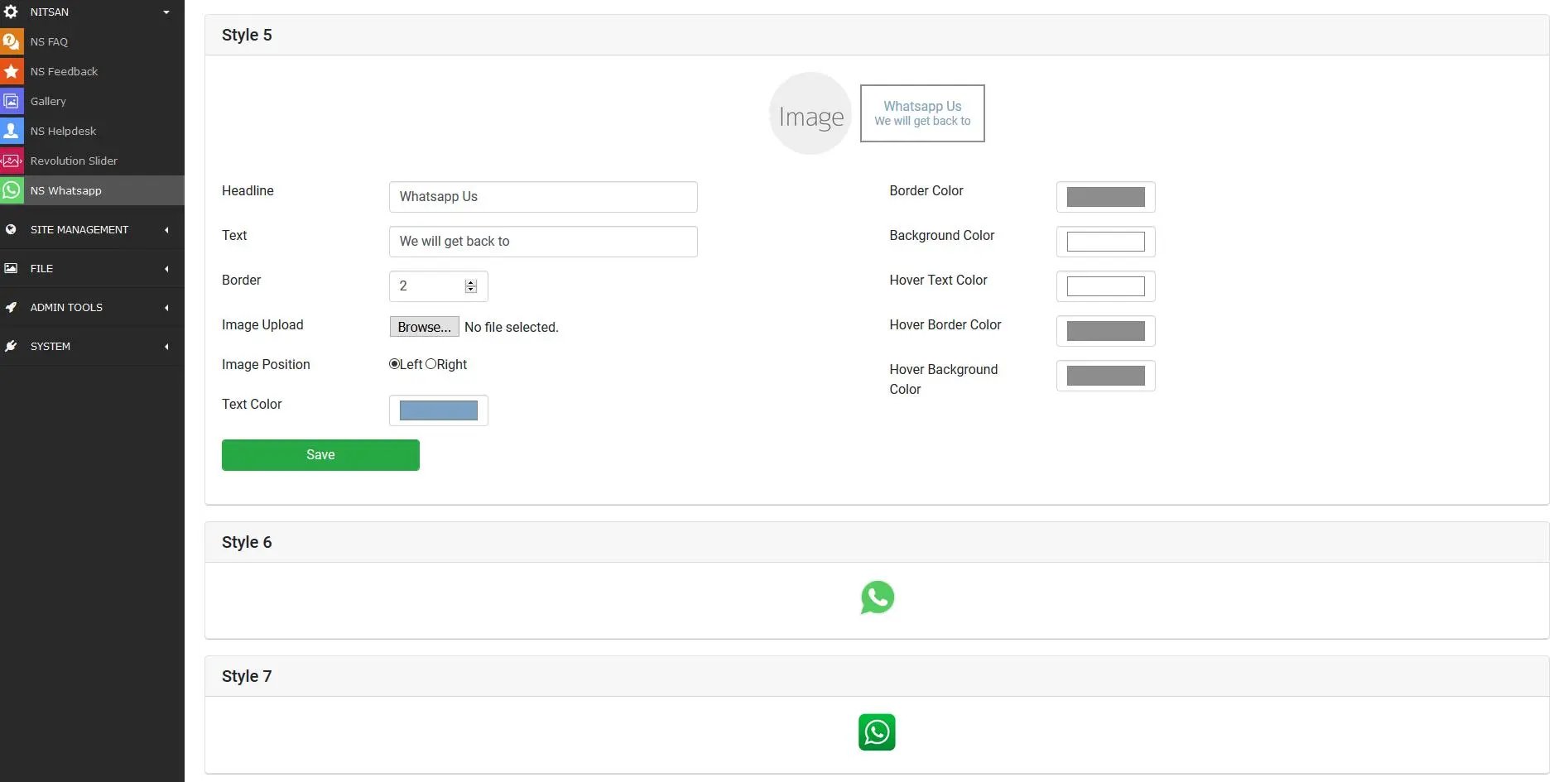
Click on “Style” menu, Give your own style to whatsapp widget & click on “Save Changes” button.
All this configurations can be saved from Typo3 Constant Editor also.