Global-Level Configuration

This module will help you configure global settings.
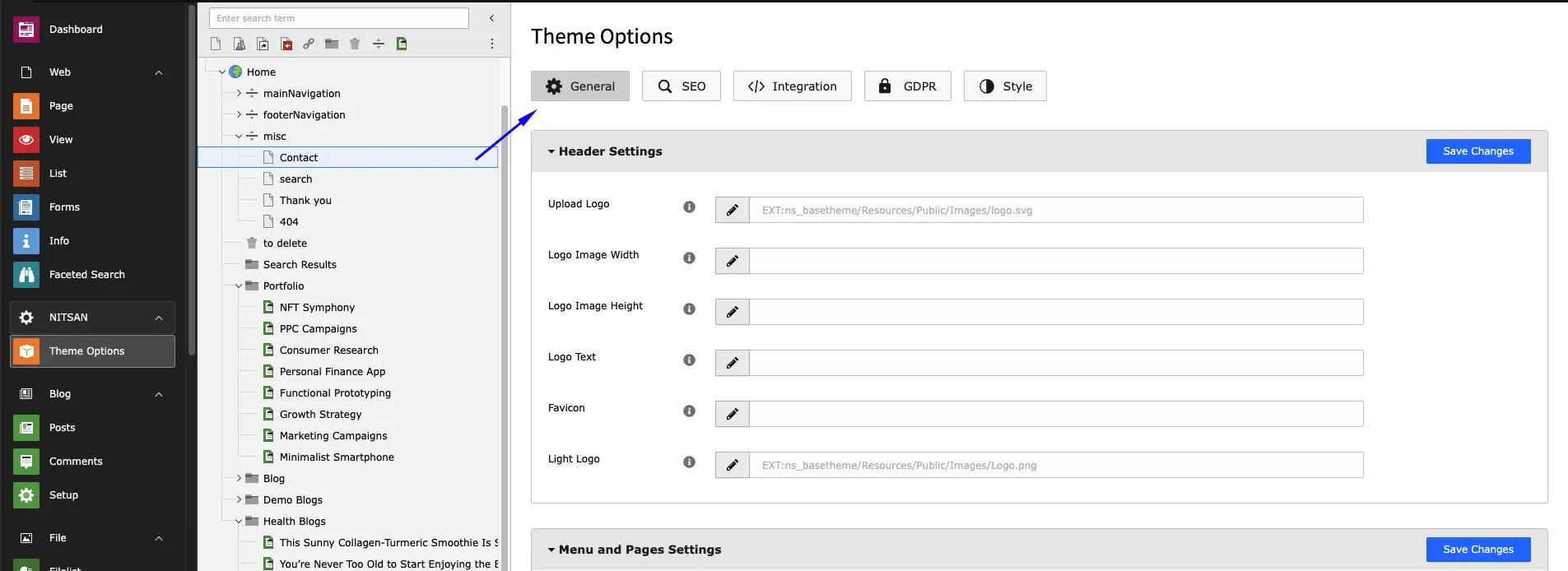
  • Go to NITSAN > Theme Options
  • Click on “Root/Main” page from Page-Tree
  • You can configure General, SEO, GDPR, Style, Integration etc.
  • All the theme options are self-explain, We recommend to configure everything once.
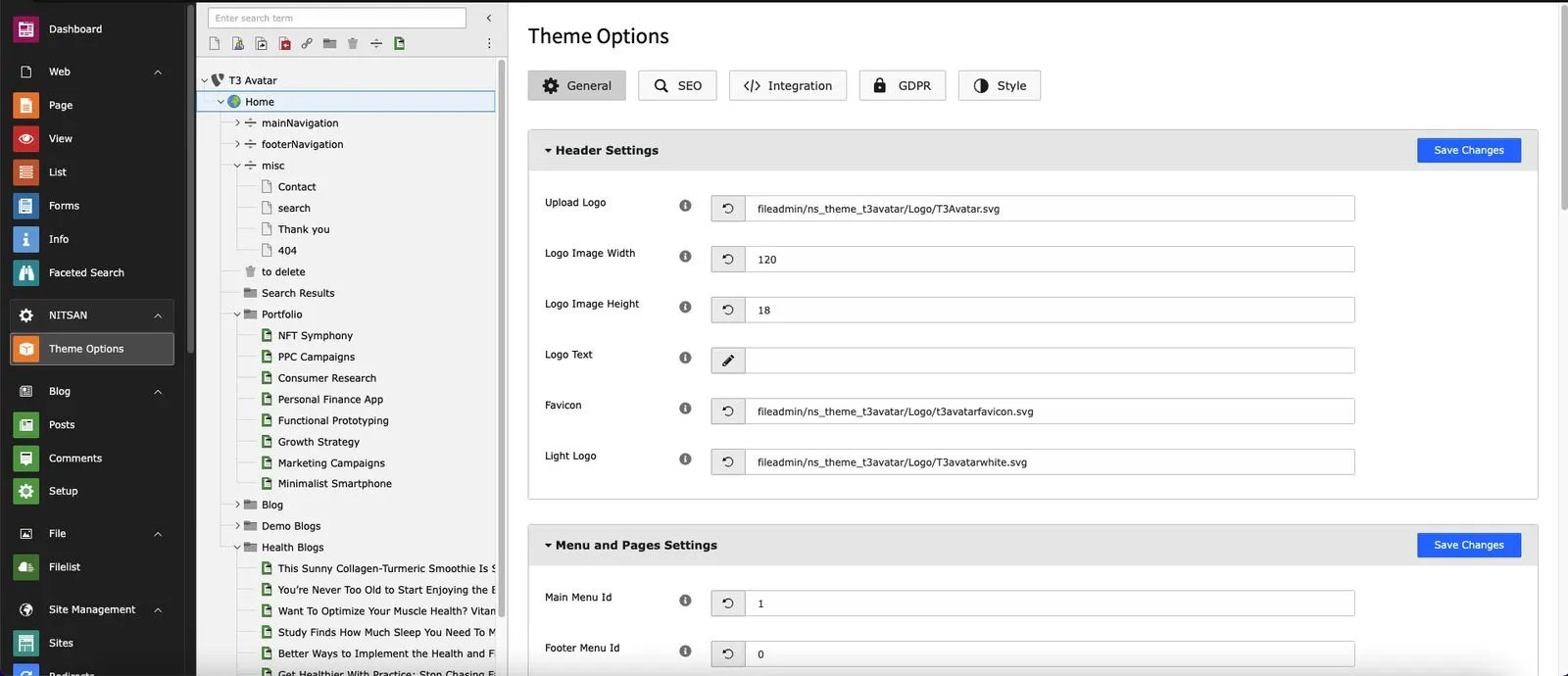
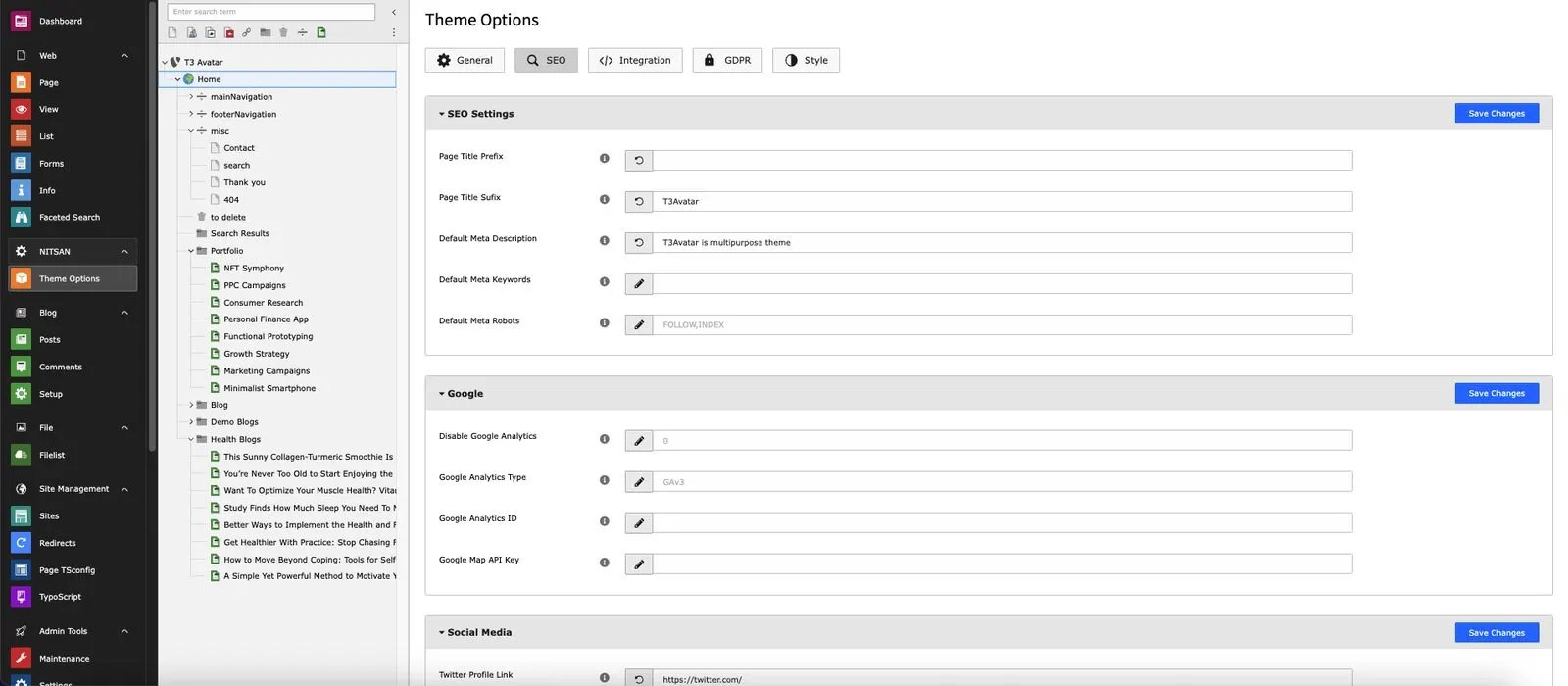
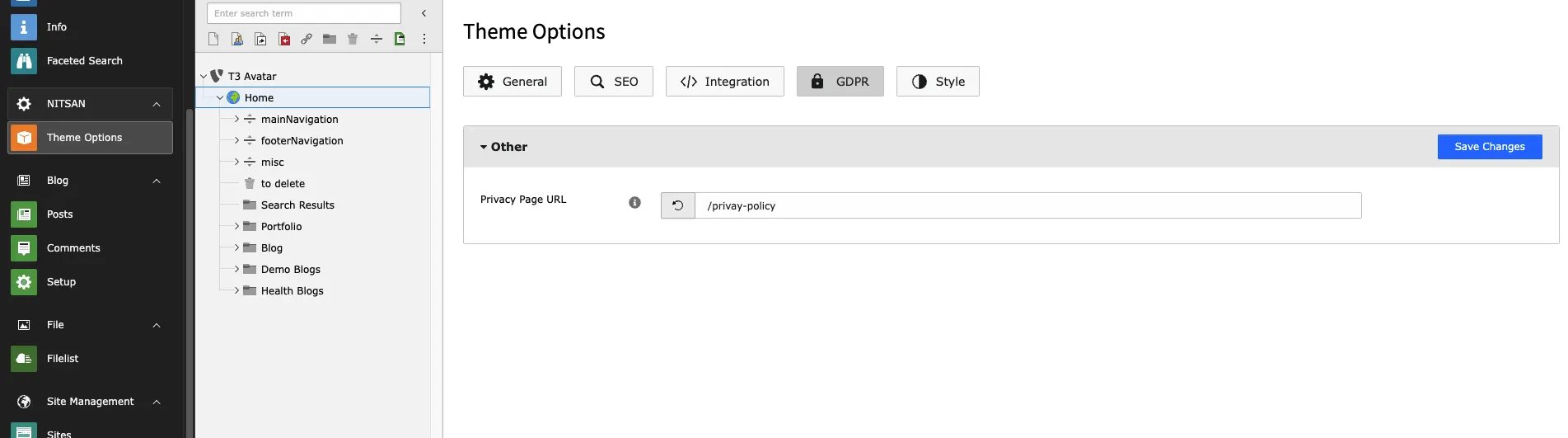
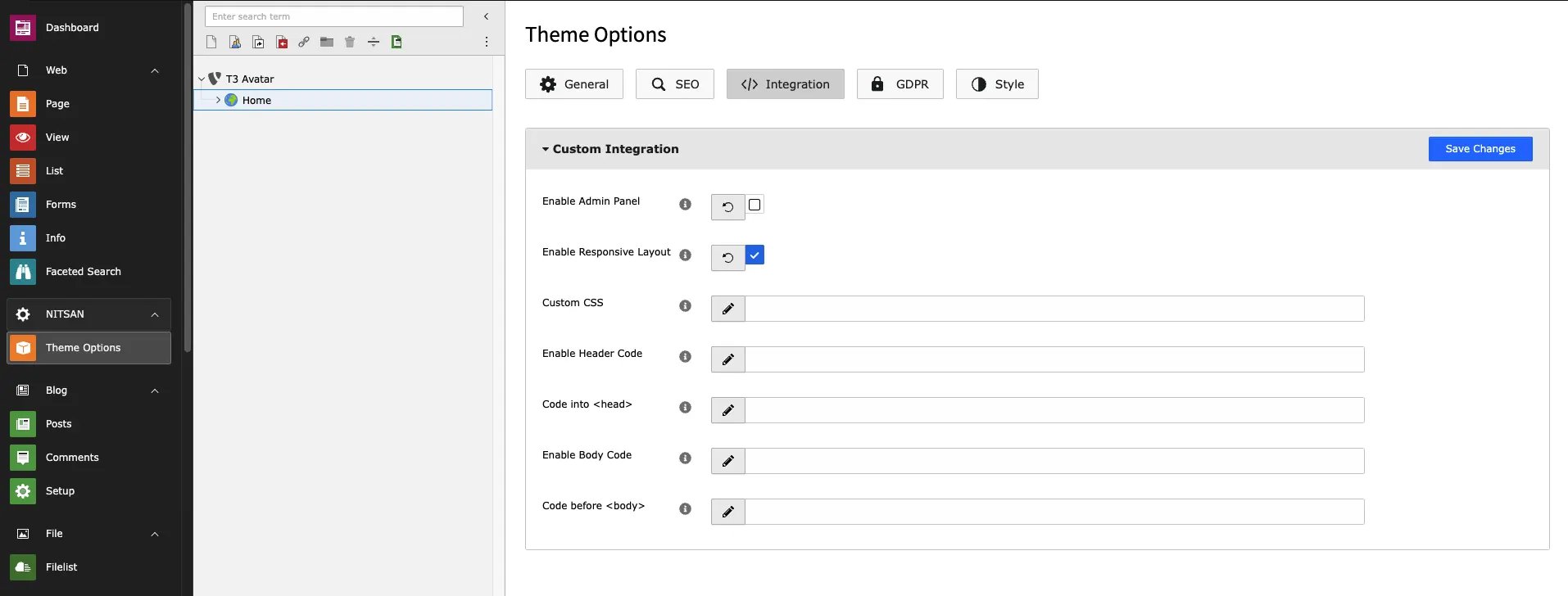
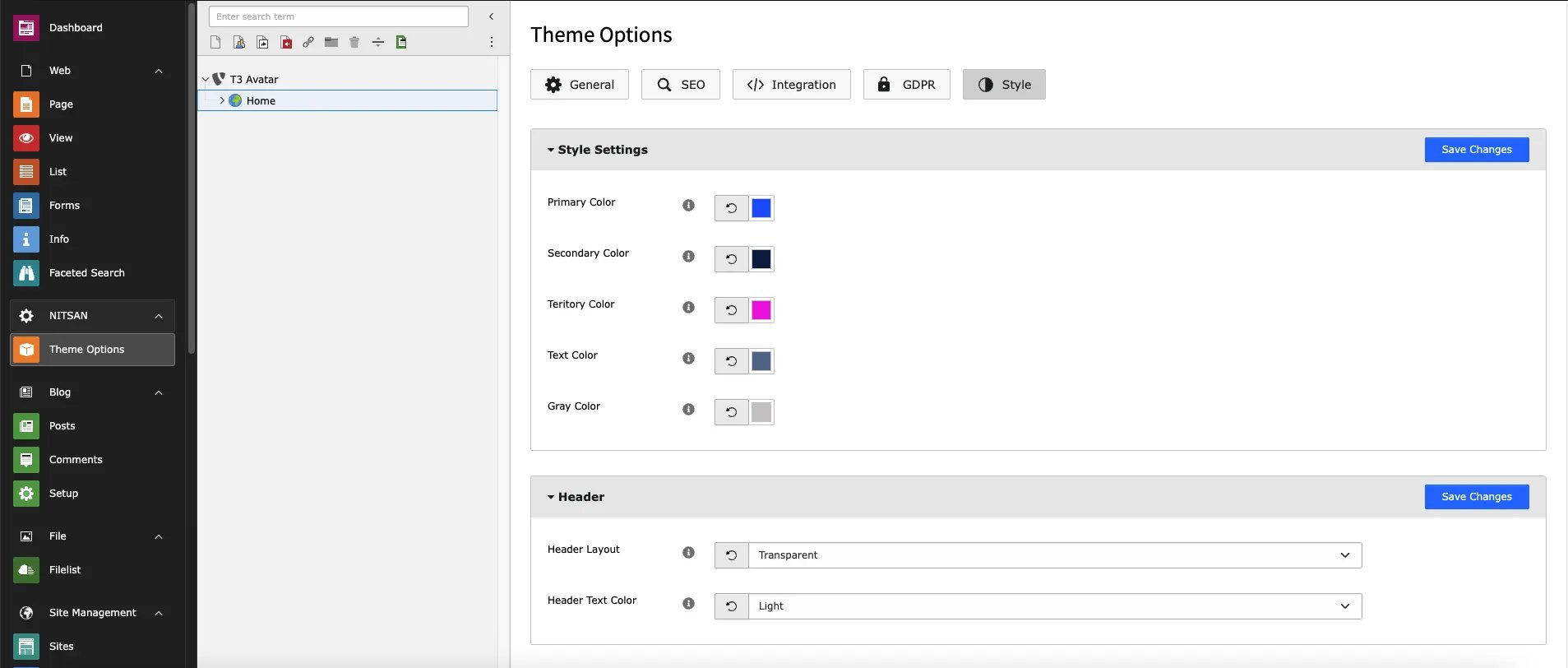
T3Planet-T3Avatar-Theme-OptionsGeneral T3Planet-T3Avatar-Theme-OptionsSEO T3Planet-T3Avatar-Theme-OptionsGDPR T3Planet-T3Avatar-Theme-OptionsIntegration T3Planet-T3Avatar-Theme-OptionsStyle General : This tab consists of settings related to Header, Navigation menu, Footer & Site Maintenance. SEO : This tab consist configurations related to SEO of the site. GDPR : This tab manages Privacy policy page URL. Integration : You can add customised CSS and Integration scripts from third-party tools for Tracking purposes. Style : You can manage style of entire site from here. You can set global settings for elements like Header, Navigation Menu & footer from here. However, you can overwrite them at page level also. To overwrite these settings, go to Extended tab in Page properties.

Page-Level Configuration

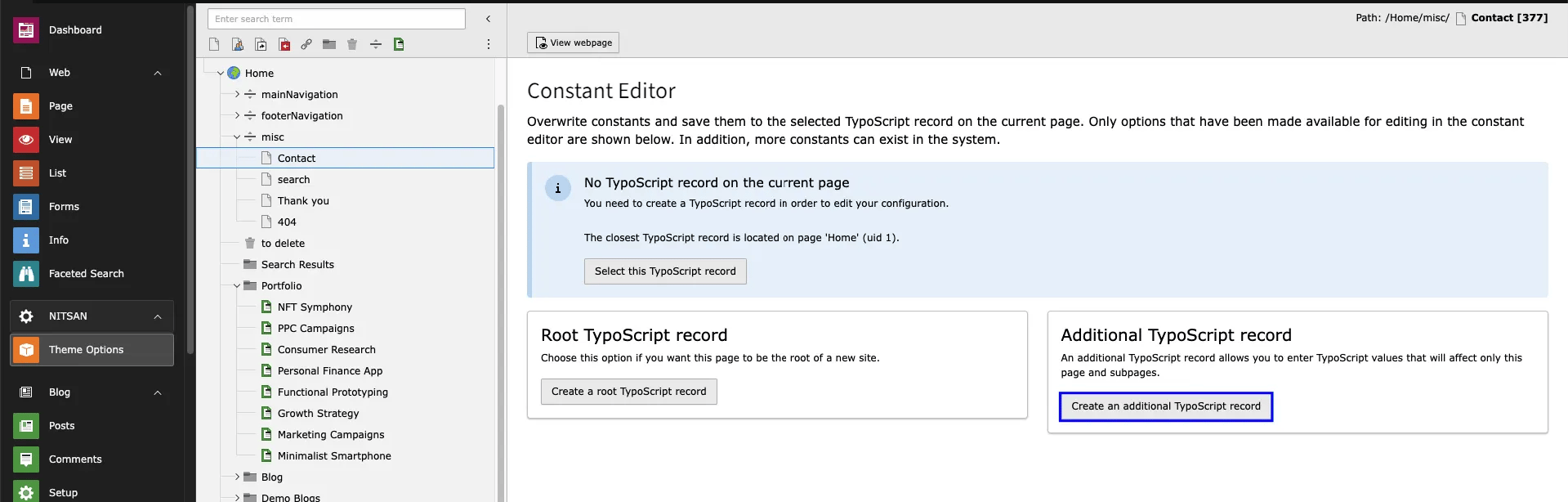
From theme option tab, you can now directly select page, and create a extension template & configure desired style for particular page. T3Planet-TYPO3-Theme-T3Avatar-create-extension-template After creating extension template for the specific page, you can now configure all theme options for this particular page only. T3Planet-TYPO3-Theme-T3Avatar-page-level-theme-option