

For Premium Version - License Activation
To activate license and install this premium TYPO3 product, Please refere this documentation https://docs.t3planet.de/en/latest/License/Index.html1. Get the extension
Via Composer using Command Line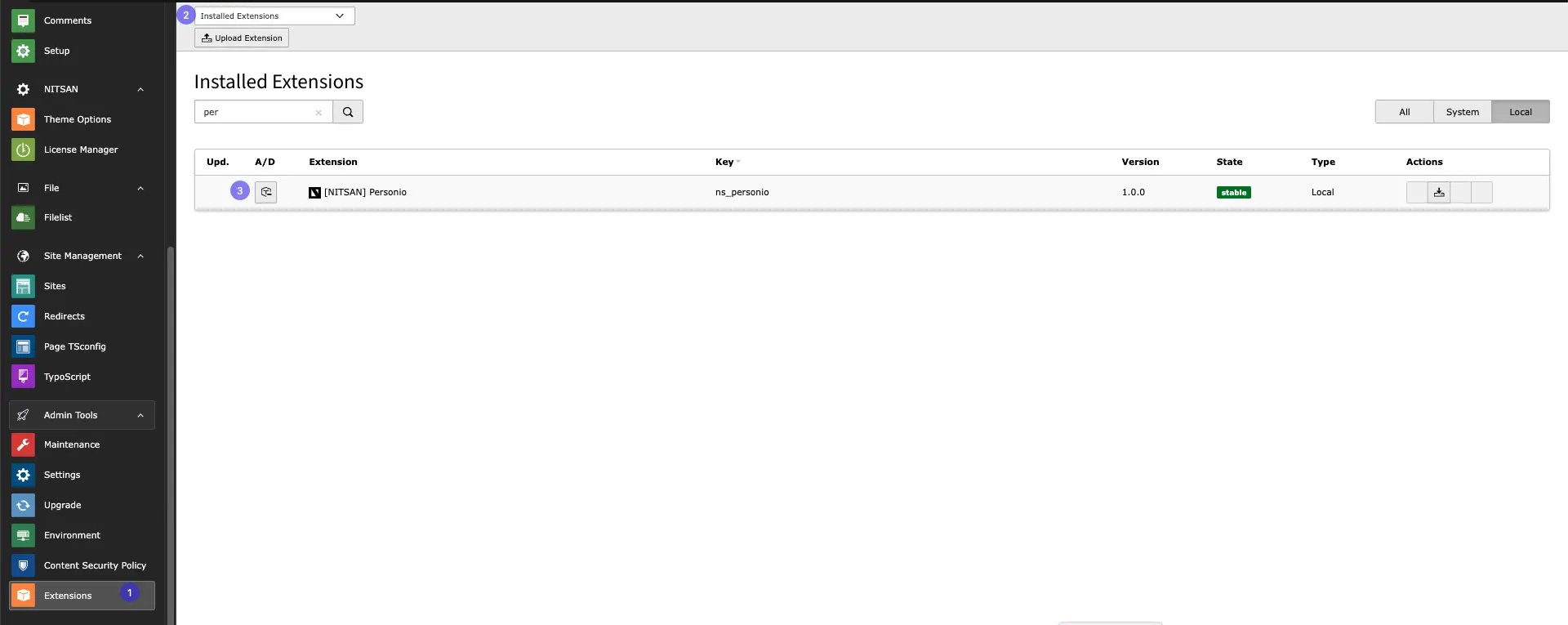
2. Activate the TypoScript
The extension ships some static TypoScript code which needs to be included. Step 1. Switch to the root page of your site. Step 2. Switch to the Template/TypoScript module and select Info/Modify. Step 3. Click the link Edit the whole template record and switch to the tab Includes. Step 4. Select [NITSAN] Personio at the field Include static (from extensions): Step 5. Include [NITSAN] Personio at the last place.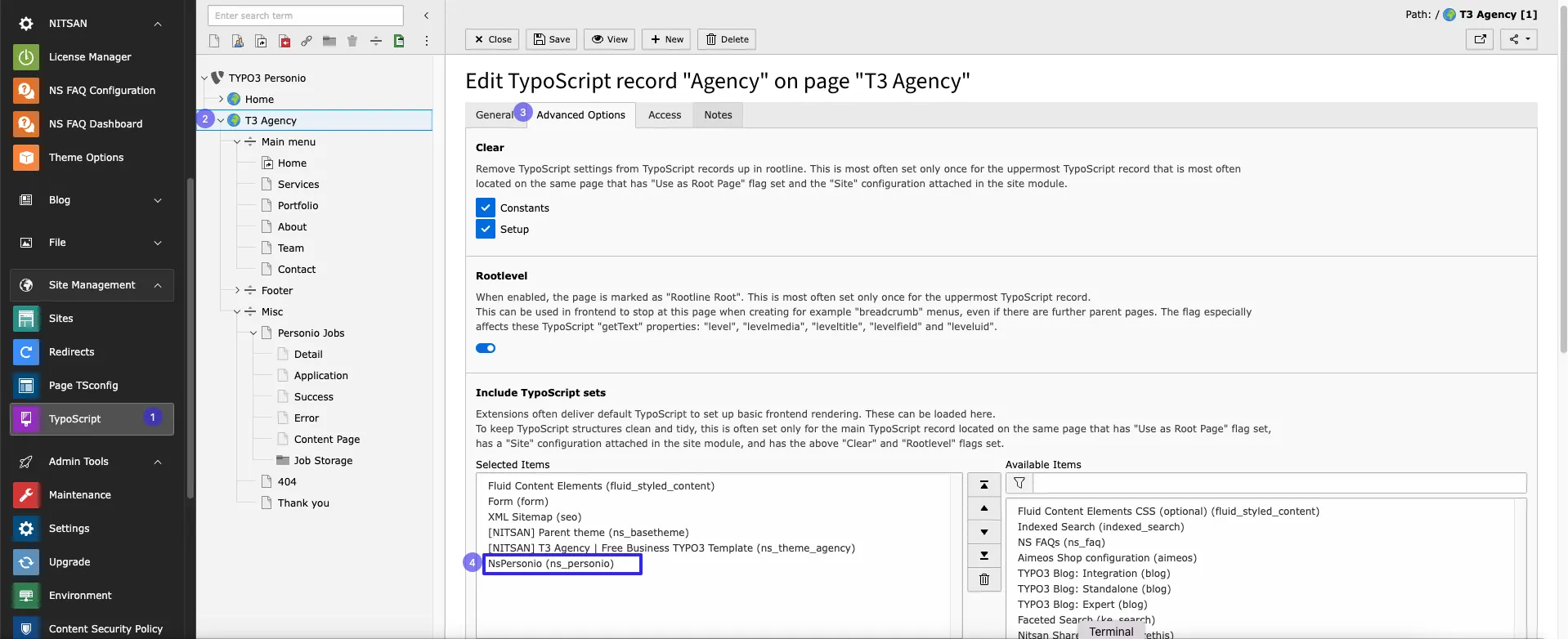
Pre-configured Speaking URLs for Job Pages
Speaking URLs are user-friendly, readable URLs that describe the content or purpose of a page, making navigation easier for users and enhancing SEO. For example, instead of using a complex URL like: Standard URLHow to Enable Speaking URLs for Job Details and Application Form Pages?
To configure Speaking URLs specifically for jobs and application form pages in your TYPO3 site, add the following code to your mainconfig.yaml file: