Enable/Disable Google font API Link to complaints with GDPR
How to Disable Google Fonts?
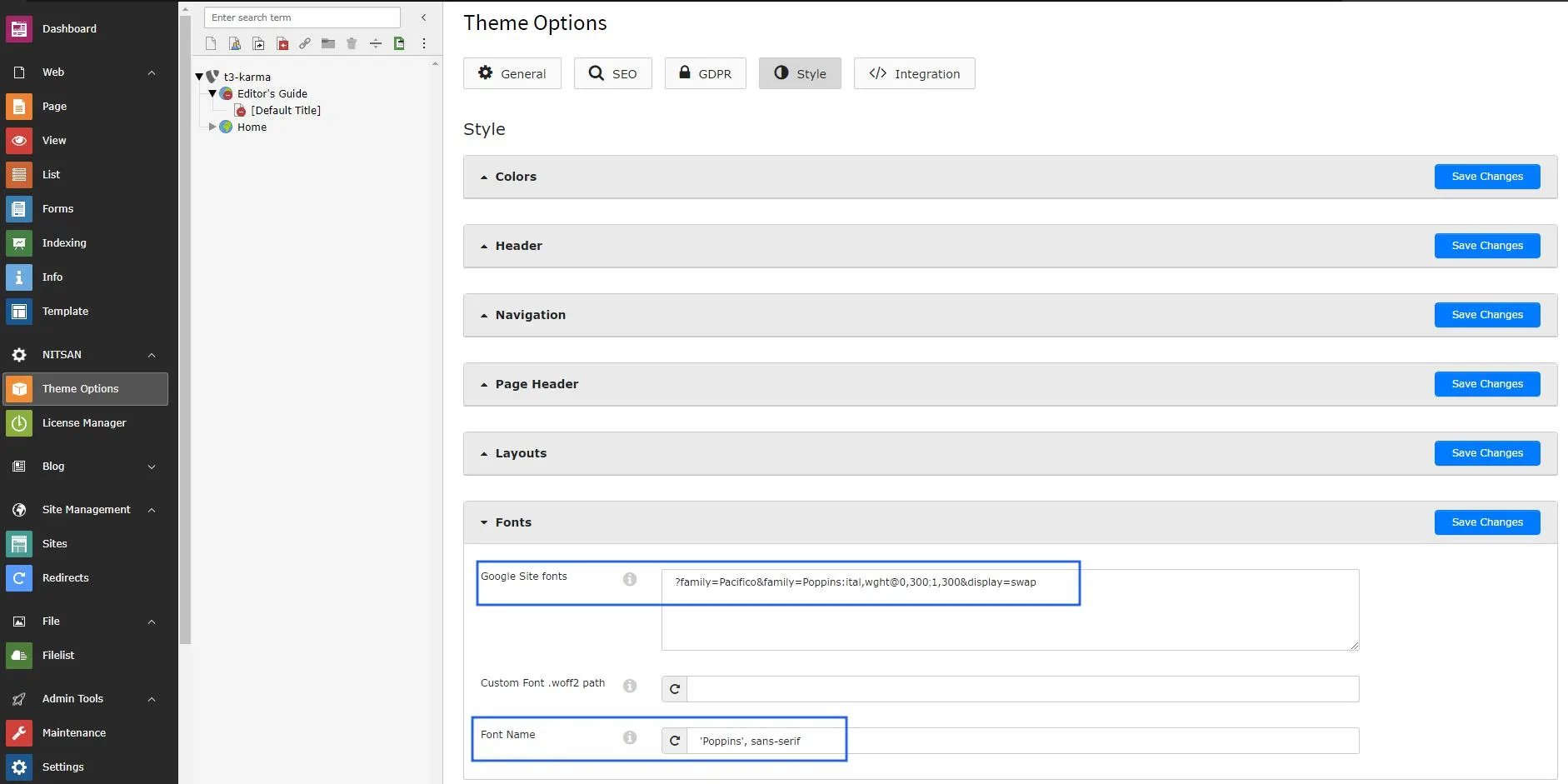
Could you please perform the below steps to disable Google font at your site?Step 1. Go to Theme Options > Click on the root page.Step 2. Click on Style section > FontsStep 3. Remove Google Font API Link now save changes & clear cache once.How to add Custom Fonts?
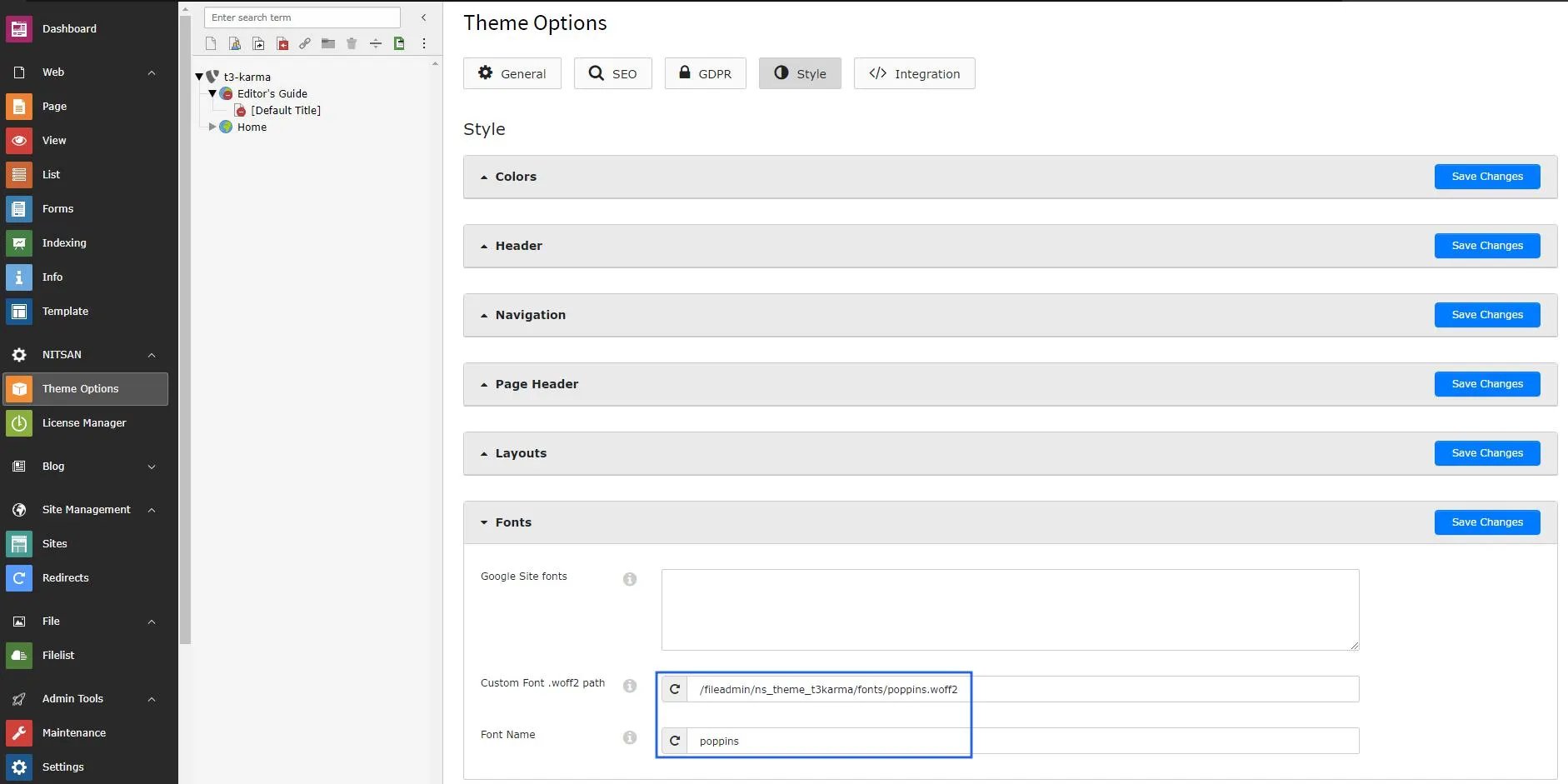
Could you please perform the below steps to insert the custom font at your site?Step 1. Go to Theme Options > Click on the root page.Step 2. Click on Style section > FontsStep 3. Insert your custom font path and font family name than save changes and clear cache.