If you will not add any of your clouds/servers, then extension will only take backup at your local-server at /uploads/tx_nsbackup/ folder
Add Cloud/Server
1
Step 1
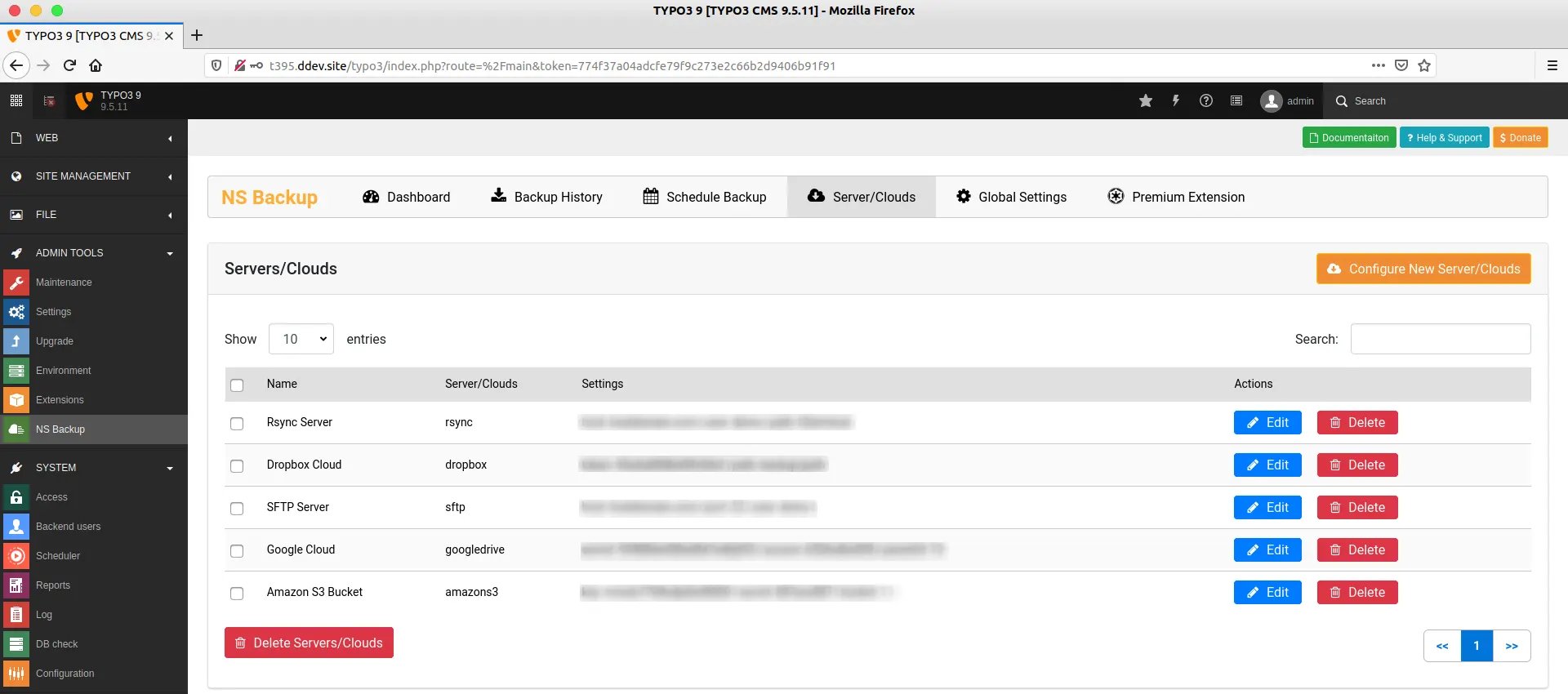
Go to Admin Tools > NS Backup
2
Step 2
Click on Servers/Clouds Menu, And click on “Configure New Server/Cloud”
3
Step 3
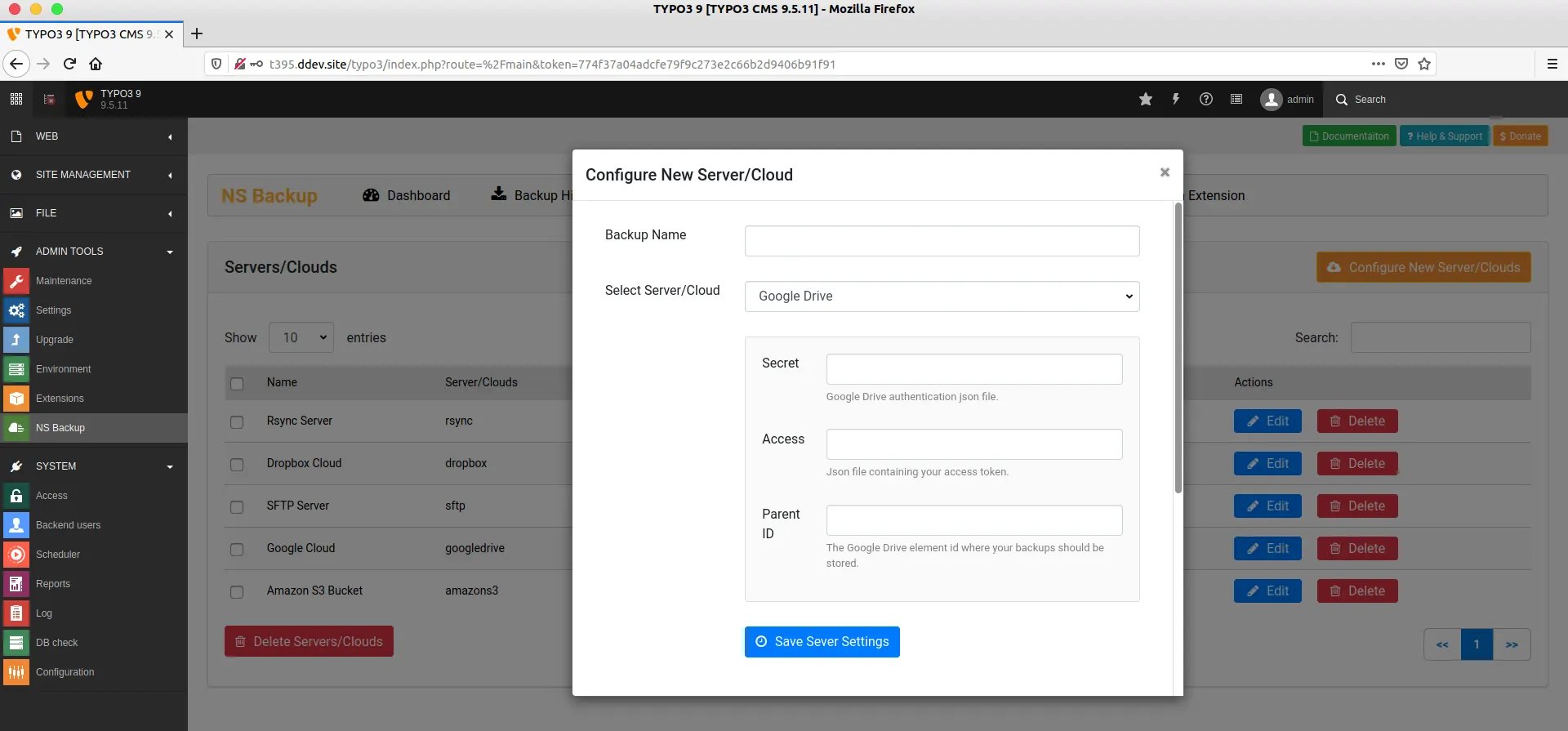
Enter the name of your Server for your reference
4
Step 4
Choose Your Server/Cloud from dropdown
5
Step 5
Based on your selection of server/cloud, You will need to carefully add your server’s connection configuration eg., secret key, access etc.