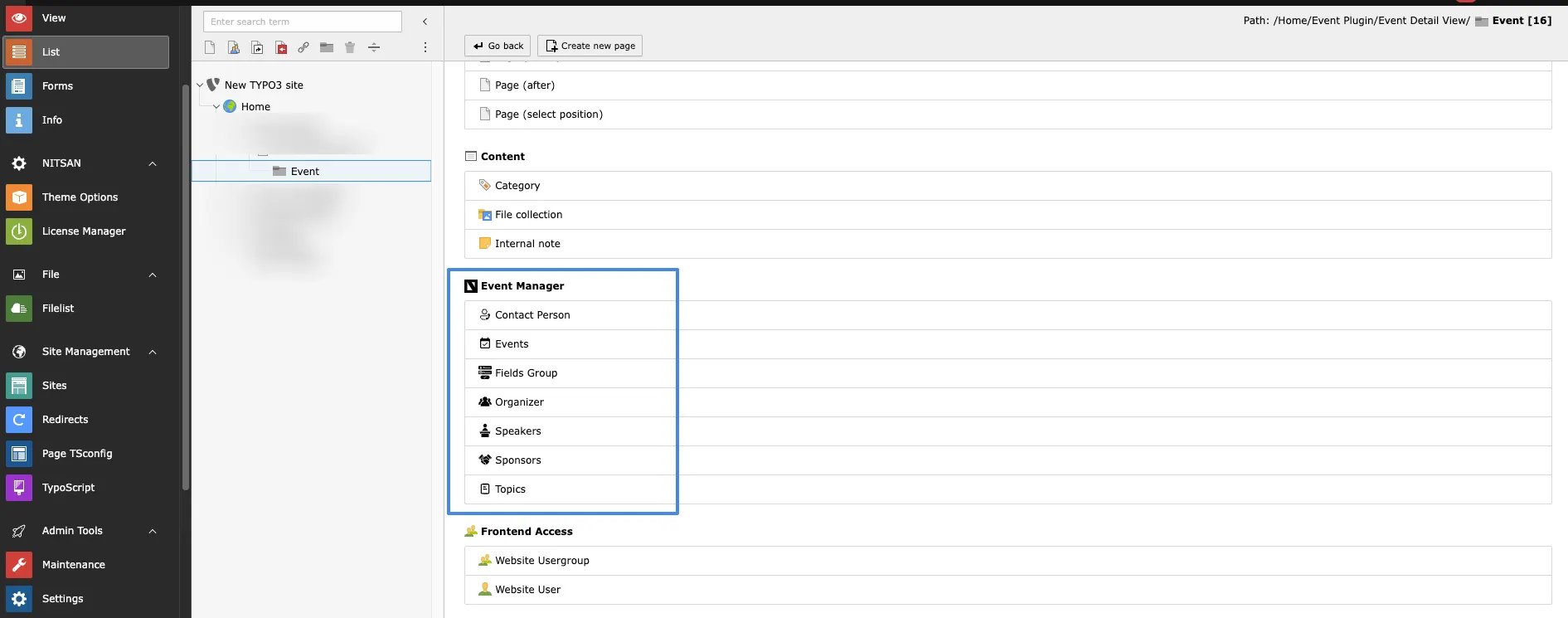
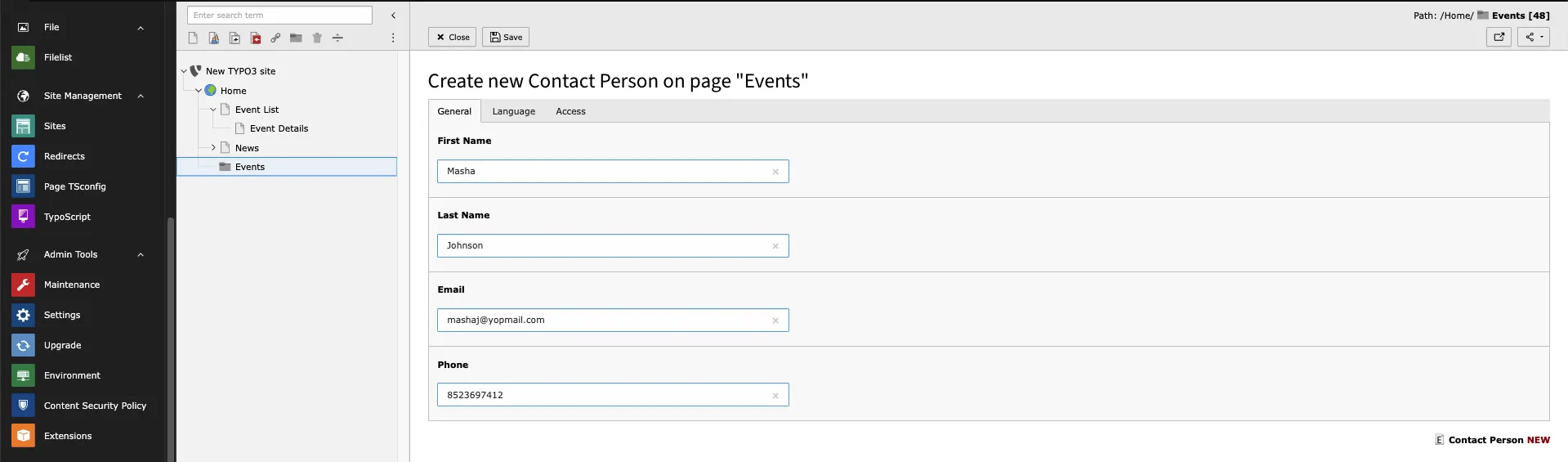
Add Contact person
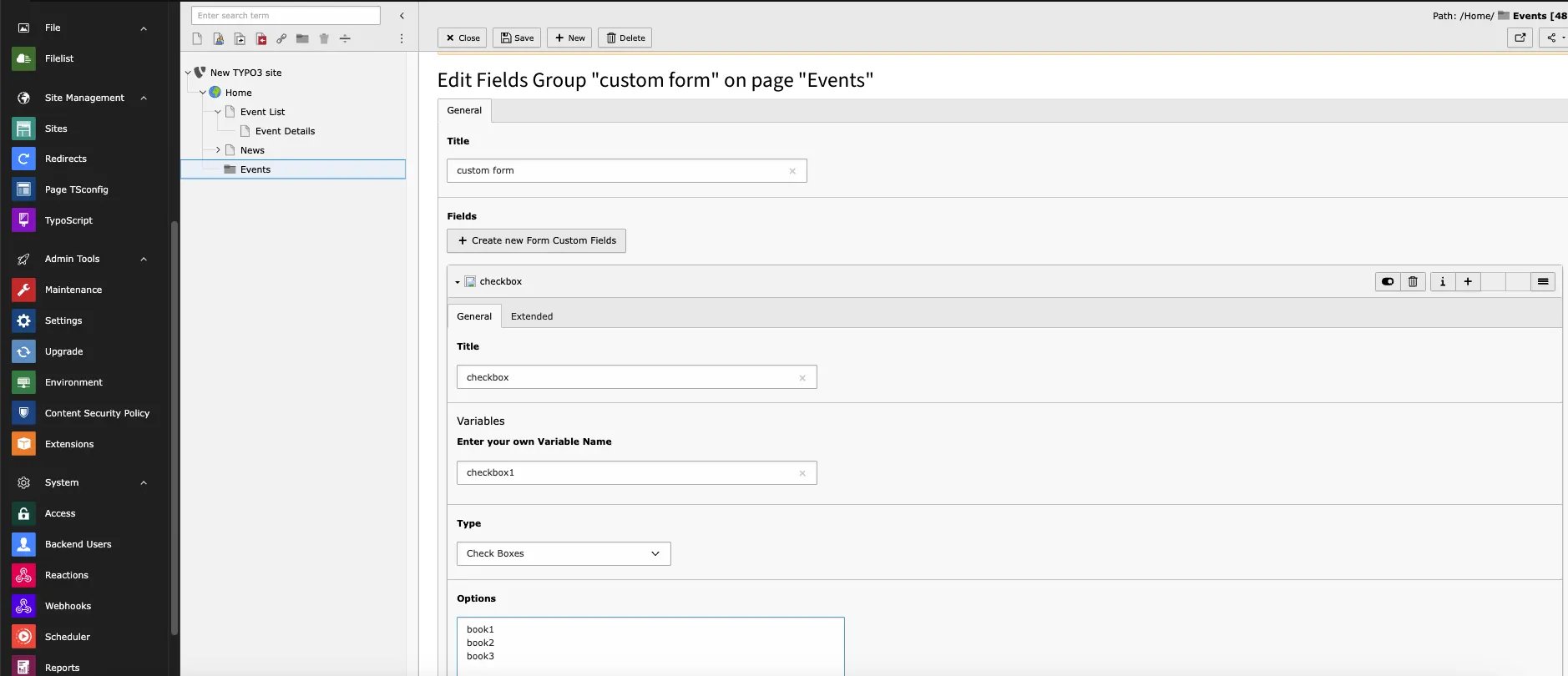
Field Group
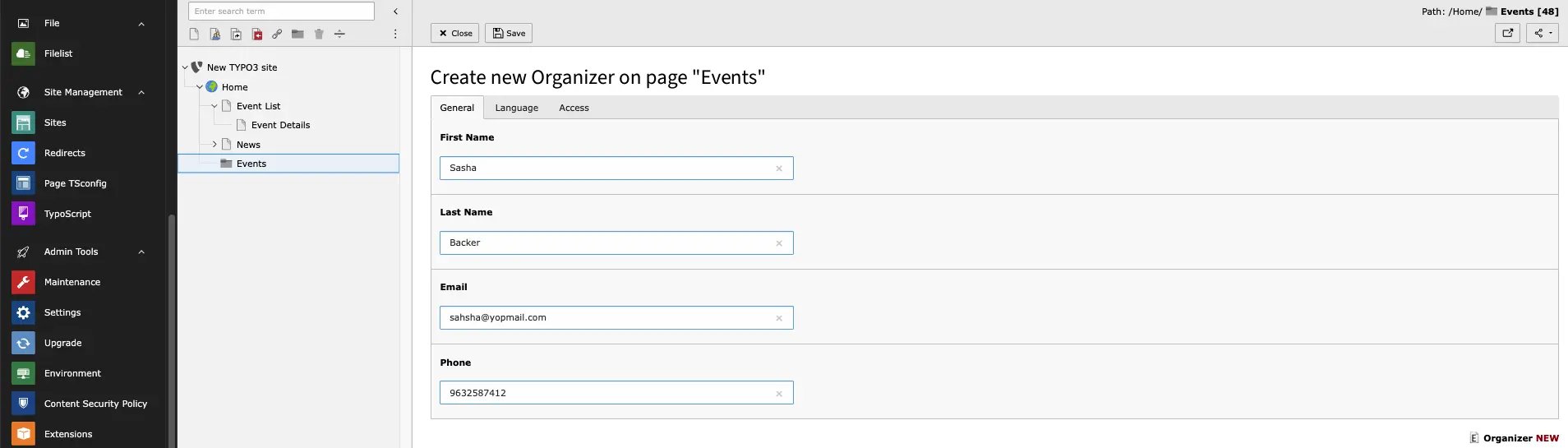
Organizer
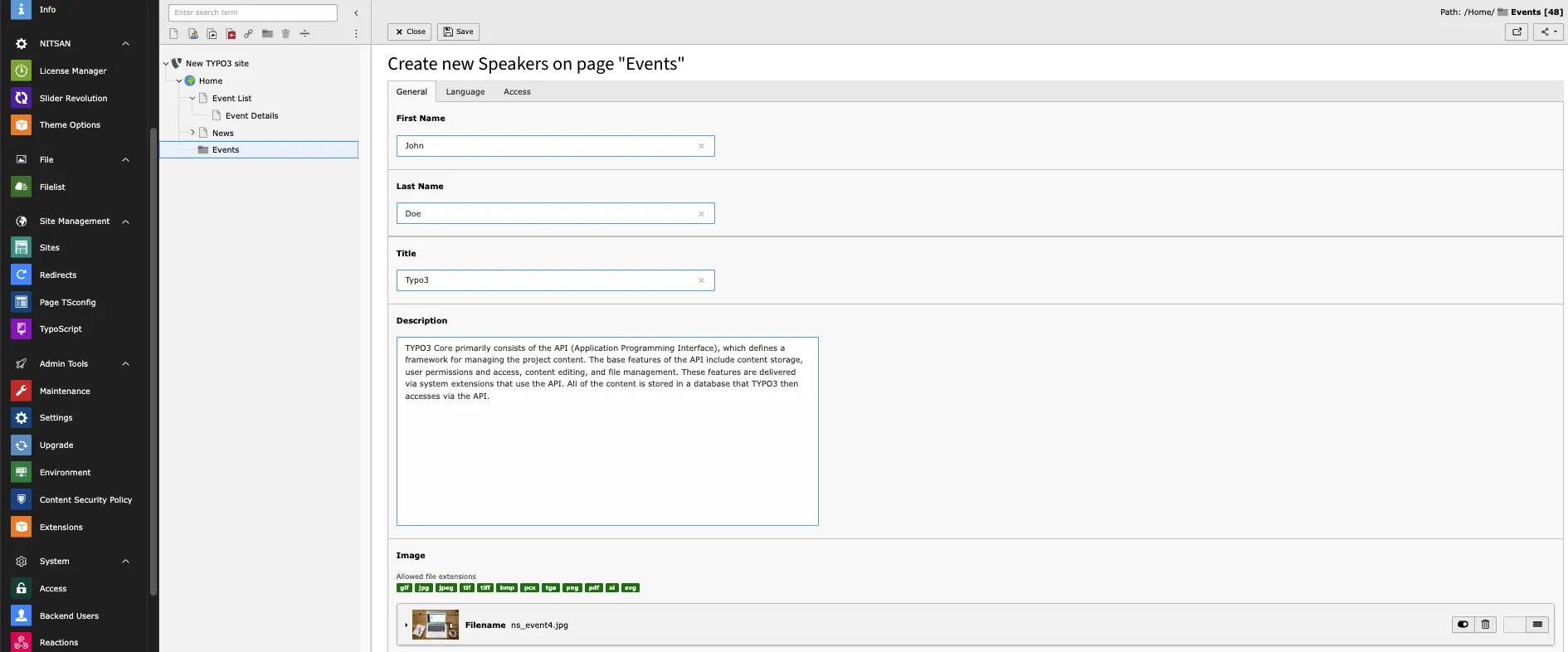
Speakers
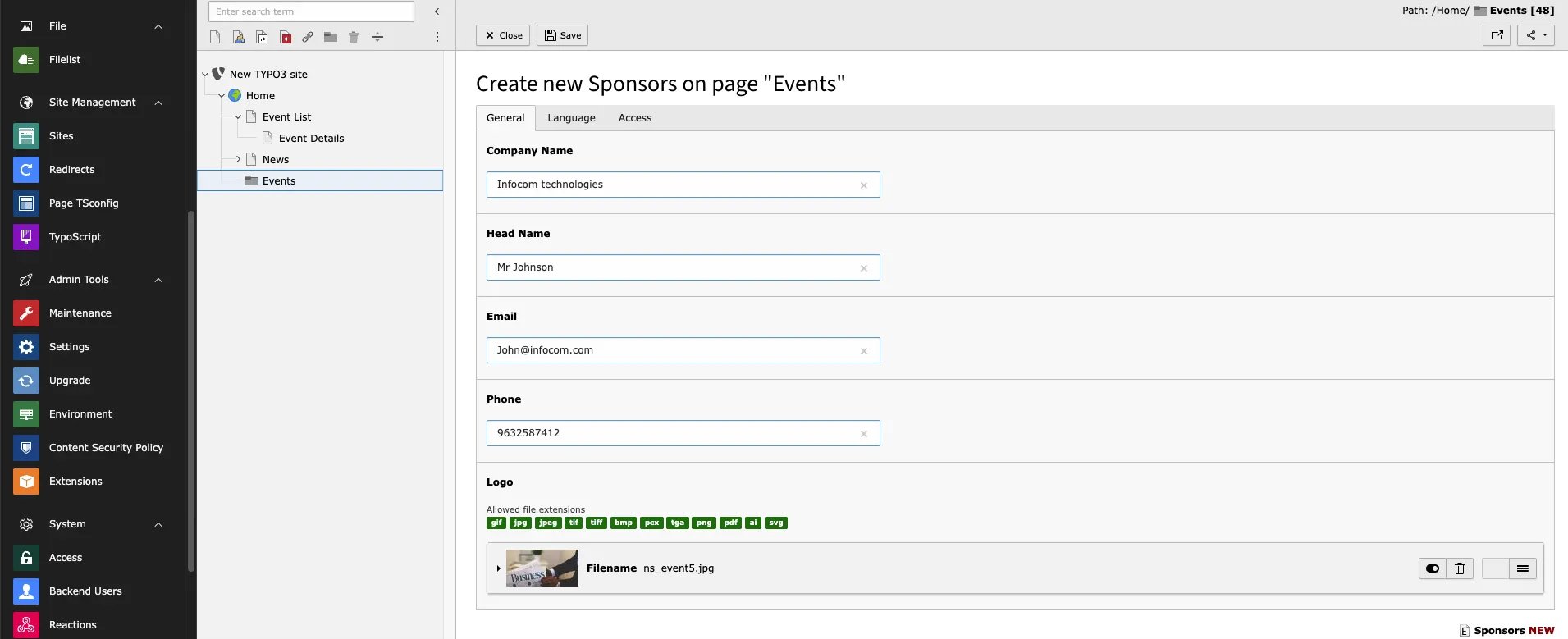
Sponsors
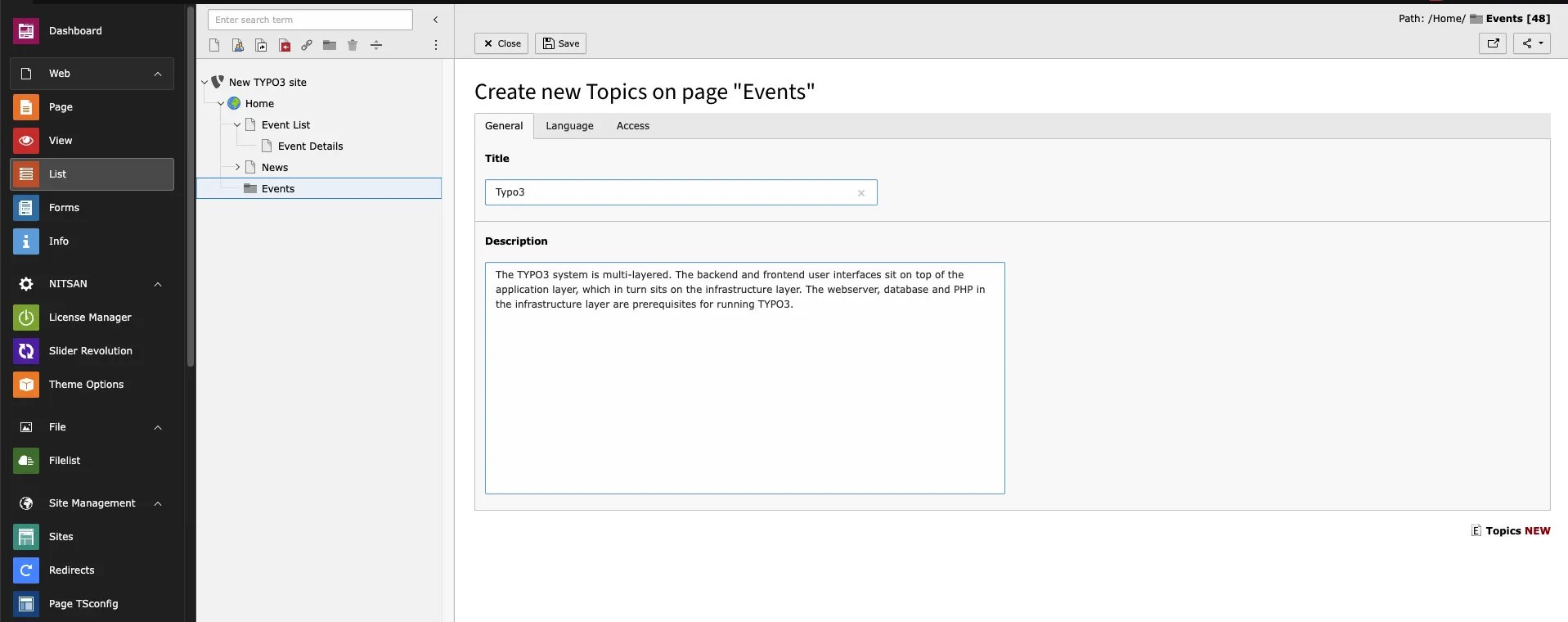
Topic
Create event
While creating events you will see multiple tabs, let’s show one by one how it works,General
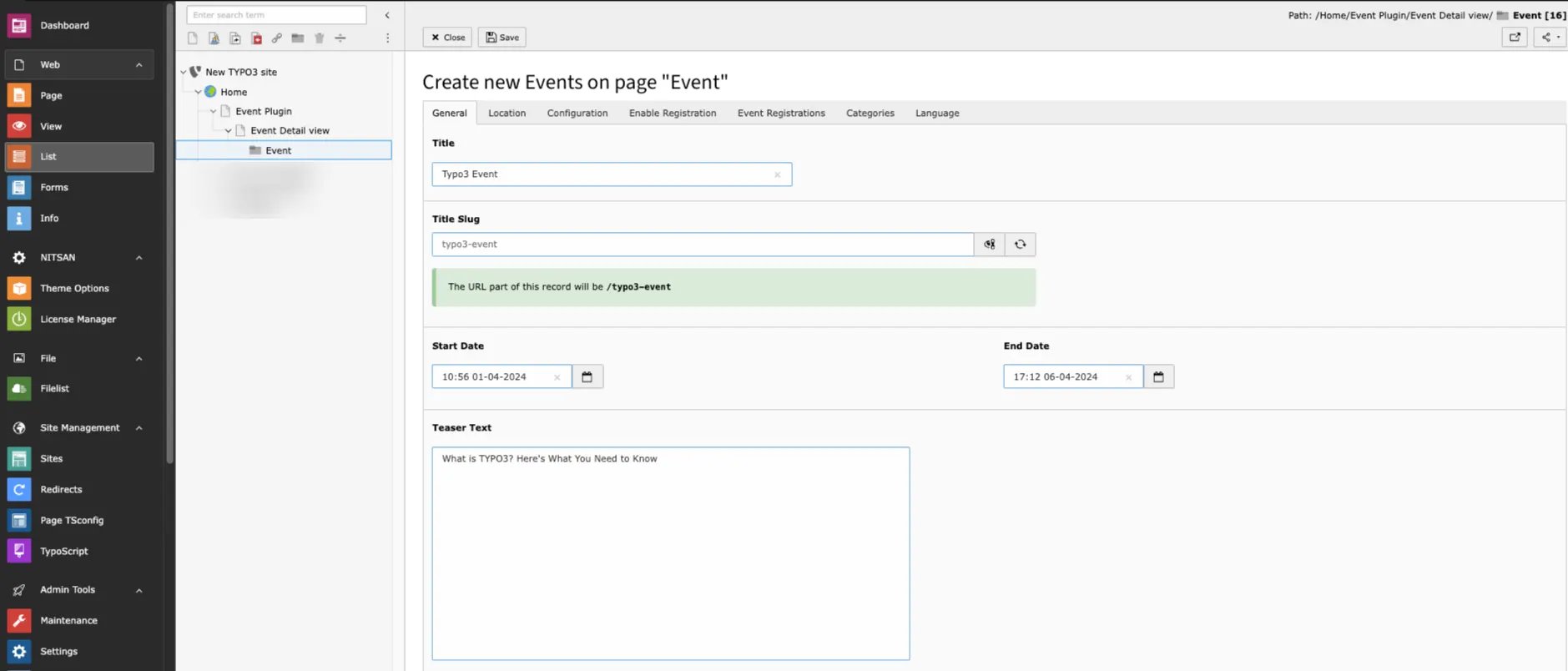
- Title -> Add event title
- Start date -> Add Event Start date
- End date -> Add Event End date
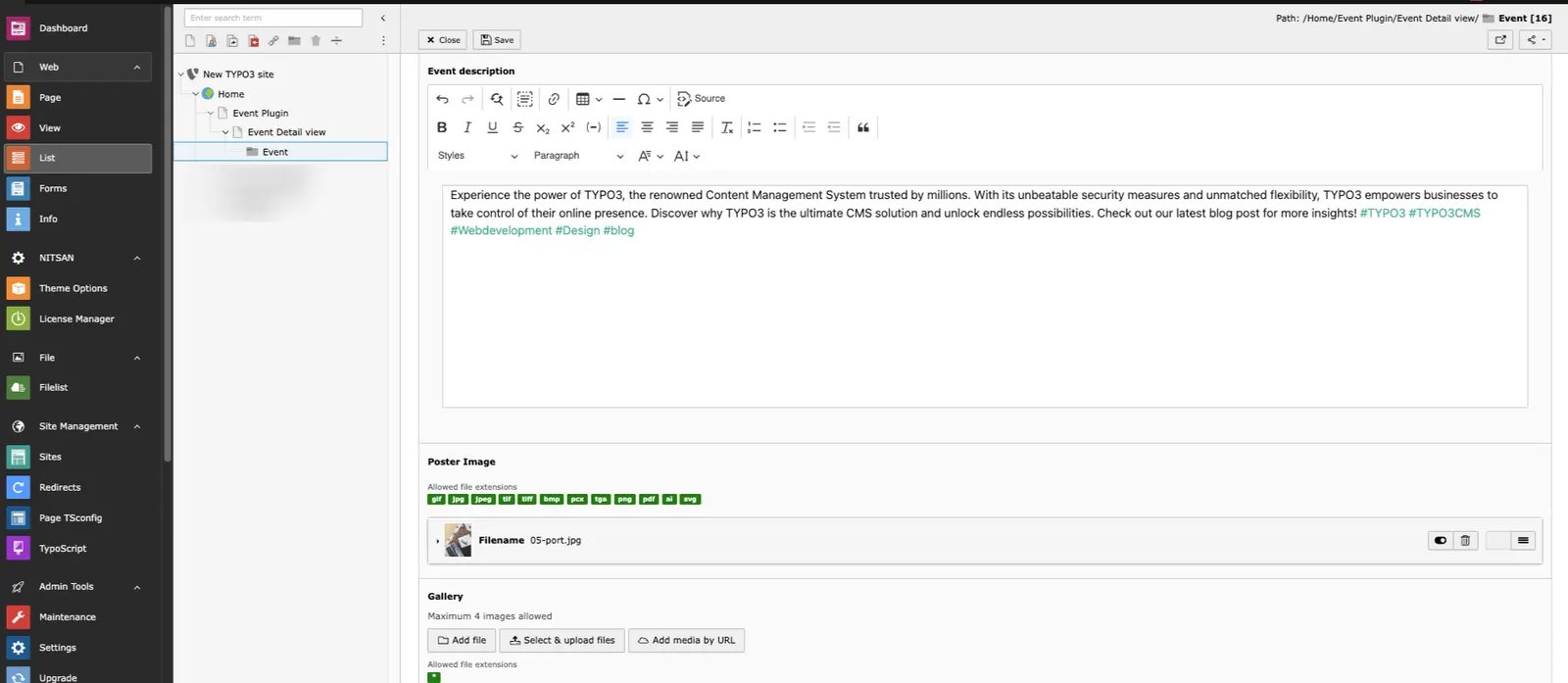
- Teaser -> Add event teaser text
- Event Description -> Add Event description
- Poster image -> Upload Event poster image
- Gallery -> Add more Photos of event,it will show in Frontend.
Location
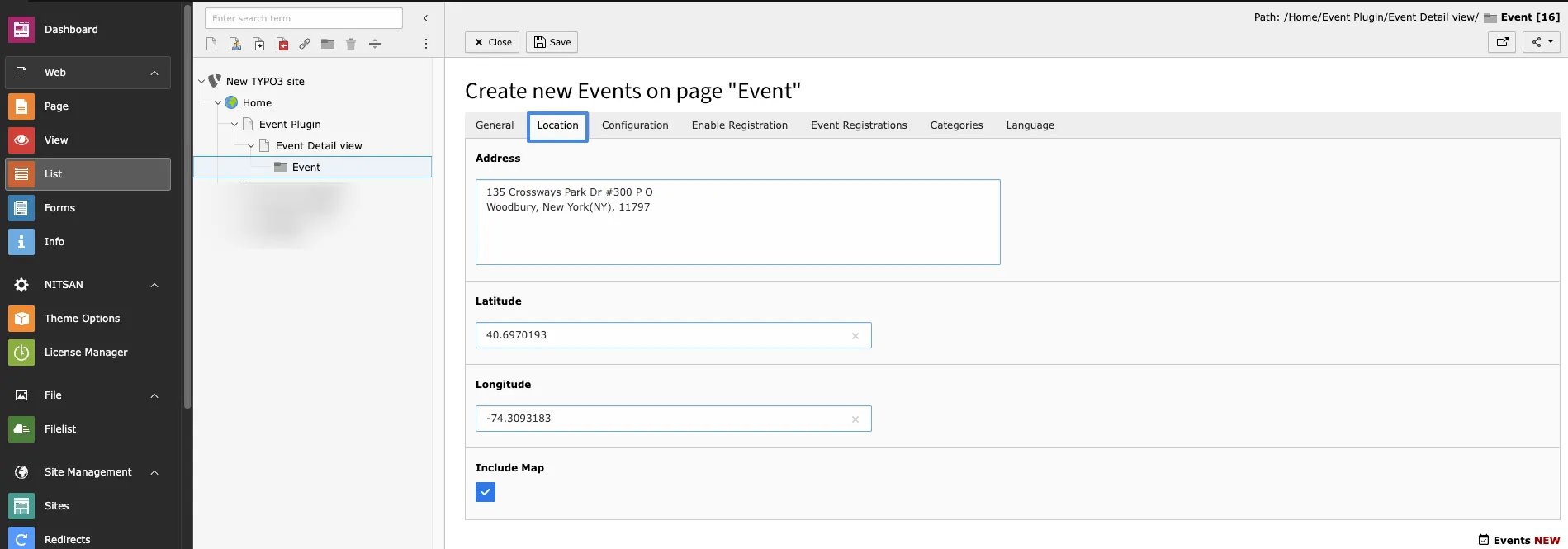
- Address -> Add address of event
- Latitude ->add Latitude
- Longitude ->add Longitude
- Include Map ->By enabling this you can see map in frontend
Configuration
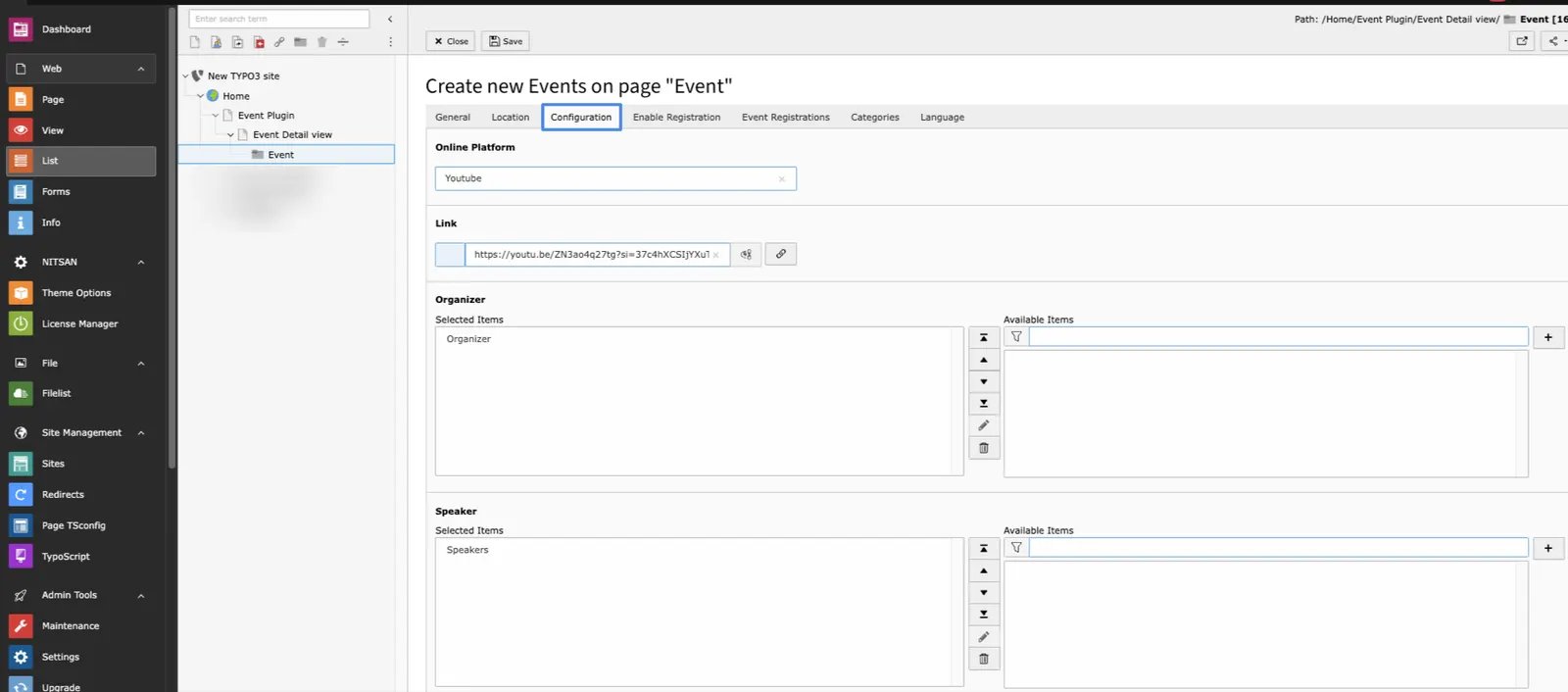
- Online platforms ->If Event is Online then add platform
- Link ->Add link of platform for Online event
Enable Registration
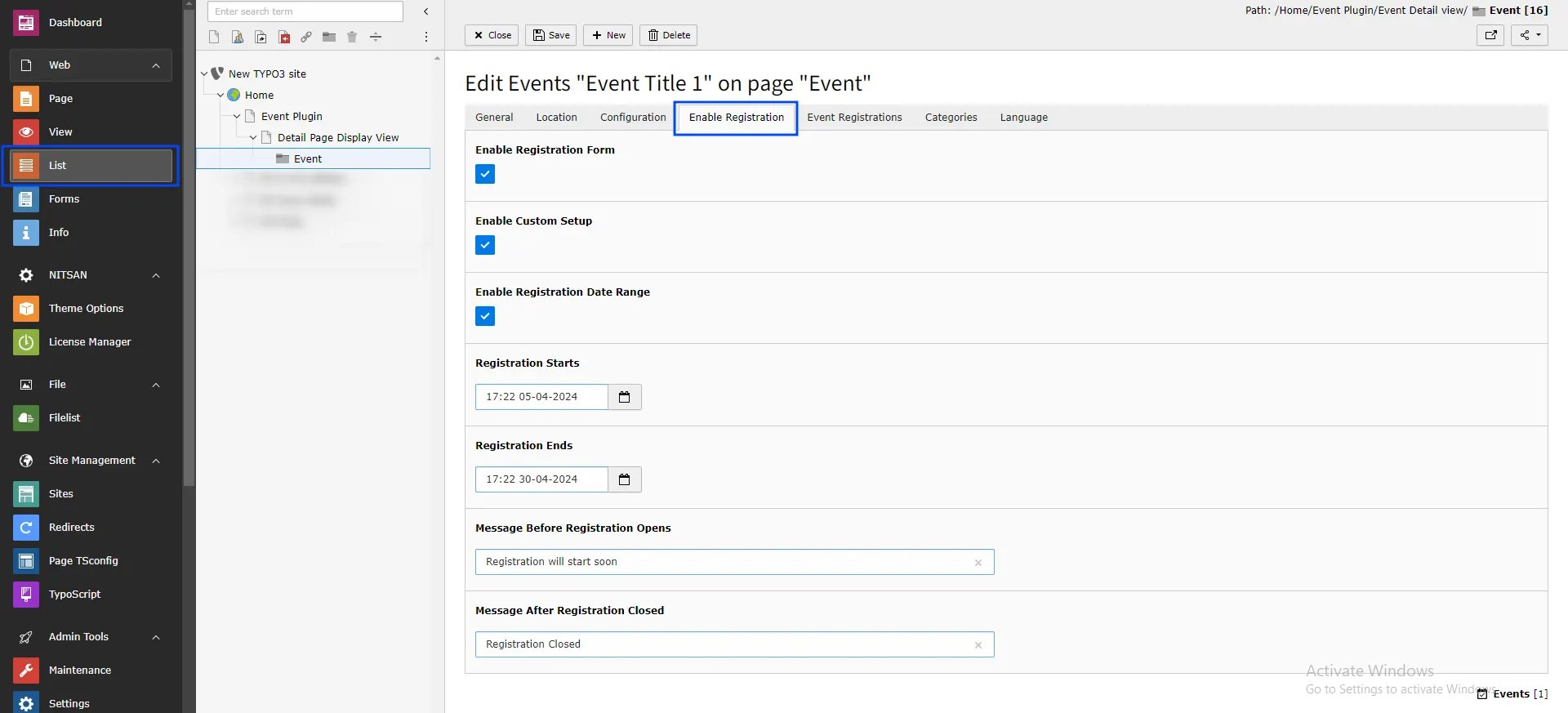
- Enable Registration form -> While enabling this Registration form will show in event detail page and User can register for event.
- Enable custom Setup ->While enabling this Cutom registration Setup will be enabled.
- Enable Registration Date Range -> By enabling this custom registration can be define.
- Registration starts -> Define Date and time from when registration will start.
- Registration Ends -> Define Date and time When registration will end.
- Enable Custom Message -> By enabling this Cutom Messages can be define.
- Message Before Registration Opens -> This Message will show Before registration starts.
- Message After Registration Closed -> This Message will Show After registration ends.
Event Registration
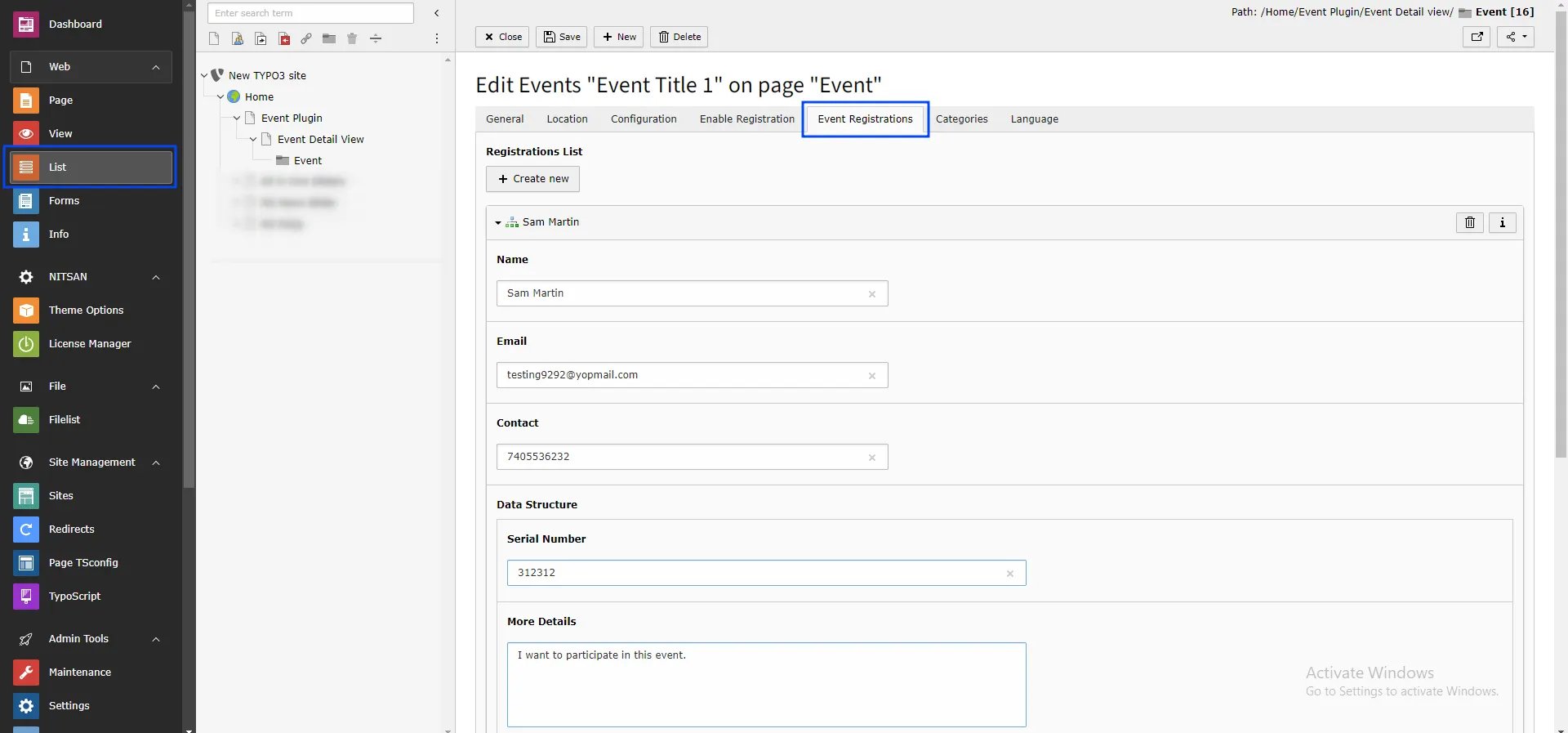
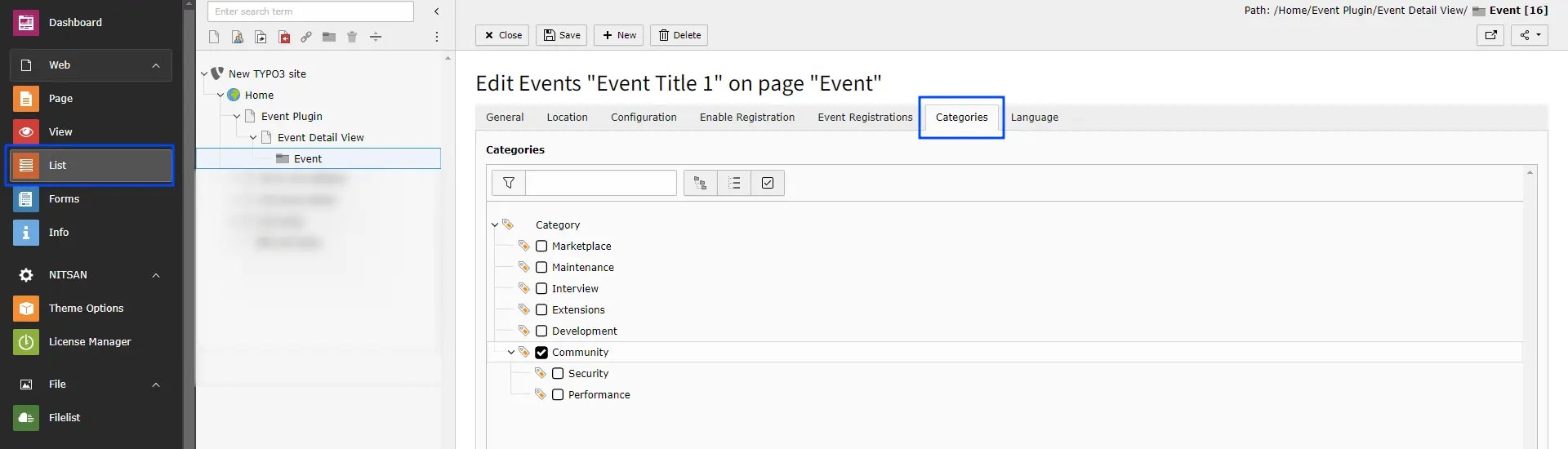
Category