

- Step 1: Go to Template/Typoscript Module
- Step 2: Select root page.
- Step 3: Select Constant Editor from drop-down.
- Step 3: Select Constant Editor > ns_event_basicsettings
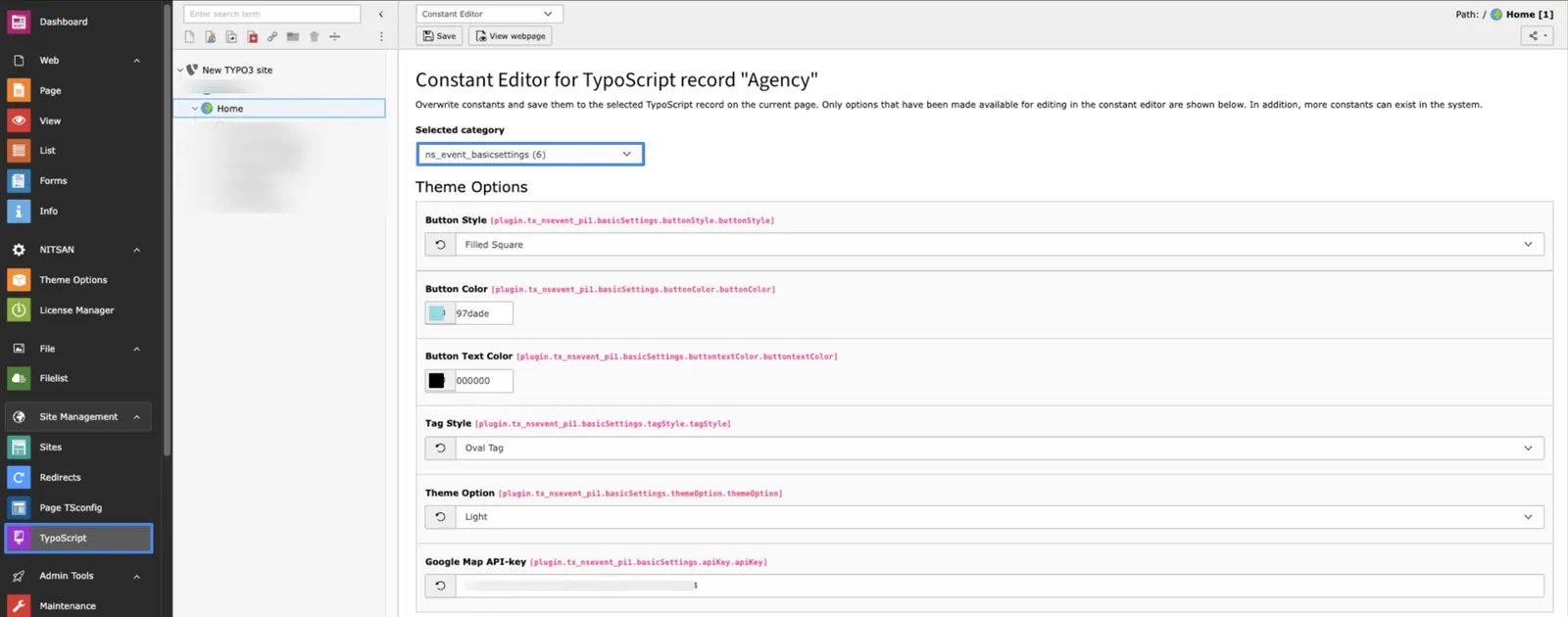
- Button Styles: Select the button style that you want to set in events.
- Button color: Set Button Color for events.
- Button Text color: Set Button text color.
- Tag style: Select the Style that you want for Tags/Categories.
- Theme Option: Select which theme you want for events eg. Dark or Light.
- Google Map API-key: Add Map API key for the map if you want to show in the event detail view!