Configuration
Setup Slider Revolution
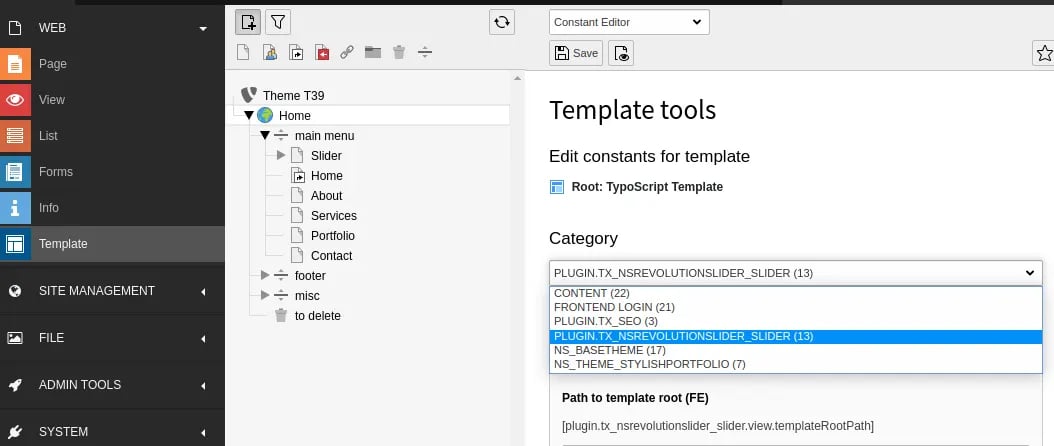
- Switch to the Template module and select Constant Editor
- Global Configuration: Select Category as follows PLUGIN.TX_NSREVOLUTIONSLIDER_SLIDER (13) You can configure it as per your requirement.
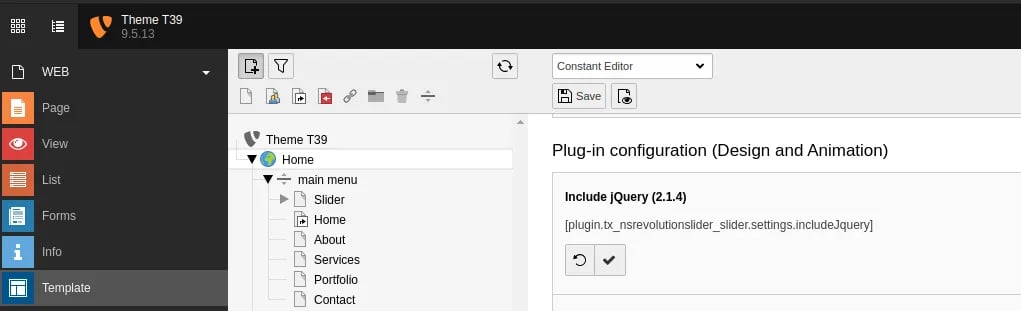
- Include Jquery if you have not included yet in your project.
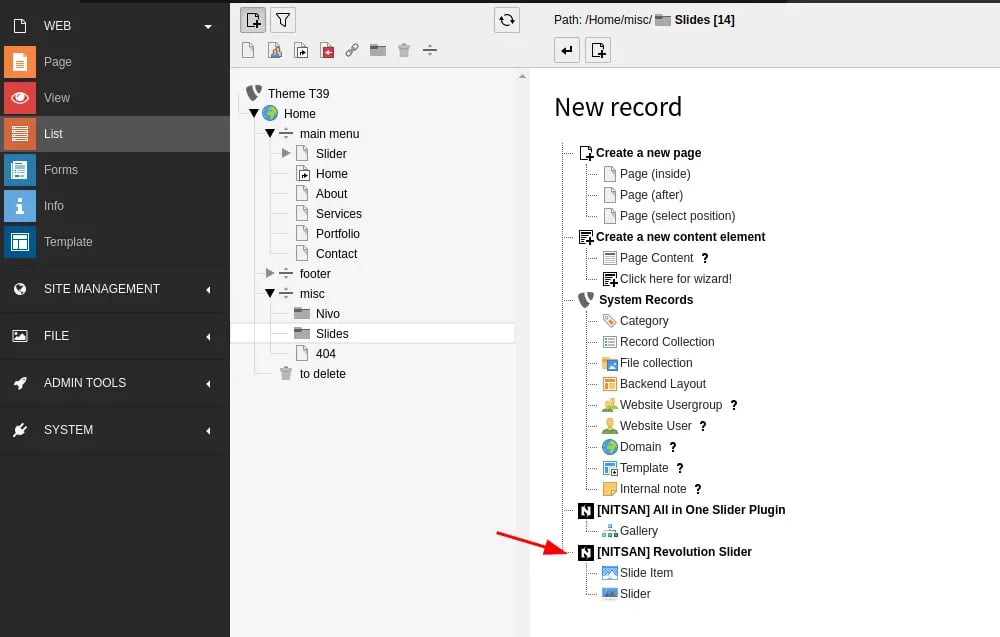
- Create Storage Folder and Add “Slider” and “Slider Item” Records.
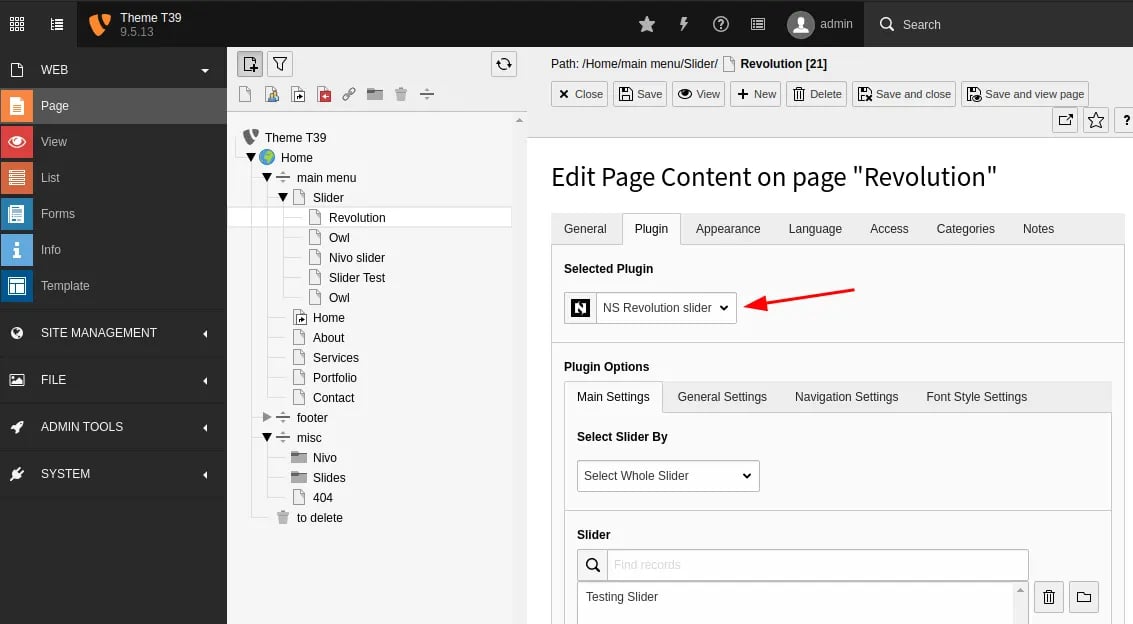
- Now, Just Insert “NS Slider Revolution” Plugin, Choose your Storage Folder & Configure Slider Options.