Configuration
Activate Revolution Licenses
Step 1: Go to NITSAN > Slider Revolution Module at TYPO3 Backend. Step 2: Add your License key at “Slider Revolution Responsive jQuery” Step 3: Add your License key at “Revolution jQuery Visual Editor”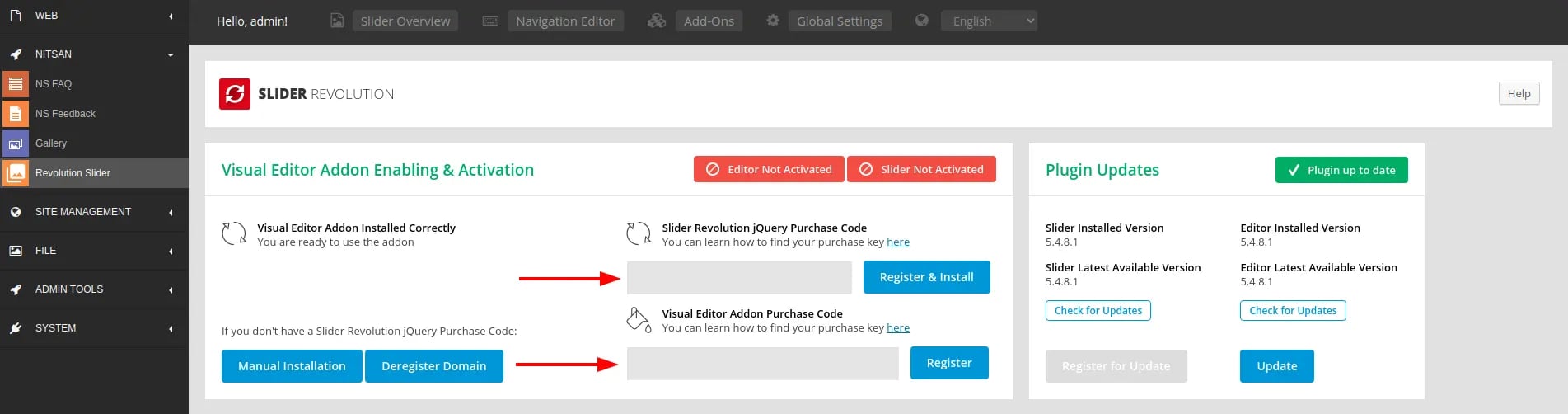
Backend Module: Manage Slider Revolution
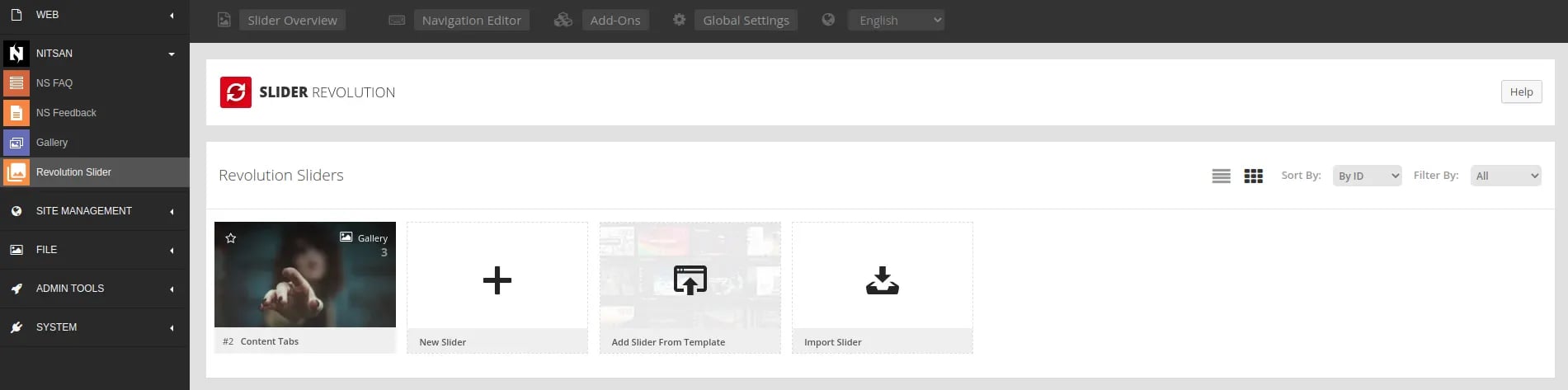
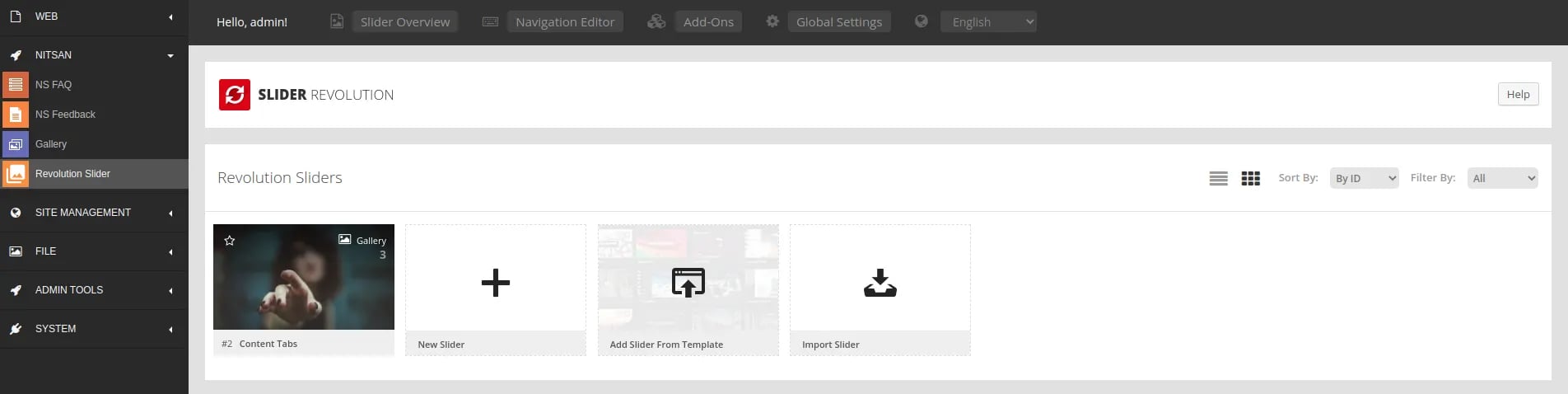
- Switch to the NITSAN > Slider Revolution Backend Module.
- Create unlimited number of Slider Revolutions with all awesome features.
Frontend Plugin: Insert Slider Revolution
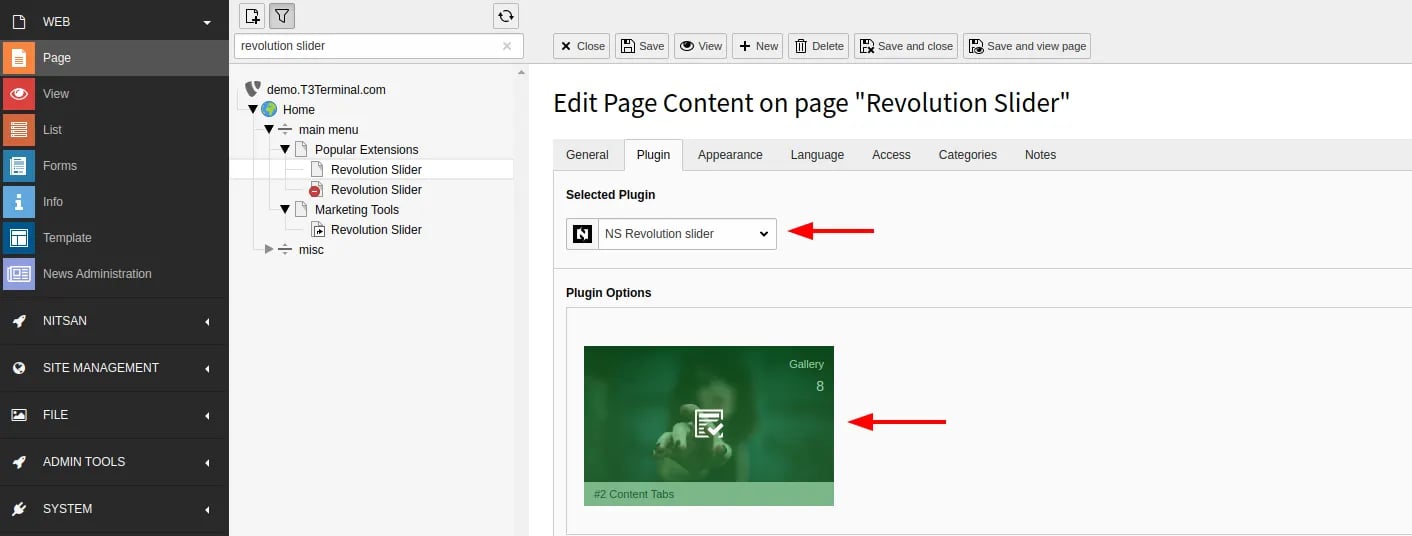
- Go to Page > Choose your page where you want to insert Slider Revolution
- Insert “NS Slider Revolution” Plugin
- Choose your favourite slider (from your created at Slider Revolution backend module).
Clearing the cache
Please use the buttons ‘Flush frontend caches’ and ‘Flush general caches’ from the top panel. The ‘Clear cache’ function of the install tool will also work perfectly.Global Settings
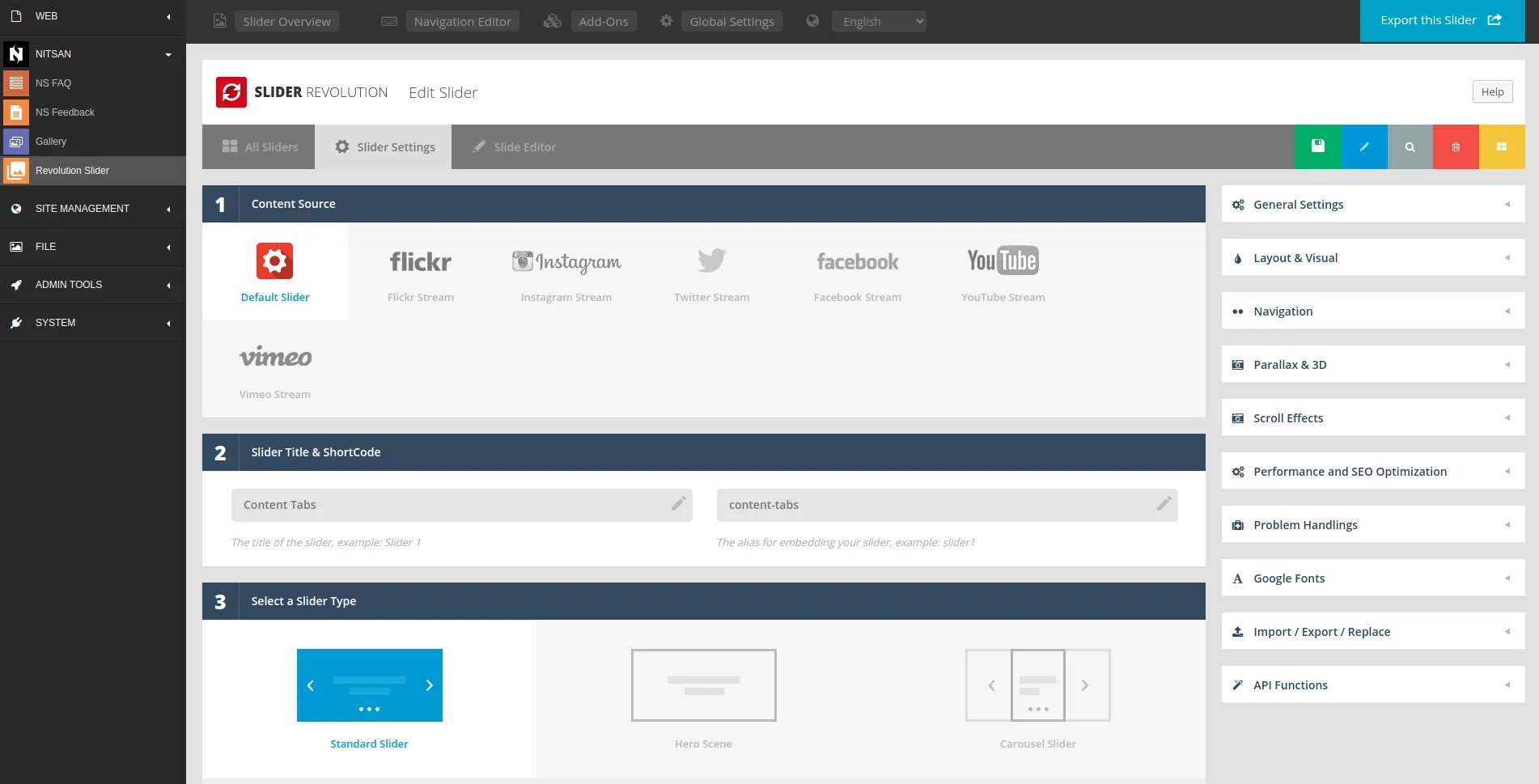
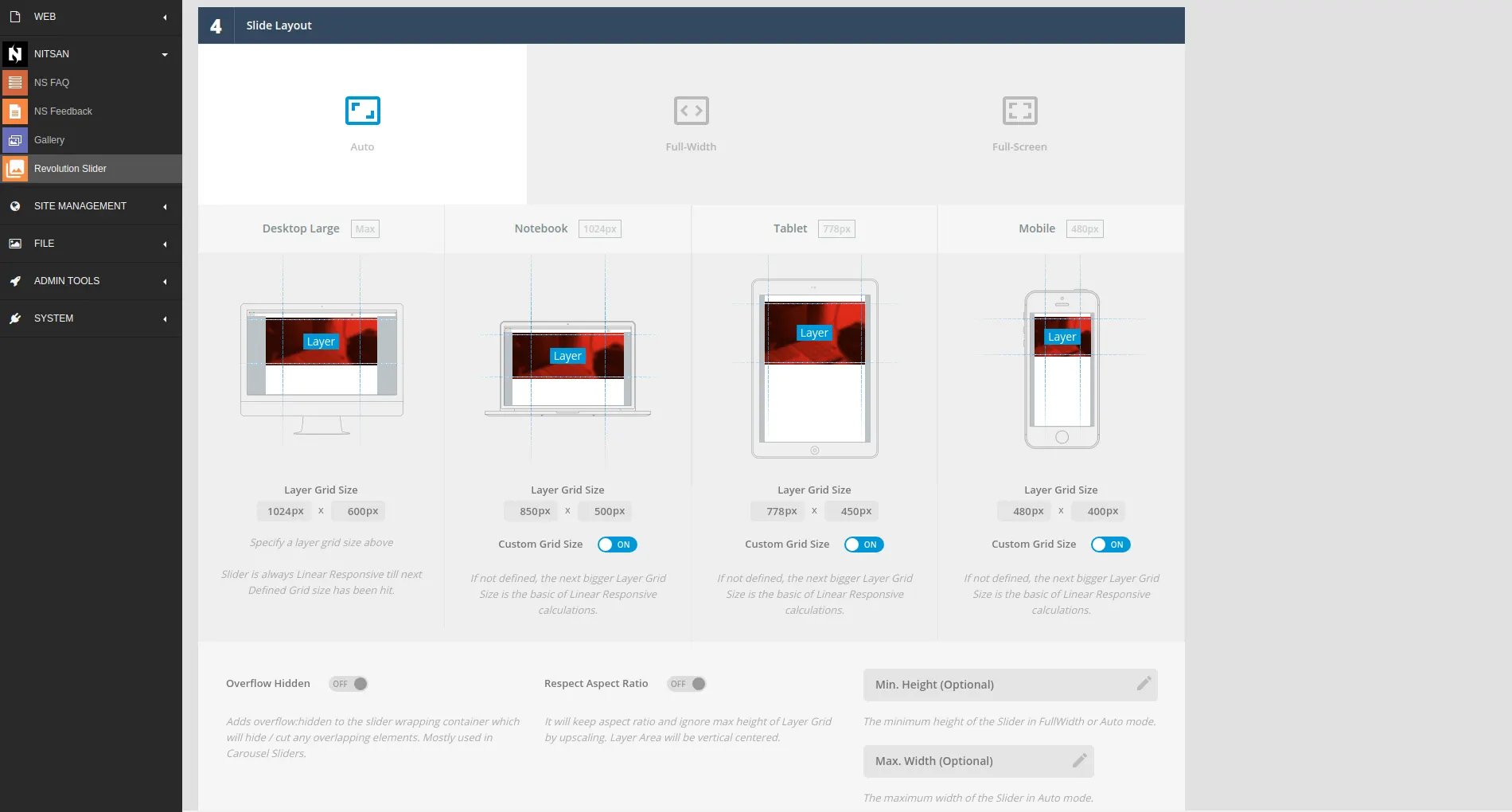
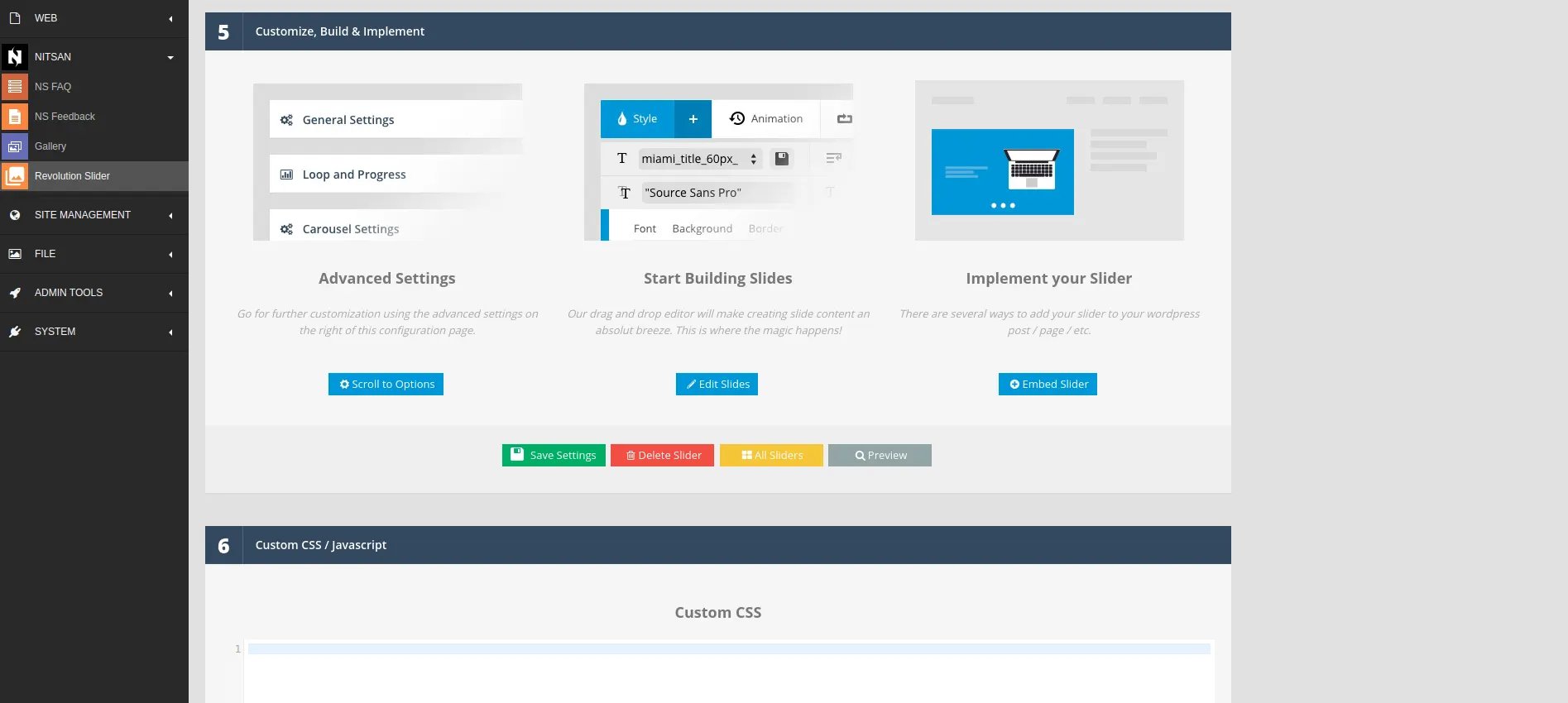
Slider Settings
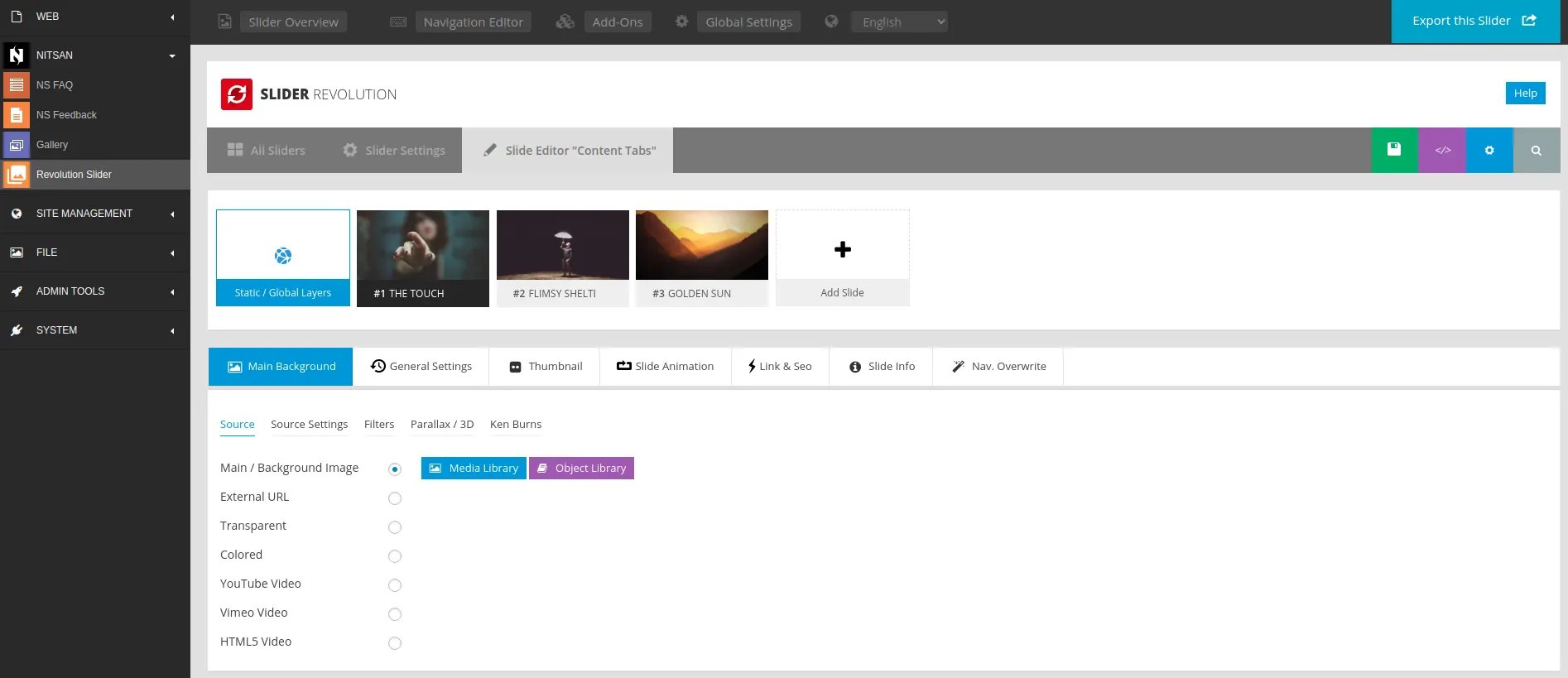
Drag-n-Drop Slider
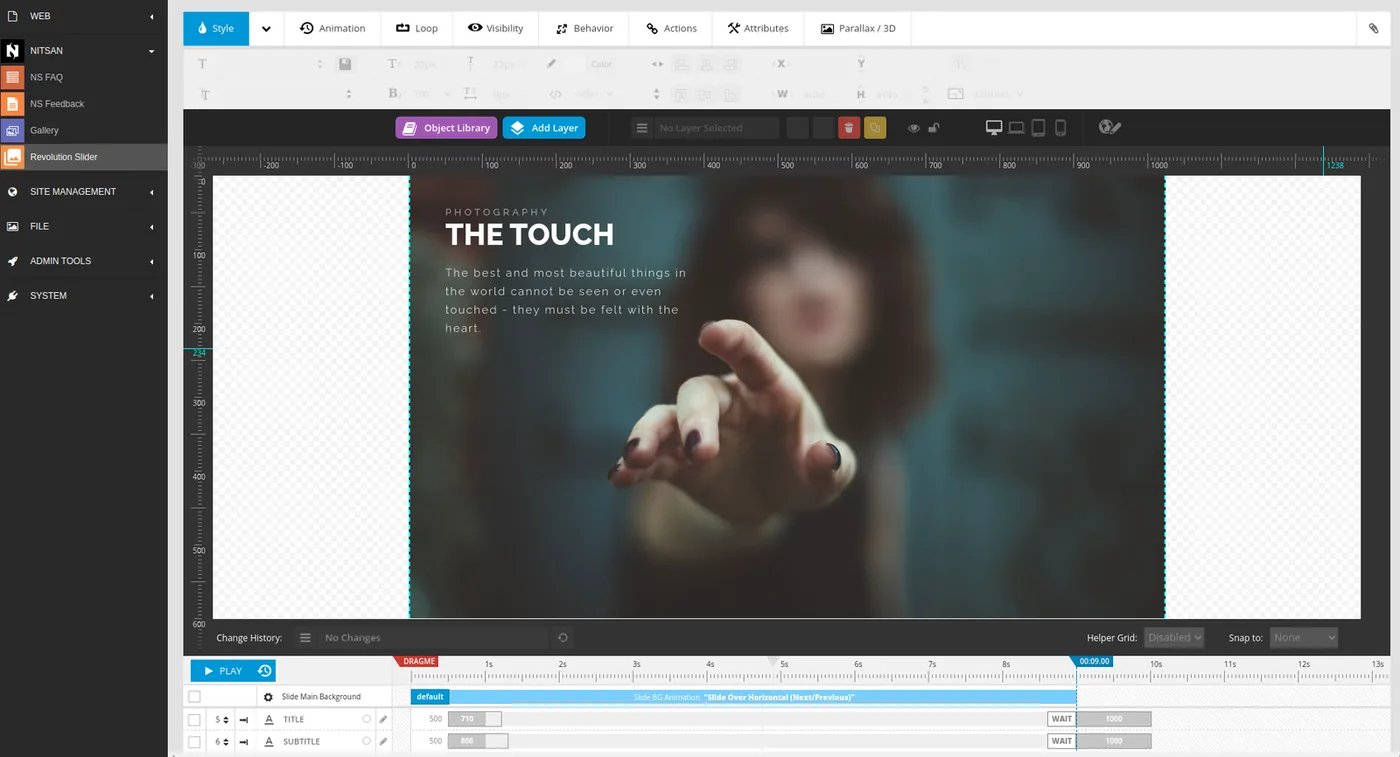
Manage Sliders