

k3n/tonictypes_pro / tonictypes_pro). Extension Manager title: Tonictypes Pro: Enterprise Edition – Full Stack. Vendor: Keeen GmbH.
It always needs free Tonictypes Core (tonictypes).
Pro does not replace Core; it adds to it. Everything you build with Core keeps working, and Pro contributes extra field types, backend shortcuts for editors, a link handler, branding options and AI tools. Consider Pro when editors need structured FlexForm input, content elements inside records, or faster access to records from anywhere in the backend.
Requires: Core · nitsan/ns-license · AI Foundation (nitsan/ns-t3af) · PHP 8.2–8.5 · TYPO3 12.4–14.9 — full list: Installation → What to install
Install
License activation, Composer packages (Composer), Site Sets /config.yaml (Site Sets), static templates, and caches: Installation.
What Pro adds
| Other advanced fields | Content, Fluid, UserFunc, Inline, … — see Other advanced fields |
| MCP tools | Let an AI assistant list, create and update datatypes, fields and records — via AI Foundation |
| Link handler | Link to Tonictypes records from the link browser, e.g. from the rich-text editor |
| Form hooks, branding | Replace the Tonictypes logo and support e-mail with your agency’s, hide the support message — User TSconfig |
Datatype Export / Import is free Core from 2.1.0 — Import / Export.
FlexForm Field
The Pro field type FlexForm Field (Pro) stores a whole FlexForm inside one record column (mediumtext). The editor sees the FlexForm’s fields inside the record form; the structure is defined by a FlexForm data structure that you provide.
Where the structure comes from
The FlexForm data structure is read from the field’s Field Values tab:
If several values exist, the one marked Is Default wins, otherwise the first one.
Example: FlexForm Field
- Create new record → Field → Type FlexForm Field (Pro), Frontend Label
Details. - Field Values → add a Static Value with
FILE:EXT:my_sitepackage/Configuration/FlexForms/Details.xml. - Assign the field to your Datatype and Update Table / Update Class.
dv:format.flexFormToArray (<f:debug> the result first to see the exact array path).
Other advanced fields
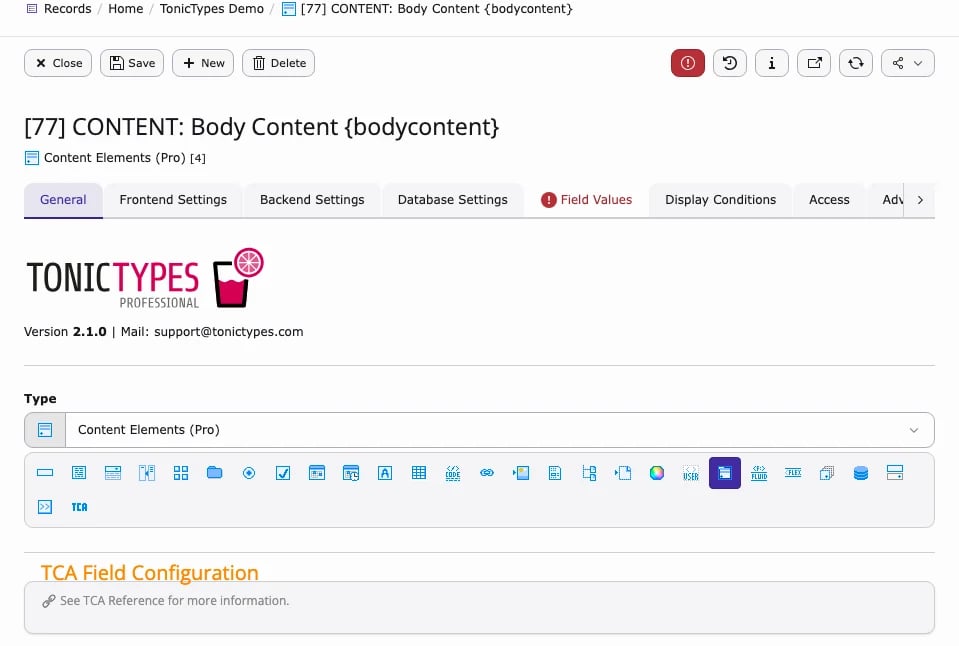
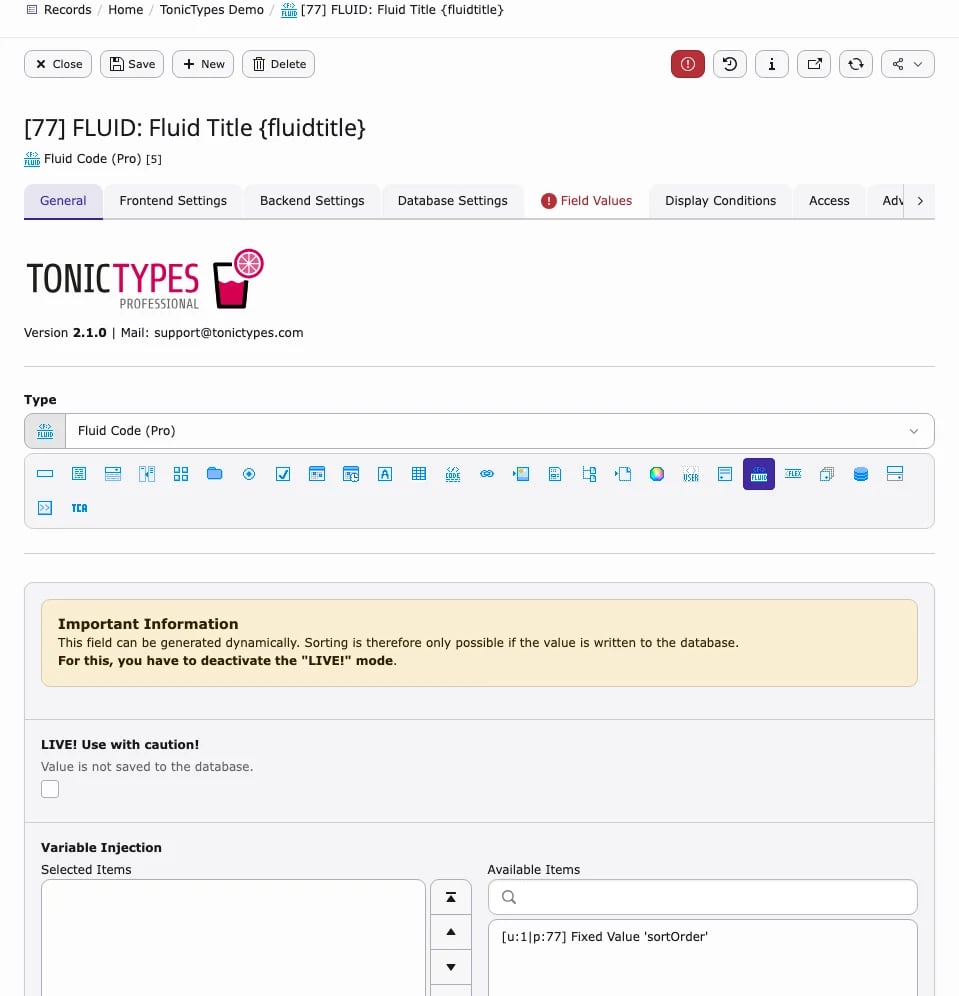
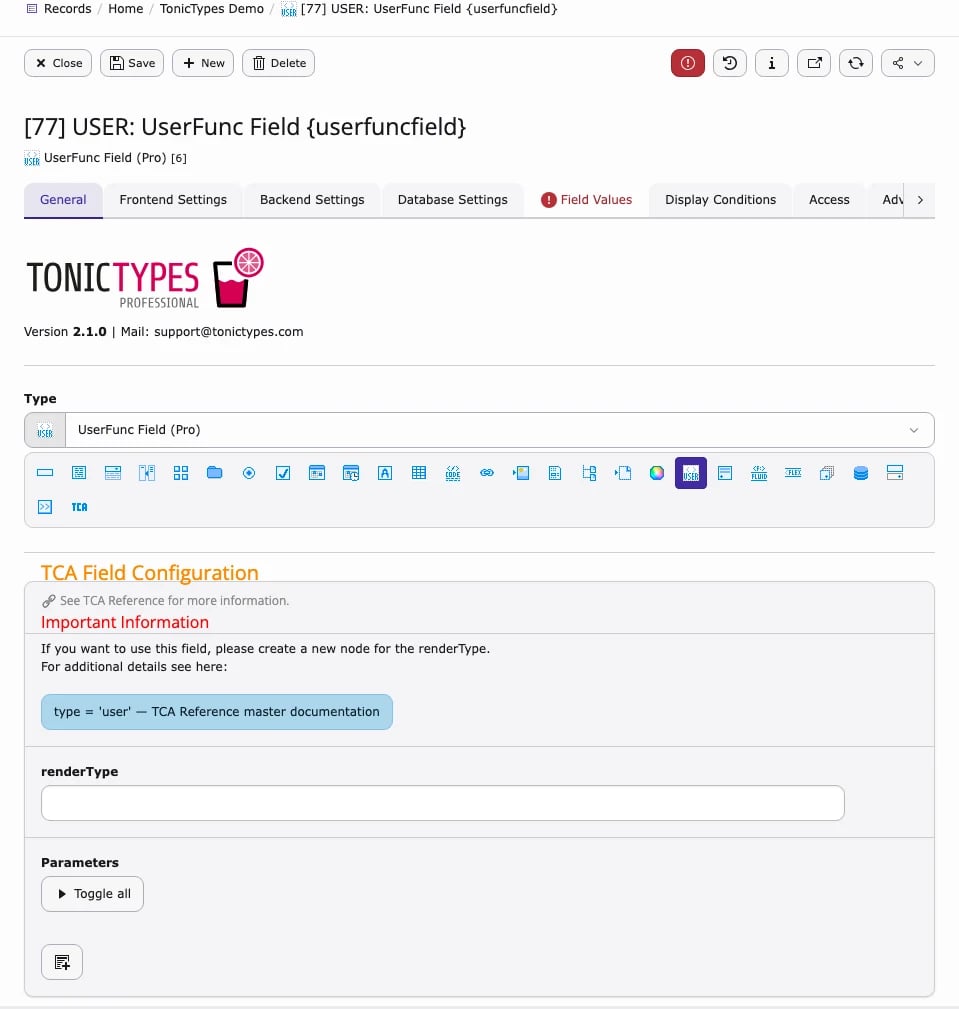
All Pro field types are chosen in the field’s Type selector like the Core types and are marked (Pro):Content
Fluid
UserFunc
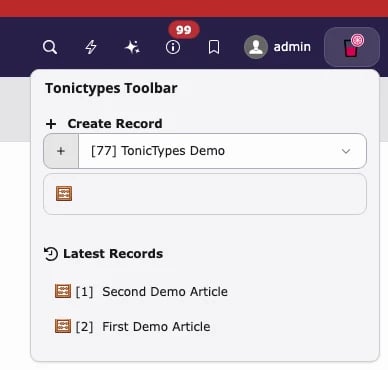
Toolbar and DocHeader
Toolbar screenshot and thedisableTonictypesToolbarItem snippet: Installation → User TSconfig. DocHeader buttons: Page TSconfig.
Link handler
Pro registers a link handler so editors can link to Tonictypes records from the TYPO3 link browser. In the link browser a Tonictypes tab appears: first choose the datatype, then the record. The link stays valid when the record’s title or URL changes, because it points to the record itself rather than to a copied URL.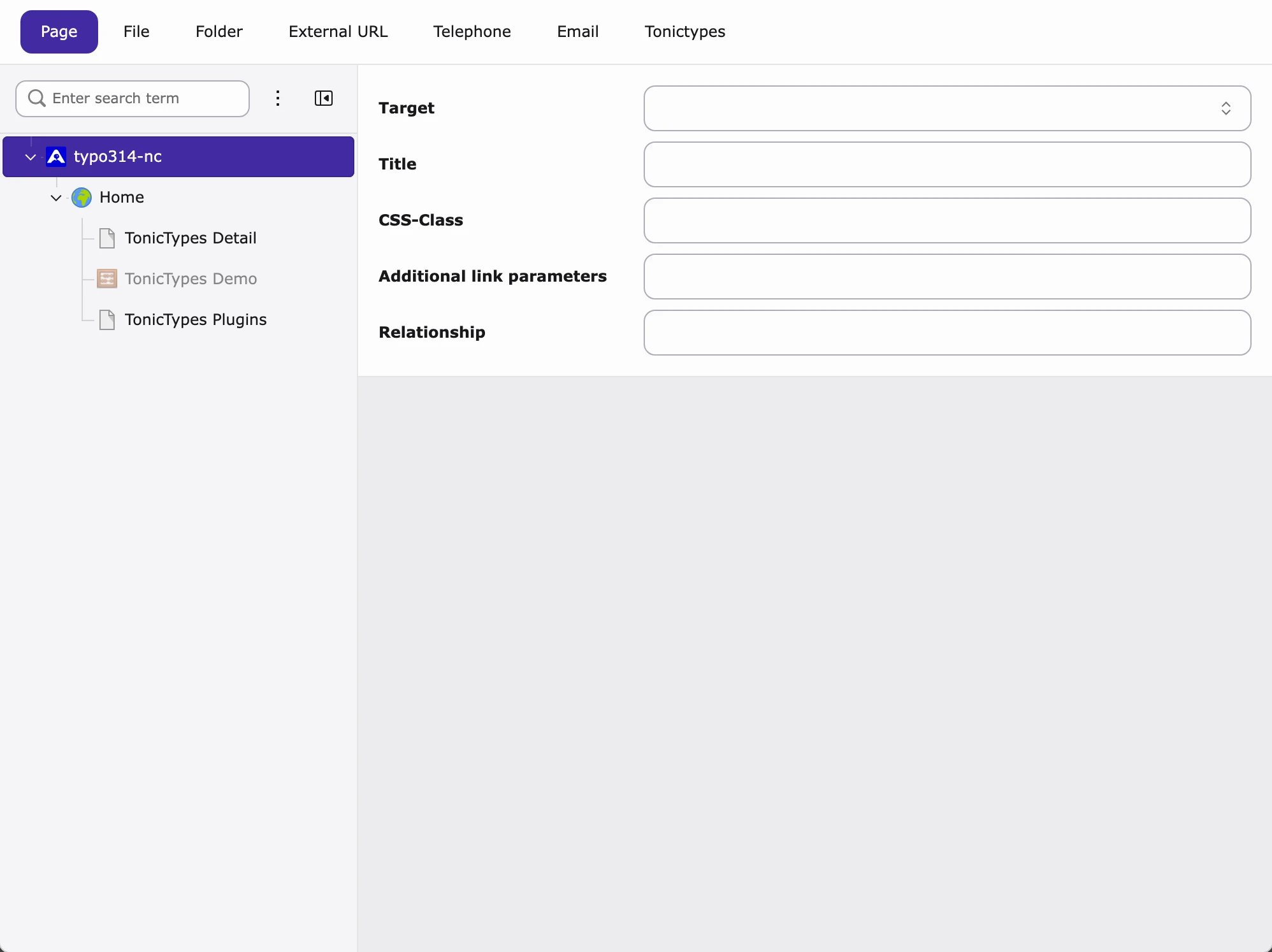
MCP tools
MCP (Model Context Protocol) lets AI assistants call functions in your TYPO3 installation. With AI Foundation configured, Pro offers these tools, so you can for example ask an assistant to create a datatype with its fields, and then publish it (create table and class):
Needs AI Foundation MCP and a valid license where applicable.
Links
- License
- Product: t3planet.de/tonictypes
- Core TER: extensions.typo3.org/extension/tonictypes
- Core issues: github.com/Keeen-GmbH/tonictypes
- Support: t3planet.de/support · support@tonictypes.com