

Tonictypes
Tonictypes lets you build custom TYPO3 record types (News, Jobs, Events, Products, …) in the backend — without writing a separate extension for each type. This documentation leads with Tonictypes Pro (tonictypes_pro). Free Tonictypes Core (tonictypes) is always required. Pro also requires AI Foundation (EXT:ns_t3af) and ns_license.

tonictypes)
Why Tonictypes exists
Most websites need a few structured content types that TYPO3 does not ship: job offers, team members, events, products, testimonials. The classic way is to write (or generate) an extension per type and to maintain it through every TYPO3 upgrade. Tonictypes moves this work into the backend: the structure of a record type is itself stored as records, so an integrator can add, change or remove properties without touching PHP code, and the generated code stays in one extension that is maintained for you.What does it do?
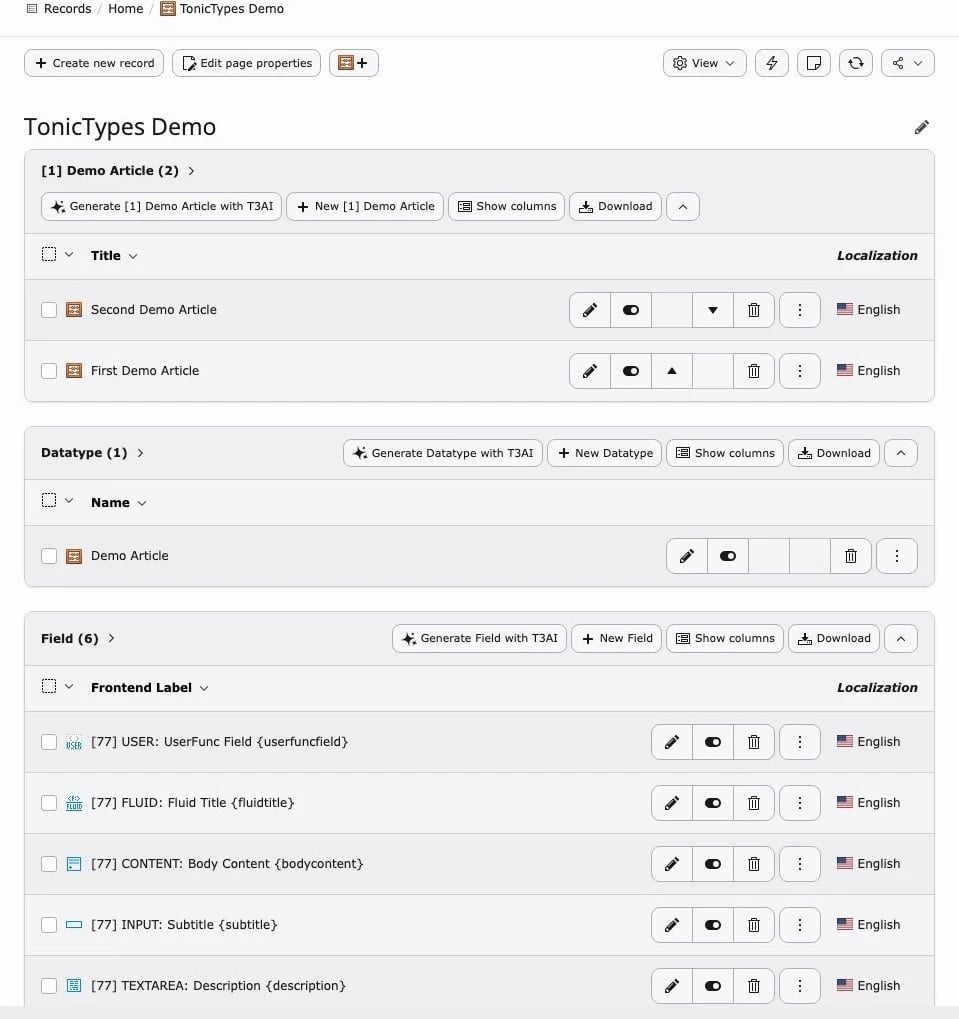
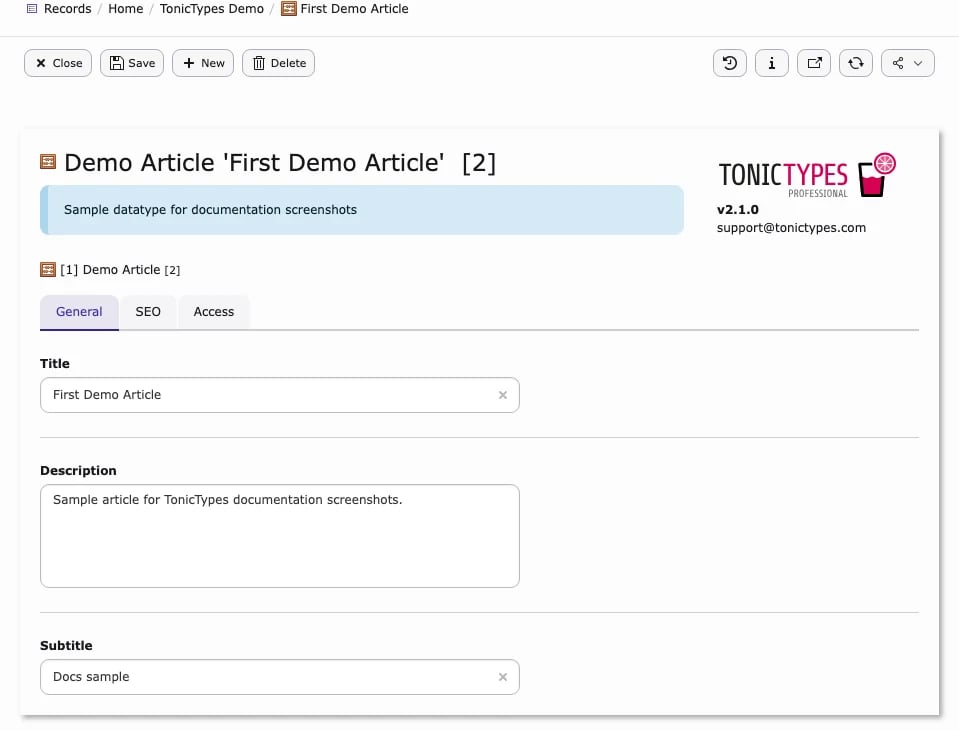
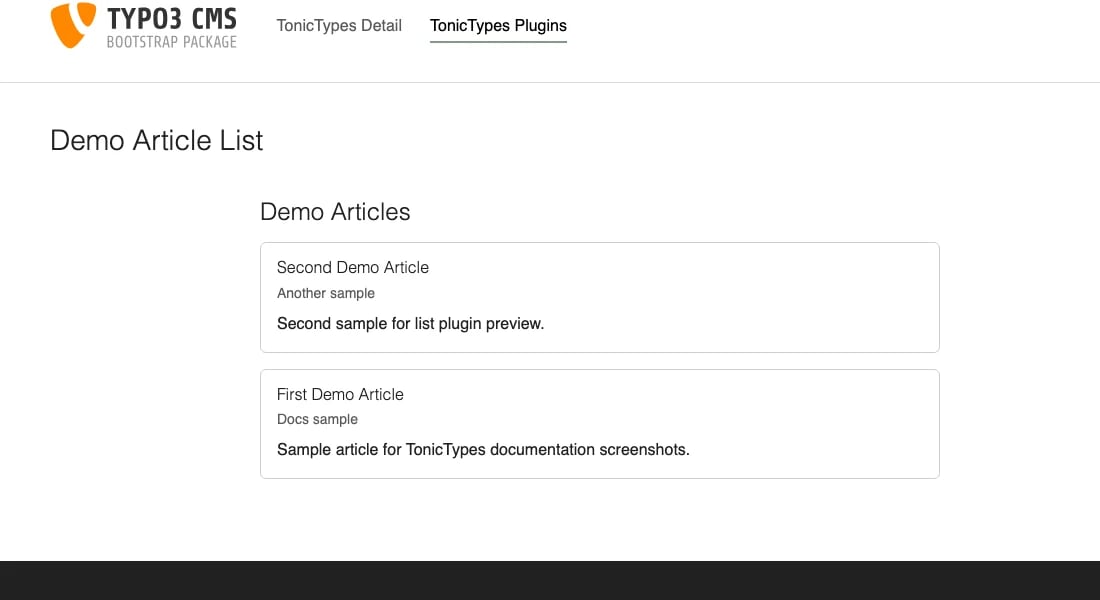
You define fields and a datatype. Tonictypes generates the database table, TCA, and PHP classes. Editors create and edit records like any other TYPO3 record. You output them with Fluid and the built-in frontend plugins.
Two more terms appear throughout the documentation:
How it works behind the scenes
- You describe the structure. Fields and datatypes are ordinary records in the tables
tx_tonictypes_domain_model_fieldandtx_tonictypes_domain_model_datatype. - Update Table creates or migrates a real database table for the datatype, named
tx_tonictypes_domain_model_record_<name>— one column per assigned field. - Update Class writes an Extbase model and a repository class into the
tonictypesextension folder (for exampleClasses/Domain/Model/Record/Demo/Article.php). Frontend plugins and ViewHelpers use these classes to load records. - At runtime Tonictypes builds the TCA (the TYPO3 form and table configuration) for each datatype table from your field records, so the backend form always matches the current field setup. Datatypes whose table does not exist yet are skipped.
- The generated TCA is cached when Cache generated TCA is on. That is why you clear the TYPO3 caches after structural changes.
Core and Tonictypes Pro
| Toolbar, DocHeader buttons, MCP, link handler, branding | — | Yes |
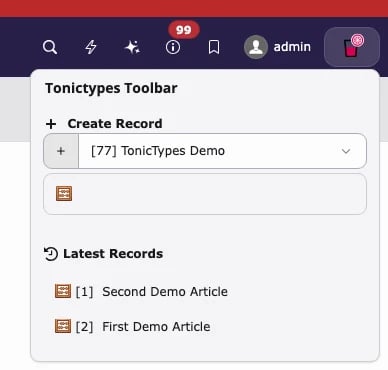
Core is enough for classic record types built from standard fields (input, text, select, date, image, relations, …). Choose Pro when editors need structured FlexForm input, embedded content elements, computed Fluid output, quick access from the backend toolbar, or links to records from the rich-text editor.
Where you work
Do not create fields or datatypes in the Page module. Do not create plugins in the Records list.
Helpful links
- Product: https://t3planet.de/tonictypes
- Free Core (TER): https://extensions.typo3.org/extension/tonictypes
- License (Pro): License documentation
- Support: https://t3planet.de/support
Next steps
- Installation — install Core and Pro, activate Site Sets
- Getting Started — first field → datatype → records → plugin
- Frontend Plugins — show records in the frontend
- Import / Export — move structures between sites