Create a field
- Open a storage folder in Records (v14: Content > Records; v12/v13: Web > List).
- Create new record → tonictypes → Field.
- Set Type and Frontend Label (this also builds the Fluid variable name).
- Save. Repeat for each property.
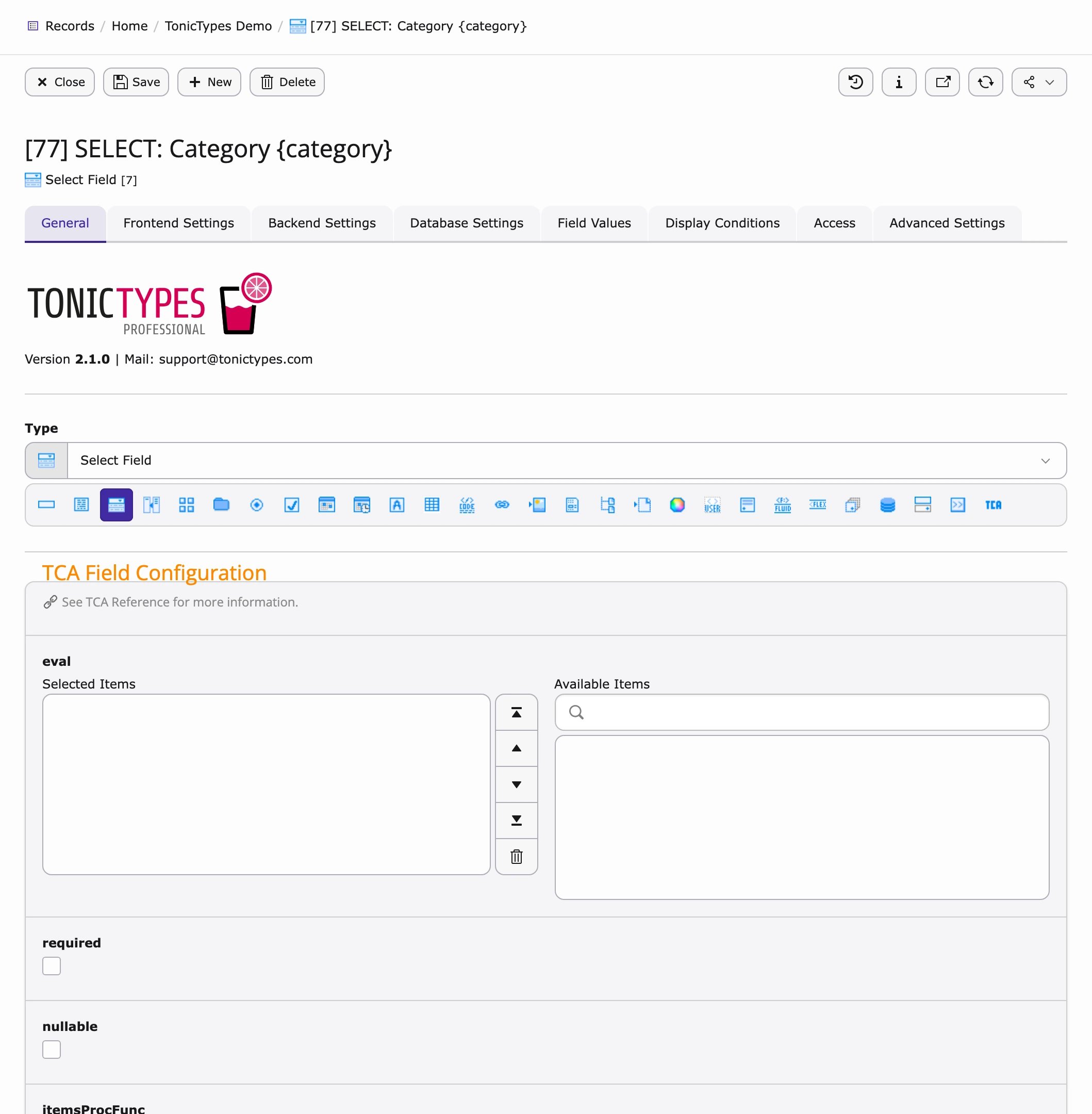
[pid] TYPE: Label {variable} — for example [77] INPUT: Title {title} — so you can see its storage page, type and variable name at a glance.
A field only appears in a datatype’s Fields selector if it is on the same storage page as the datatype and has a Frontend Label, a variable name and at least one Field Value.
Field types in Core
Pro types (FlexForm, Content, Fluid, UserFunc, …): Tonictypes Pro.
Developers can register their own field types under
plugin.tx_tonictypes.fieldtypes in TypoScript (class, icon, label, FlexForm) — the Core setup contains a commented customfieldtype example.
Main tabs (what they mean)
Field Values (select options)
A field value is a source of values for a field. For select, radio and checkbox fields the field values become the options; for other types the value marked Is Default pre-fills new records.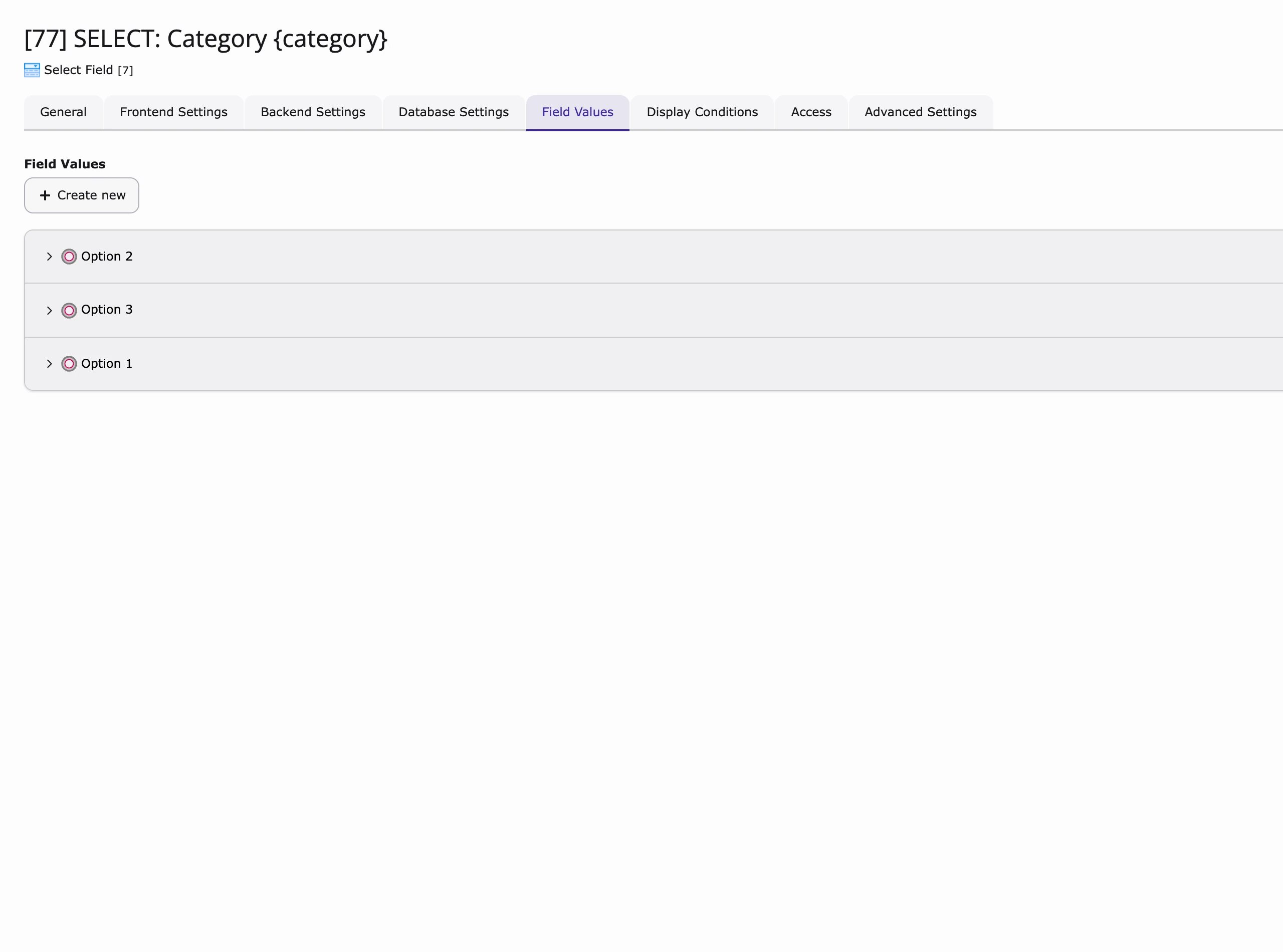
- Static Value — fixed text. Write
Label|valueto show a label but store a different value (for exampleRed|red); without|label and value are the same. - Database Value — rows from a table: choose Table Content, Column Name and an optional Where Clause; the Value Content is Fluid, rendered once per row, so you can combine columns into a label.
- TypoScript — the result of a TypoScript object, useful when options depend on site configuration.
- Values of all records — values already used in existing records of this field.
Access
Use Hide to take a field out of all record forms without deleting it, or Start / Stop to limit that to a time window. Existing record data stays in the database.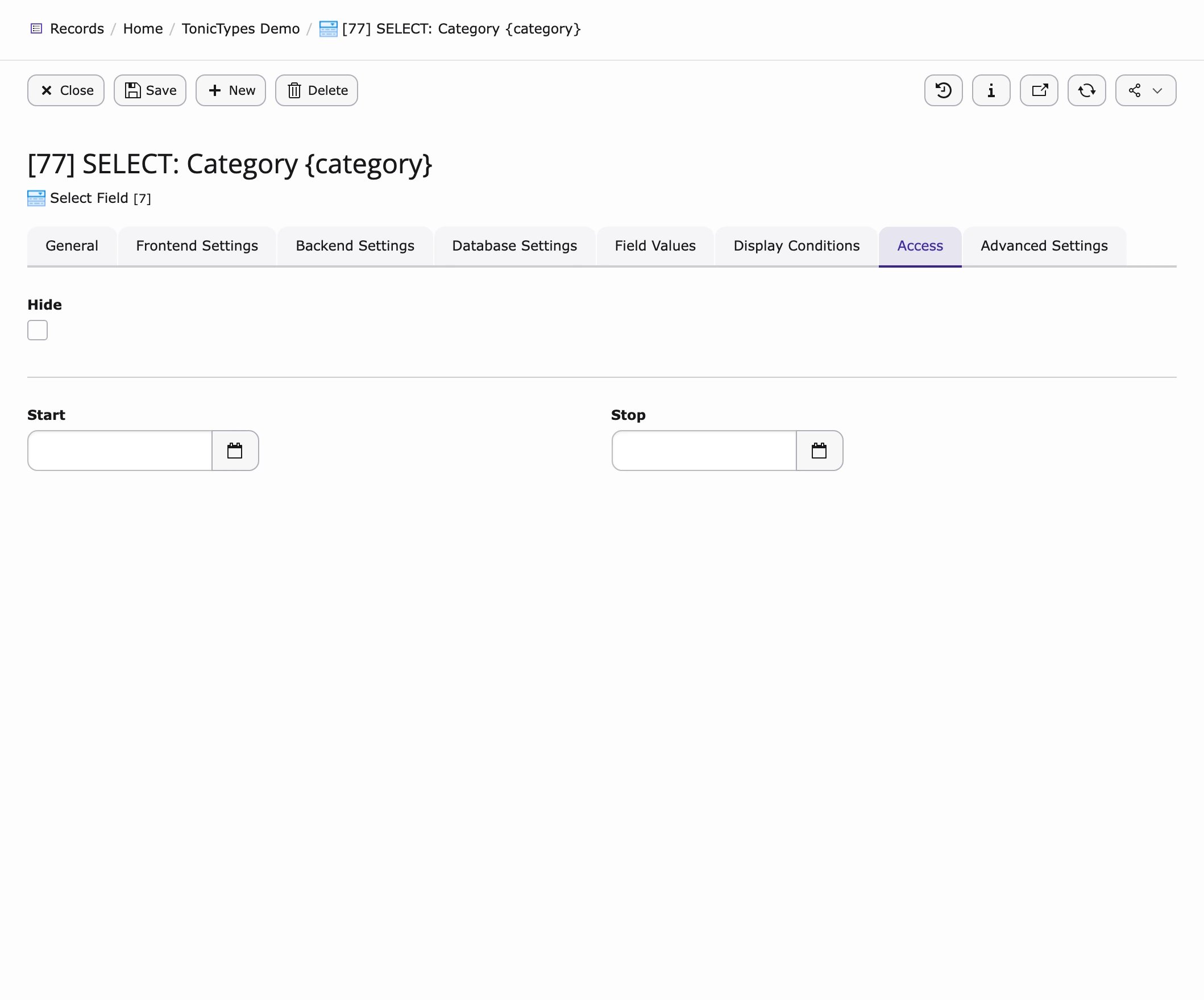
Advanced Settings
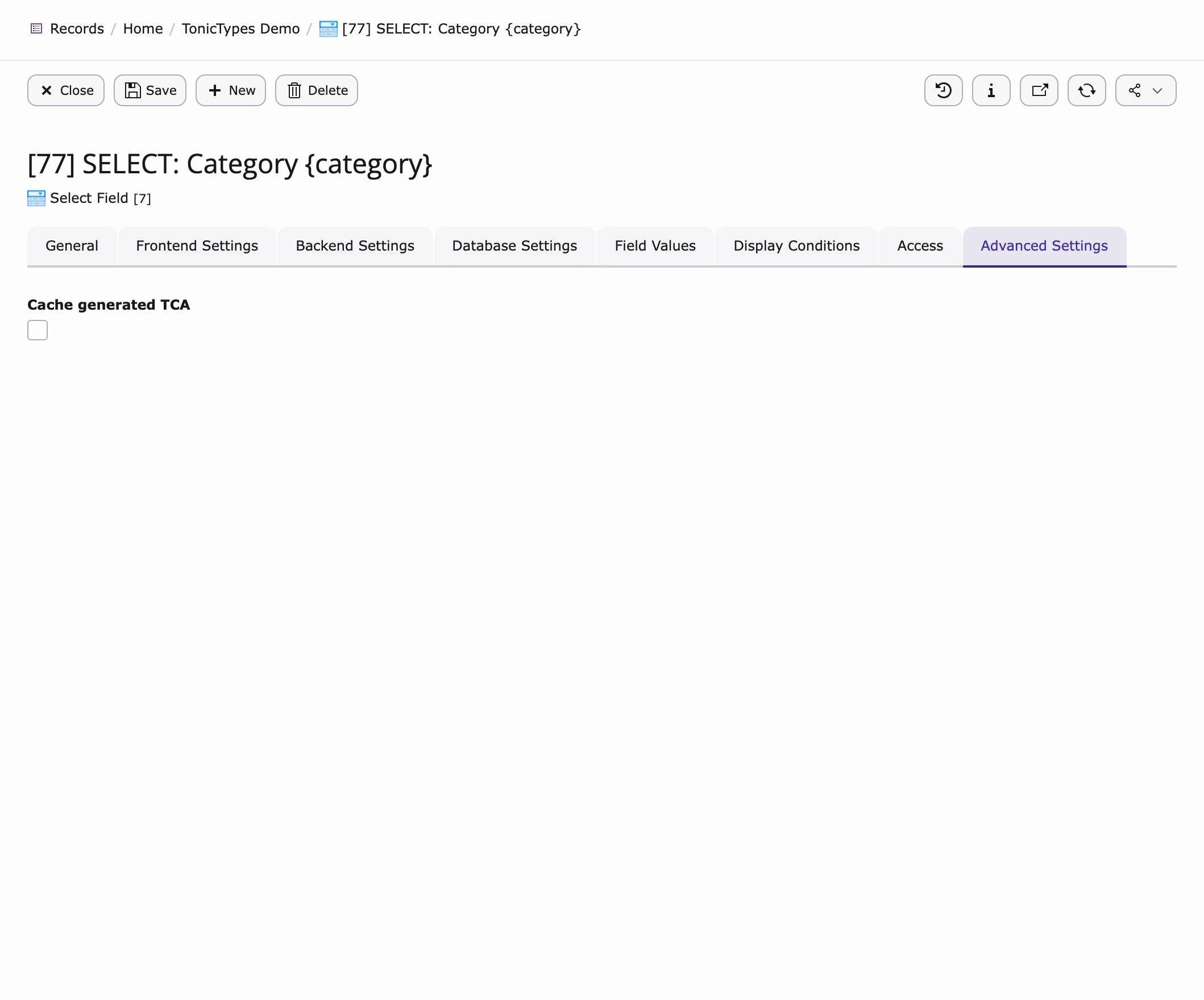
Cache generated TCA stores the generated form configuration of this field, so TYPO3 does not rebuild it on every request. The cache is refreshed when the field’s type, configuration, variable name or exclude setting changes. If the datatype itself has caching enabled, all its fields are cached anyway.