Namespace
Usedv: (K3n\Tonictypes\ViewHelpers). Registered automatically with Core. For the optional xmlns snippet (IDE autocompletion) see ViewHelpers → Namespace.
Variables
The plugins also provide:
Injected Template Variables appear under their own names.
Debug with
<f:debug>{_all}</f:debug> or <f:debug>{record.fieldname}</f:debug>.
Example: list template for Demo Articles
title, subtitle and description are the variable names of the fields from the Getting Started example. The link points to the detail page, where a Record Dynamic Detail plugin renders the same record as {record}.
Predefine templates in TypoScript
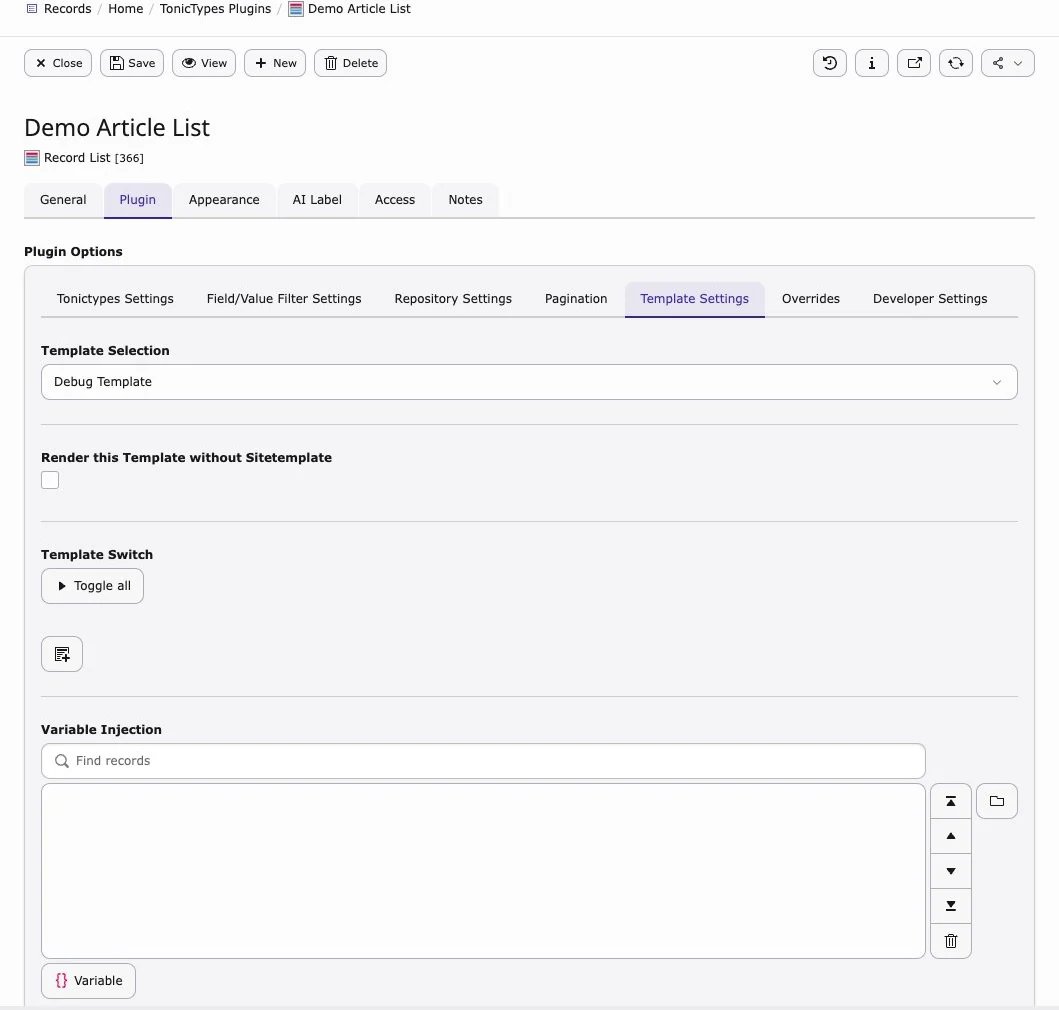
Register templates underplugin.tx_tonictypes.templates — TypoScript example: Installation → Predefined templates. They then appear in the plugin under Predefined Templates.
This is the recommended way for sites with several plugins: editors pick a named template from a list instead of typing file paths, and the integrator can change the file in one place. The group, name and icon settings only control how the template is presented in the selector.