

{yourVariableName}, and in plugin settings that accept Fluid, such as filter conditions. The value is resolved fresh on every request when the plugin renders.
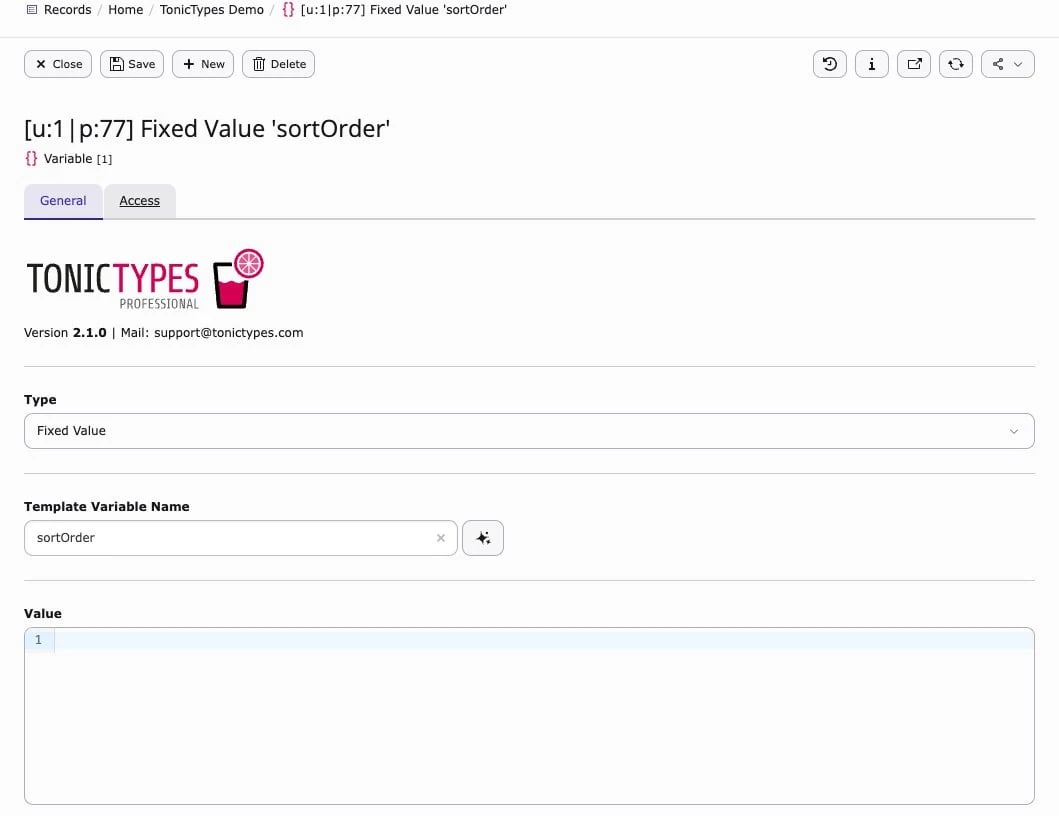
Create one
- Storage folder → Create new → Template Variable
- Set Template Variable Name (Fluid name)
- Pick Type (where the value comes from)
- Save · enable it on the plugin
record, records, part, cObj and settings are reserved by the plugins and cannot be used.
Types (overview)
After you choose a Type, the form shows only the settings that type needs.GET / POST extras
Values from the request come from the visitor and cannot be trusted. Tonictypes cleans each value, and these options let you restrict it further:- Type Definition · Regular Expression · Allowed Values
- Type Definition — cast the value to Boolean, Integer, Float or String, so
?limit=abcbecomes a number - Regular Expression — the value is dropped unless it matches the pattern
- Allowed Values — the value is dropped unless it is in the list
- Type Definition — cast the value to Boolean, Integer, Float or String, so
- Value Switch tab — change the resolved value with Fluid when a condition matches (first match wins)
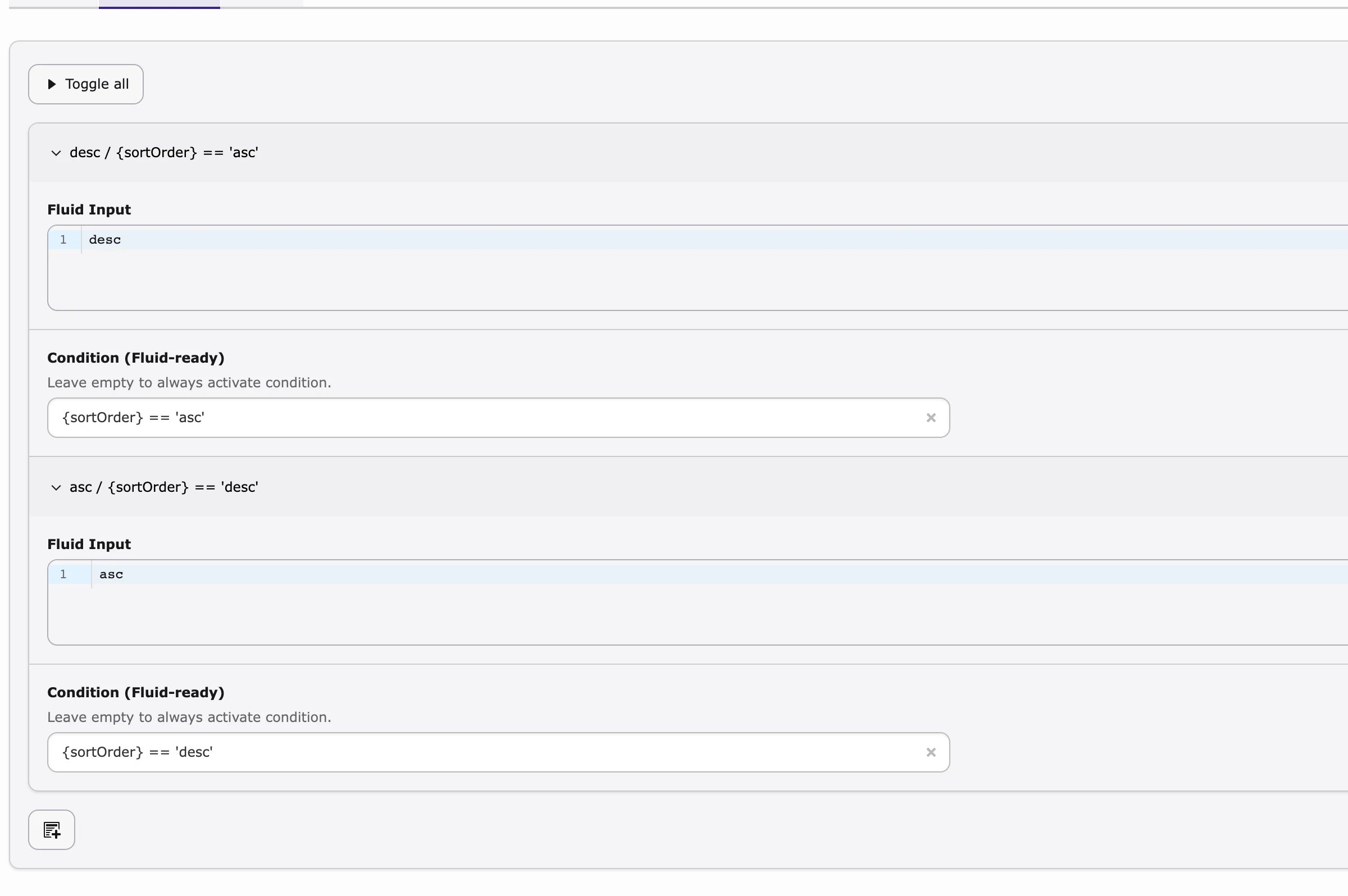
{sortOrder} == 'asc' → Fluid that returns desc (and the reverse).
Example: sort order from the URL
- Create a Template Variable, name
sortOrder, type GET Variable, Parameter Nameorder, and add the two entriesascanddescunder Allowed Values. - On the Record List plugin, select it under Variable Injection.
- In the template,
{sortOrder}now holdsascordescfrom?order=…; any other value is dropped. To let such variables drive the query’s sorting directly, use the plugin’s Overrides sheet — see Plugin configuration.