Just install this extension the usual way like any other TYPO3 extension.

For Premium Version - License Activation

To activate license and install this premium TYPO3 product, please refer to this documentation: License

For Free Version

Via Composer using Command Line
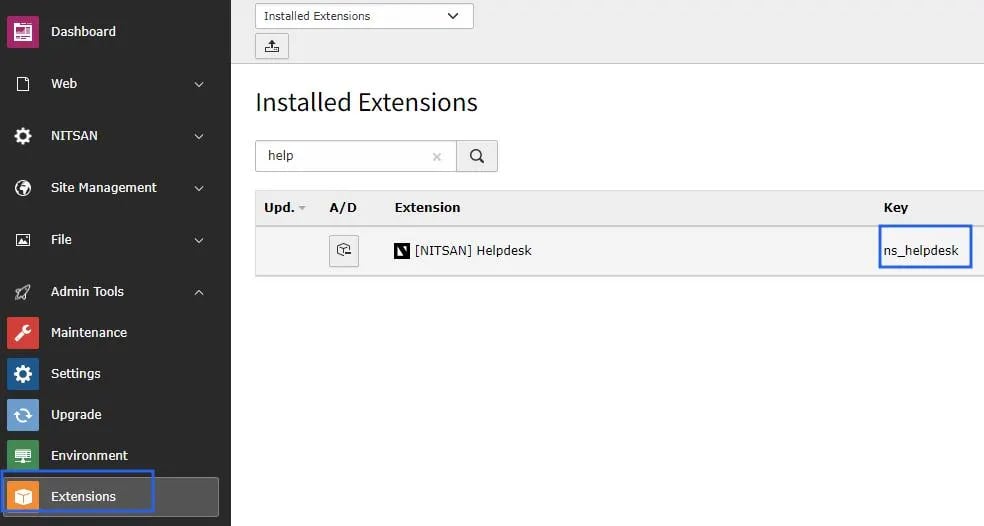
Via Extensions Module In the TYPO3 backend you can use the extension manager (EM). Step 1. Switch to the module “Extension Manager”. Step 2. Get the extension Step 3. Get it from the Extension Manager: Press the “Retrieve/Update” button and search for the extension key ns_helpdesk and import the extension from the repository. Step 4. Get it from typo3.org: You can always get the current version from https://extensions.typo3.org/extension/ns_helpdesk/ by downloading either the t3x or zip version. Upload the file afterwards in the Extension Manager. ns-helpdesk-typo3-install-extension
Include TypoScript

The extension ships static TypoScript that must be included on your site before you configure Helpdesk in the Constant Editor. Step 1. Open the TypoScript module and select the root page of your site. Step 2. Choose Edit TypoScript Record and click Edit the whole TypoScript record. Step 3. Open the Advanced Options tab. Step 4. Under Include TypoScript sets, select Helpdesk. Step 5. Save the TypoScript record.
After the TypoScript is included, continue with Global Settings.