

Step 1: Check the AI settings in AI Foundation
Some settings are shared by AI Chatbot and AI Search. They are in AI Foundation. Most websites can keep the defaults.- Go to AI Universe → AI Foundation → AI Features.
- Look for the cards with the badge AI Chatbot/Search: Provider Overrides, Rate Limiting, Training and Solr configurations.
- Click Configure on a card.
- Change the settings.
- Click Save.
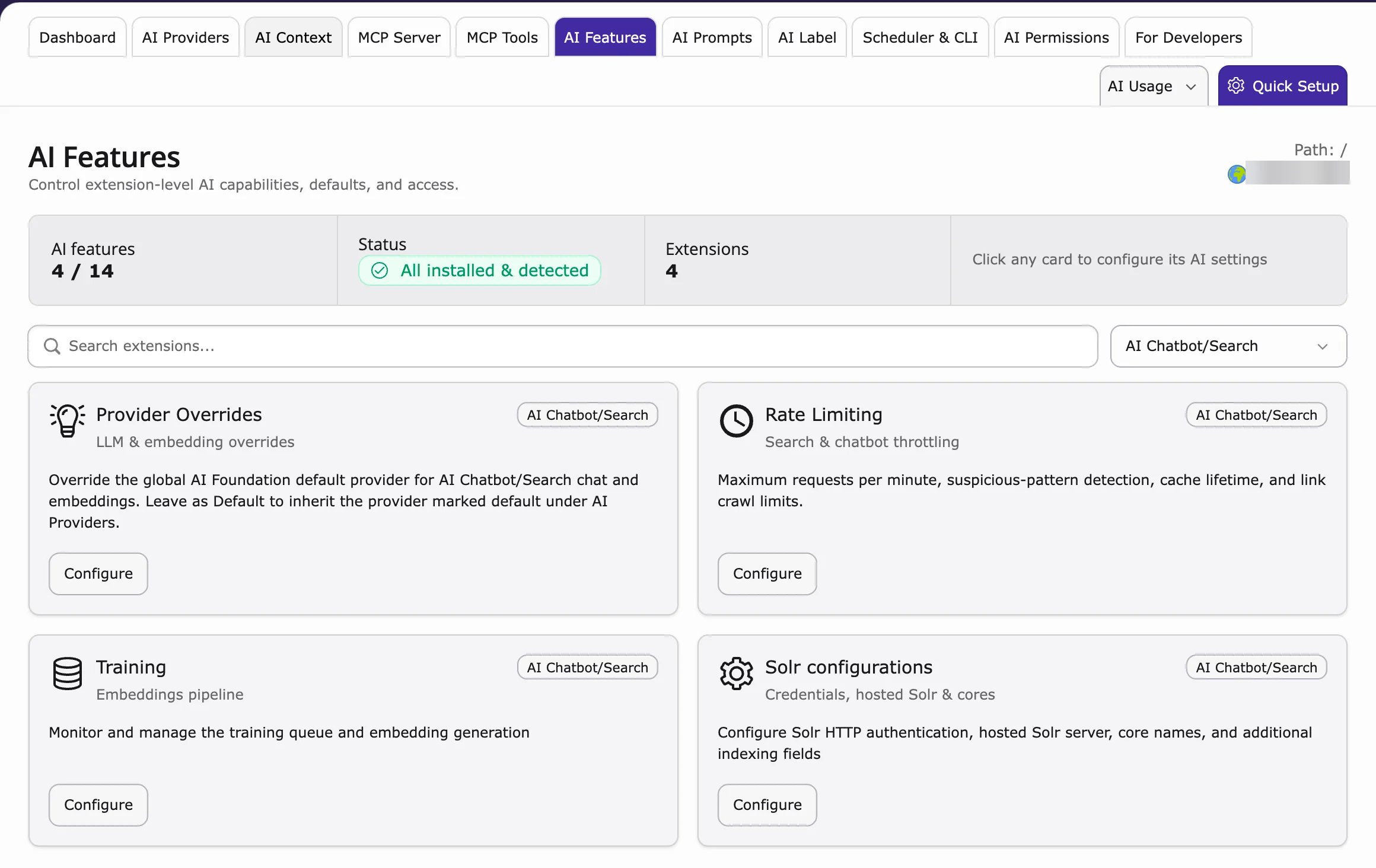
A change on these cards affects both AI Chatbot and AI Search. More: AI Foundation AI Features.
Step 2: Set up your AI provider
AI Chatbot uses the AI service you connected in AI Foundation, for example OpenAI, Google Gemini, Mistral, Anthropic Claude, Azure, Ollama or your own custom AI model (custom LLM).- To add or change it, see AI Providers.
- To use a different AI service only for the chatbot, use the Provider Overrides card (Step 1).