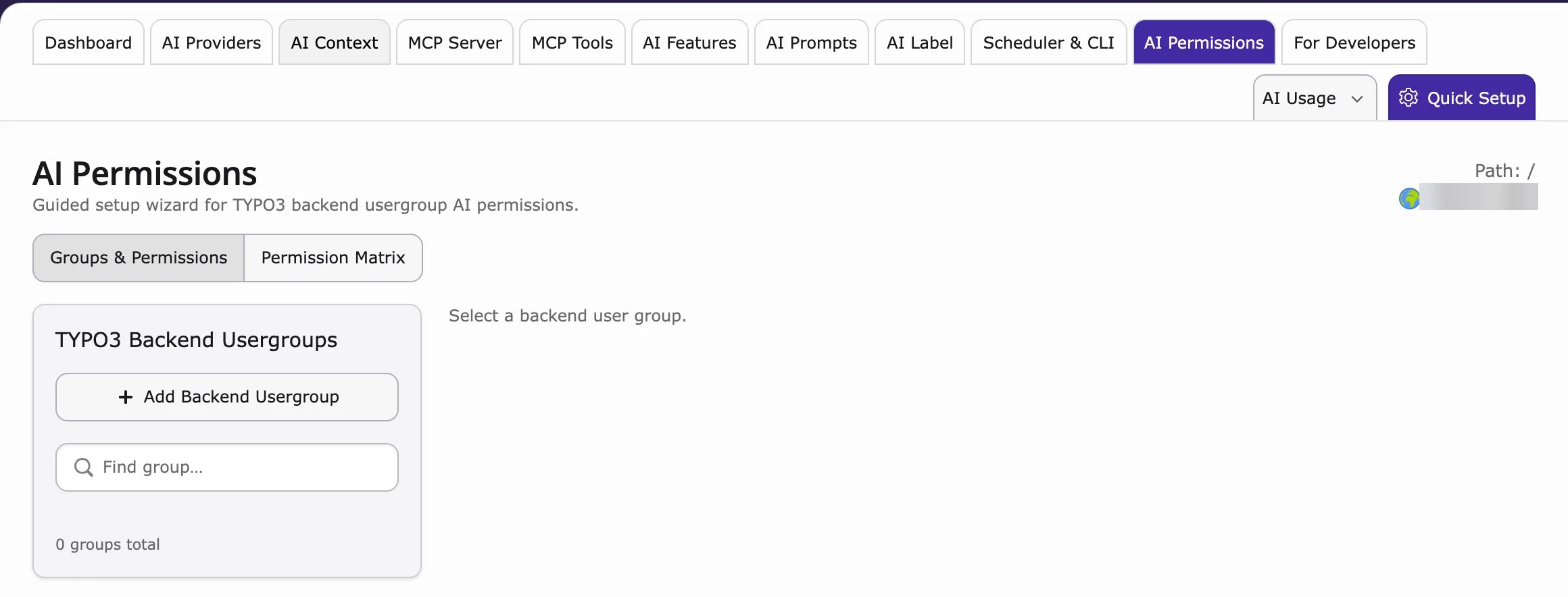
- Go to AI Universe → AI Foundation → AI Permissions.
- Under TYPO3 Backend Usergroups, select a group (or click Add Backend Usergroup).
- In the Permission Matrix, find the AI Chatbot/Search entries:
- Chatbot Configuration – view or edit the chatbot settings
- Chat Sessions – view or manage chats
- Chat Messages – read, delete or moderate conversations
- Chat Visitor History – view or delete visitor history
- Click Save.