

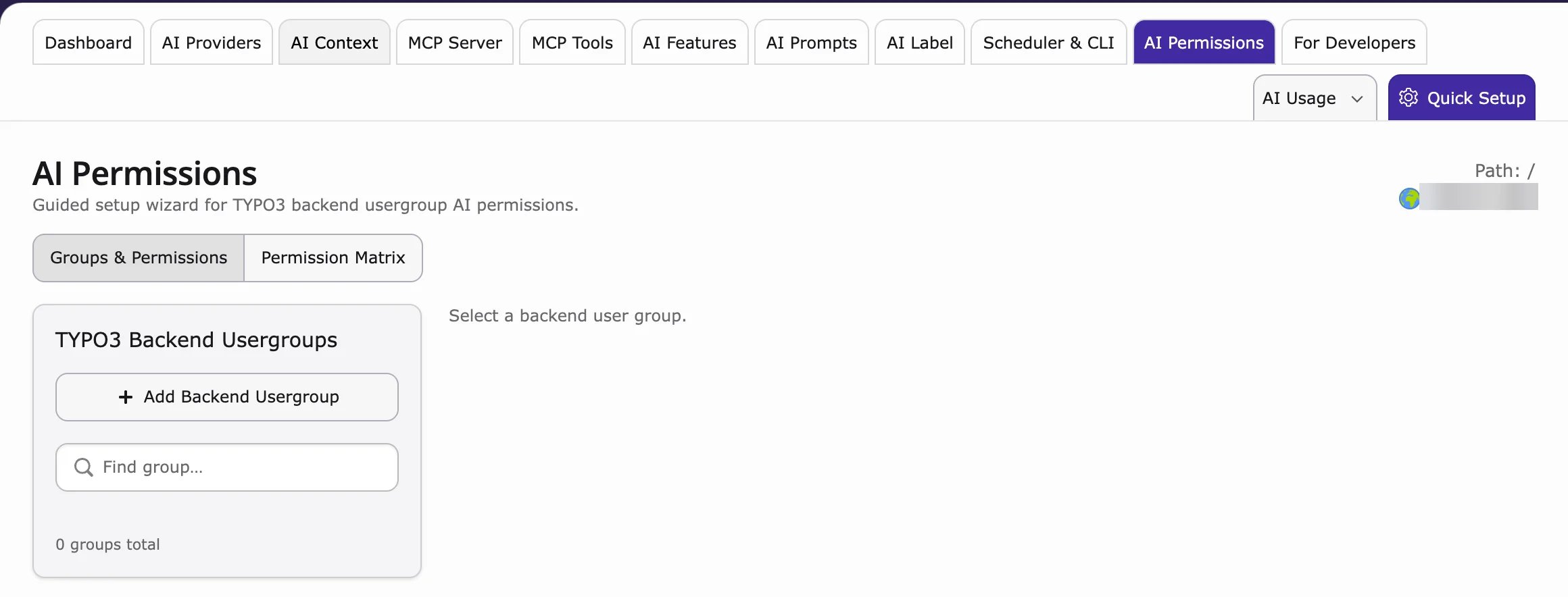
- Go to AI Universe → AI Foundation → AI Permissions.
- Under TYPO3 Backend Usergroups, choose a group (or click Add Backend Usergroup).
- In the Permission Matrix, find the AI Chatbot/Search entries:
- Search Widget Settings – the search settings
- Predefined Questions – the example questions
- Search Query History – what visitors searched
- Set the access and save.
Administrators always have full access.