

- Go to AI Universe → AI Chatbot/Search → Usage Analytics.
- Each row shows the search, a short answer, the rating, the page, language and time.
- Click a row to see the full answer and the sources it used.
- Use the filters (All Modules, All Languages) or the search field to find entries.
- Click Export to download the list.
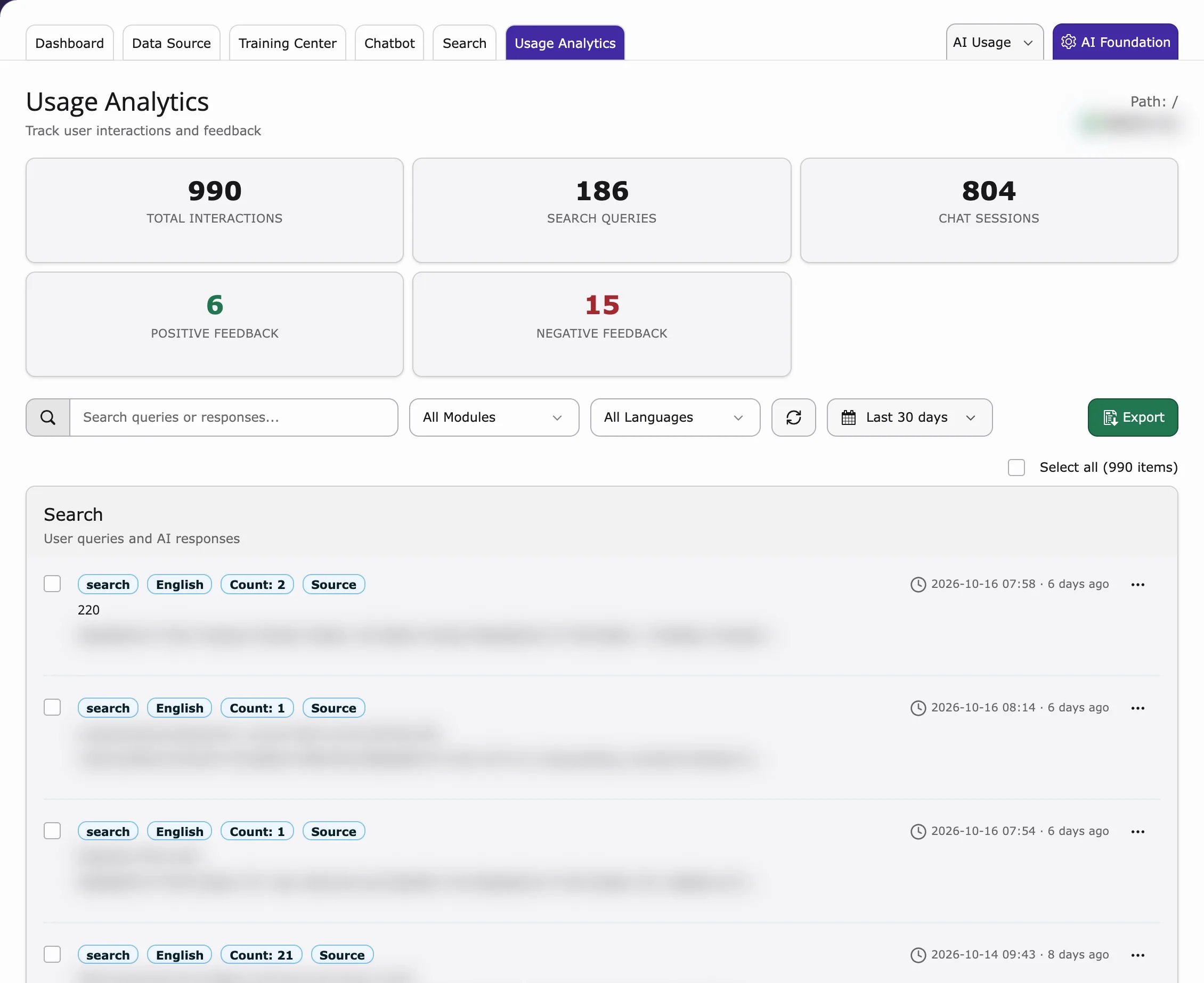
You only see entries if Save search history is on (Search → Settings). Ratings only appear if Enable Search Feedback is on.