

- Click Save Configuration once on the Search → Settings tab. The embed code appears only after that.
- Go to AI Universe → AI Chatbot/Search → Search → External Embed.
- Click Copy to copy the code.
- Paste the code into the other website, just before the end of the page (before
</body>). - Under External Embedding Settings, choose Allow Any Domain or enter the websites under Allowed Domains.
- Optional: enter an External CSS Path (your own style file).
- Click Save Configuration.
- Copy the code under Apache Configuration and give it to your web administrator. It must be added to the
.htaccessfile of this TYPO3 website, so that the other website is allowed to load the search.
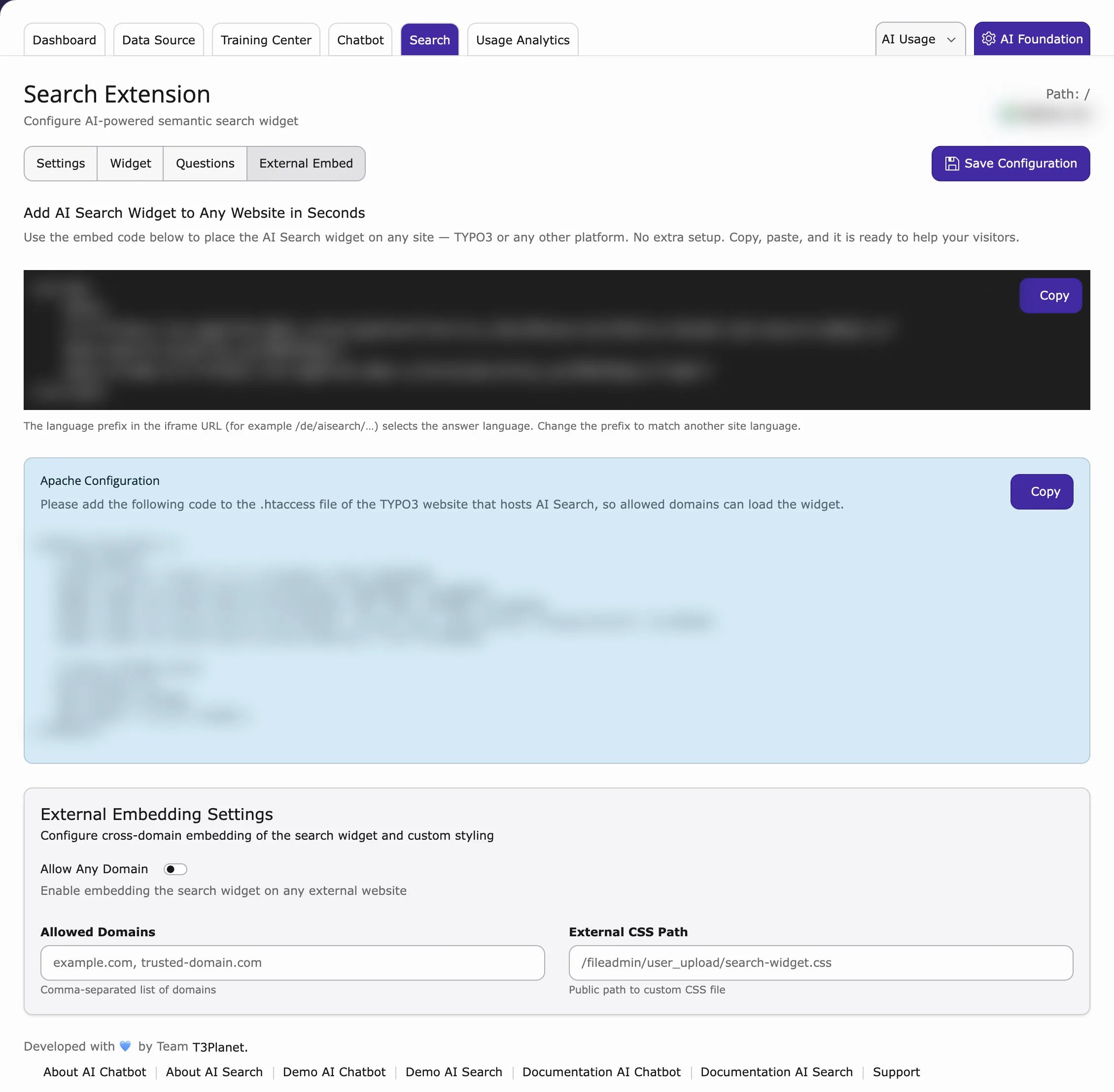
The embed code contains a language part, for example
/de/. It decides the answer language.