

The page is the context
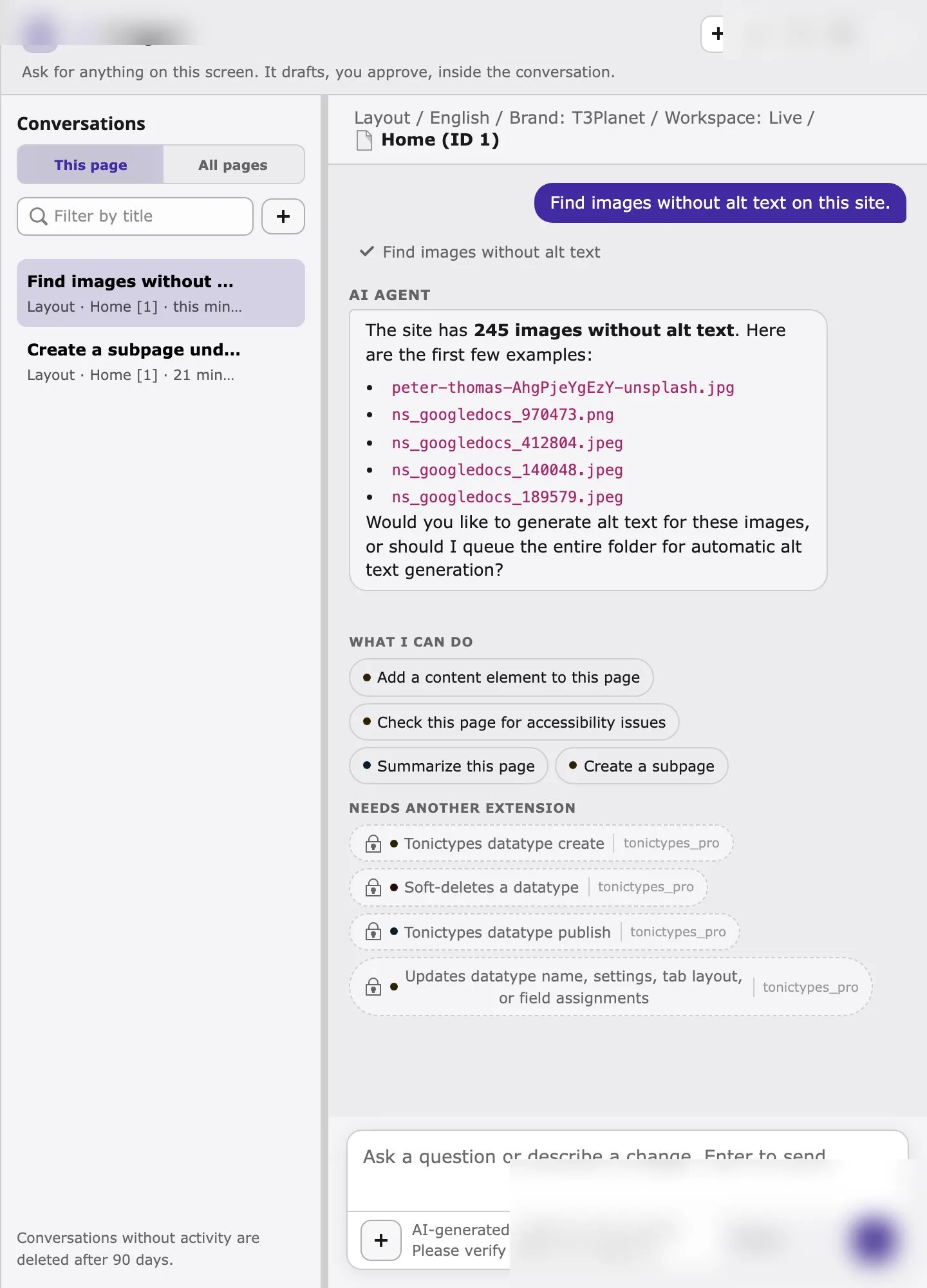
The AI agent works on what you have open. The context line at the top of the window shows the module, language, workspace, and page. This page and here in your request mean that page, unless you name another one or pass a file UID.The four steps of every request
- You ask in your own words, in any language. Click a suggestion or pick an action with
/. - The agent looks up what it needs, for example missing alt text, the last scan result, or file metadata. Read steps run automatically and appear as steps marked completed.
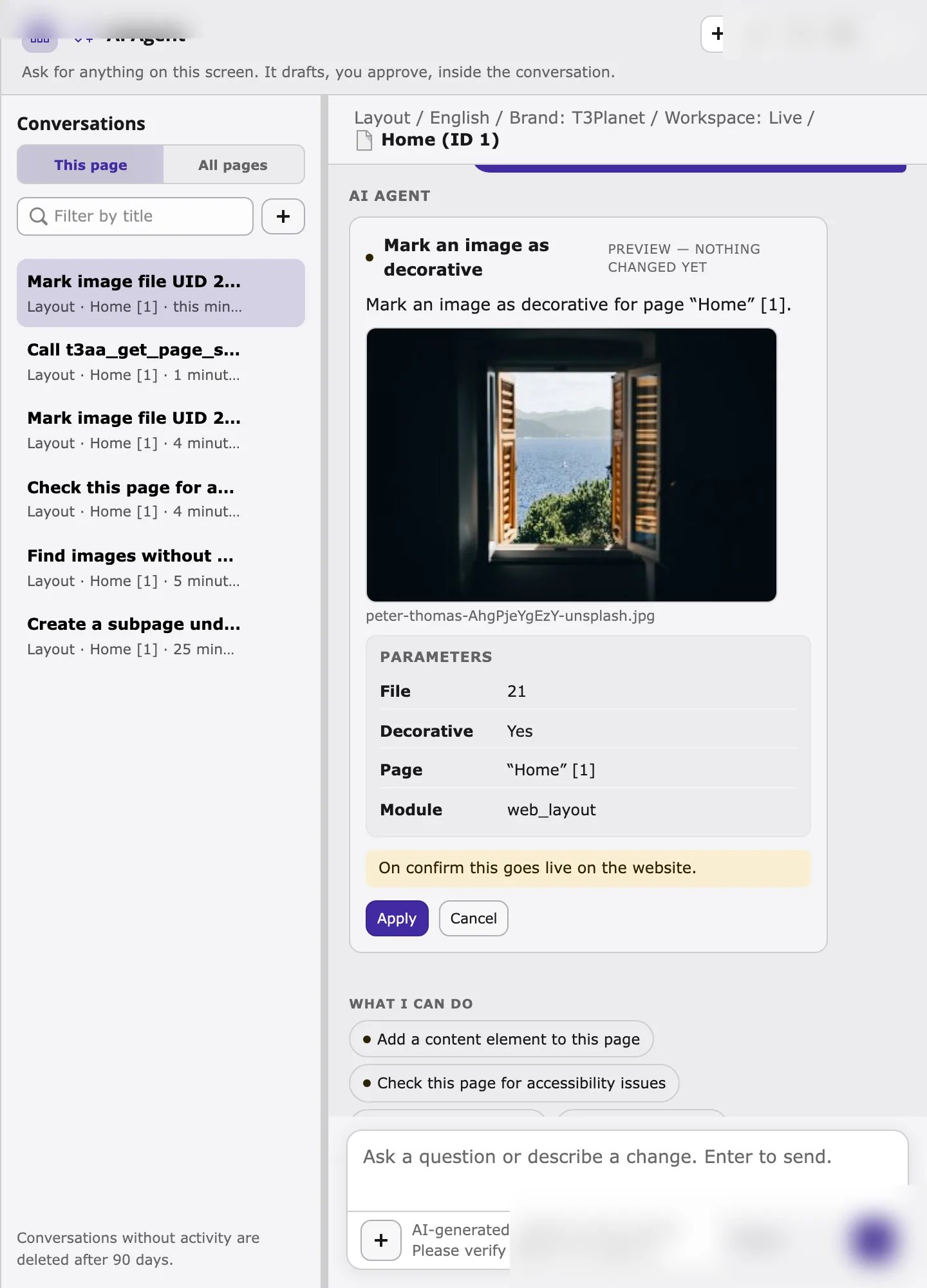
- For a change, it shows a preview marked Preview — nothing changed yet. The preview lists exactly what will be written: file, language, decorative flag, scan scope, and so on.
- You decide. Click Apply to write the change, or Cancel to discard it.
Two kinds of T3AA actions
Every T3AA tool declares whether it only reads or asks before changing. The/ picker and preview cards show this.
DualMode tools
Two T3AA tools support DualMode (the agent model can draft content, or T3AA can generate it natively inside TYPO3):
Which path runs depends on AI Foundation MCP mode (Context vs Native). Details: AI Foundation: How it works.
Live or draft workspace
- In Live, an applied change is public immediately. The preview may say On confirm this goes live on the website.
- In a draft workspace, the change stays in that workspace until it is published.
What you need before you start
- TYPO3 with AI Foundation (
ns_t3af) and T3AA (ns_t3aa) installed and active. - An AI provider configured in AI Foundation (for example OpenAI). Voice-over uses the editor’s default audio provider (OpenAI or ElevenLabs).
- A valid T3AA license. Scans use the scan quota of the license.
- Backend permissions for the files and pages you ask about.