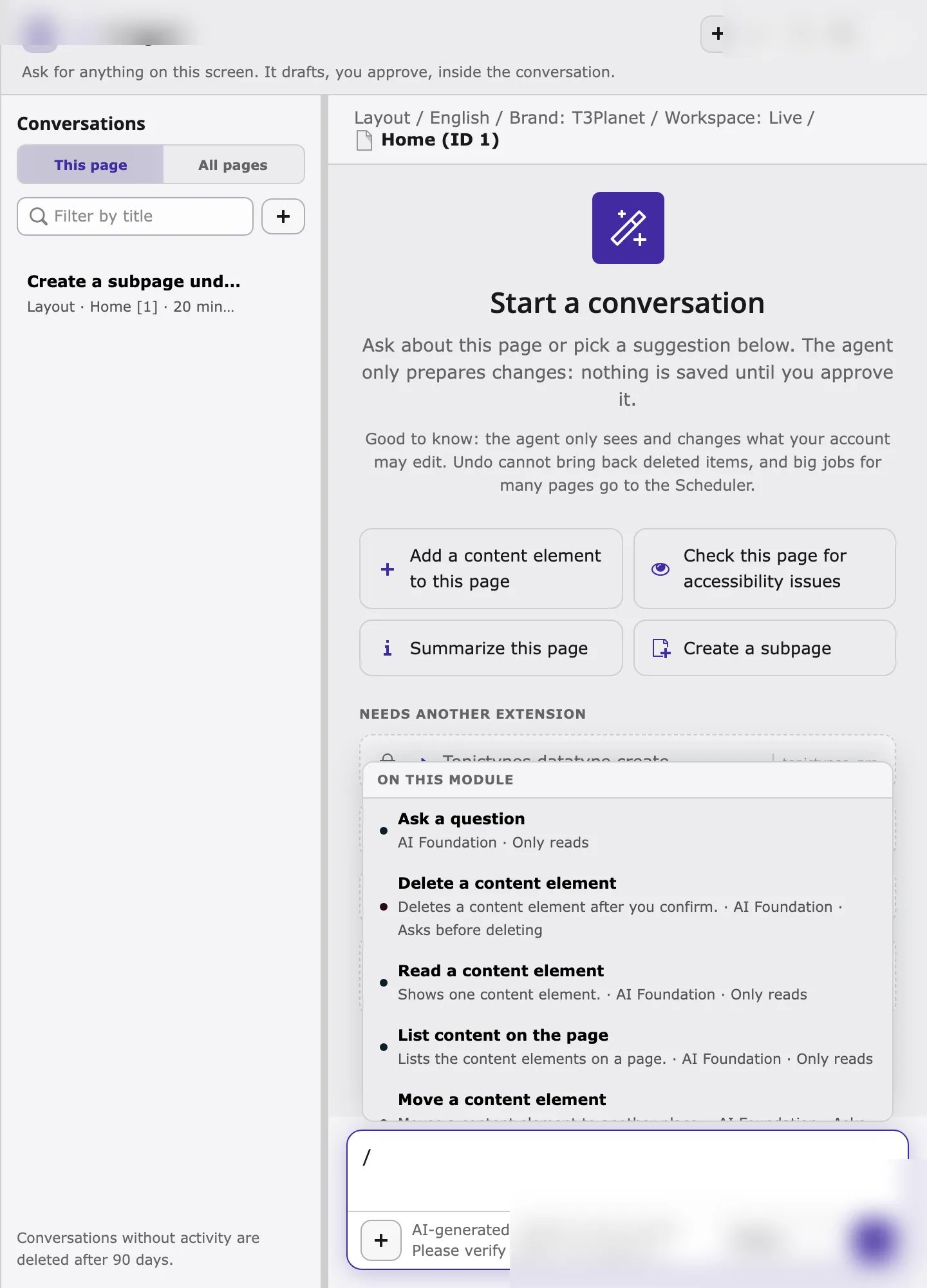
The Ask AI Agent button
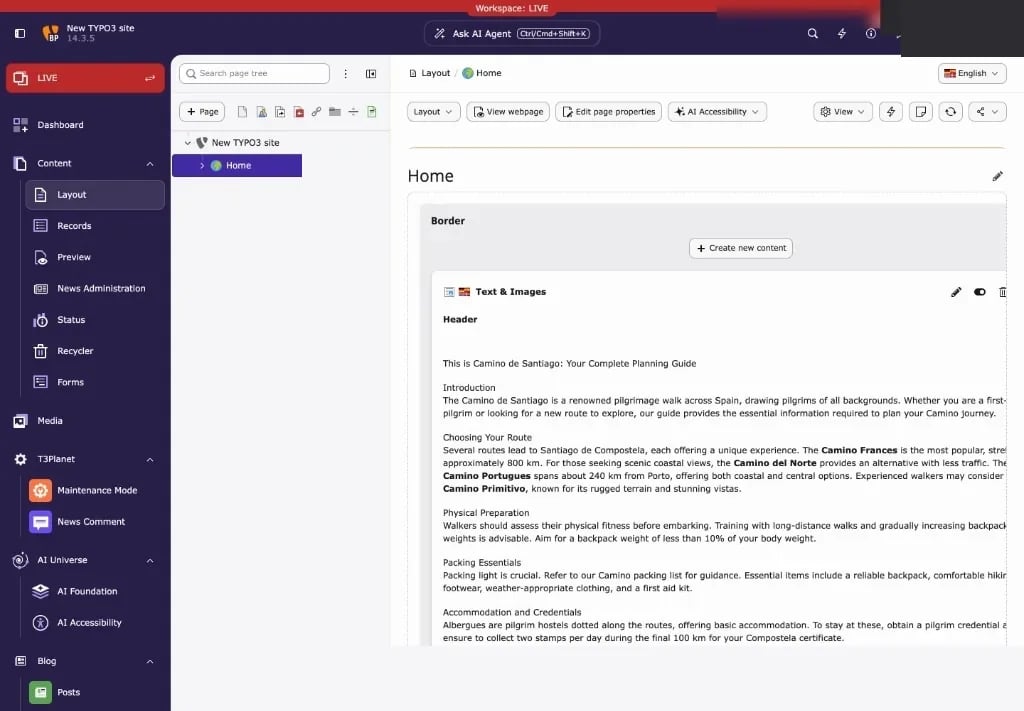
- Ask AI Agent sits in the center of the backend top bar and is available in every backend module. It is provided by AI Foundation (
ns_t3af), not by the AI Accessibility module alone. - The button shows the keyboard shortcut. The default is
Ctrl+Shift+K(Windows, Linux) orCmd+Shift+K(macOS), which keepsCtrl/Cmd+Kfree for TYPO3 Live Search. - The AI Accessibility entry in the left module menu opens the standalone T3AA tabs (Dashboard, AI Alt Text, Scans, and so on). That is separate from the Ask AI Agent chat window.
Open the AI agent in three steps
- Select the page you want to work on in the page tree, for example in Content > Layout.
- Click Ask AI Agent, or press
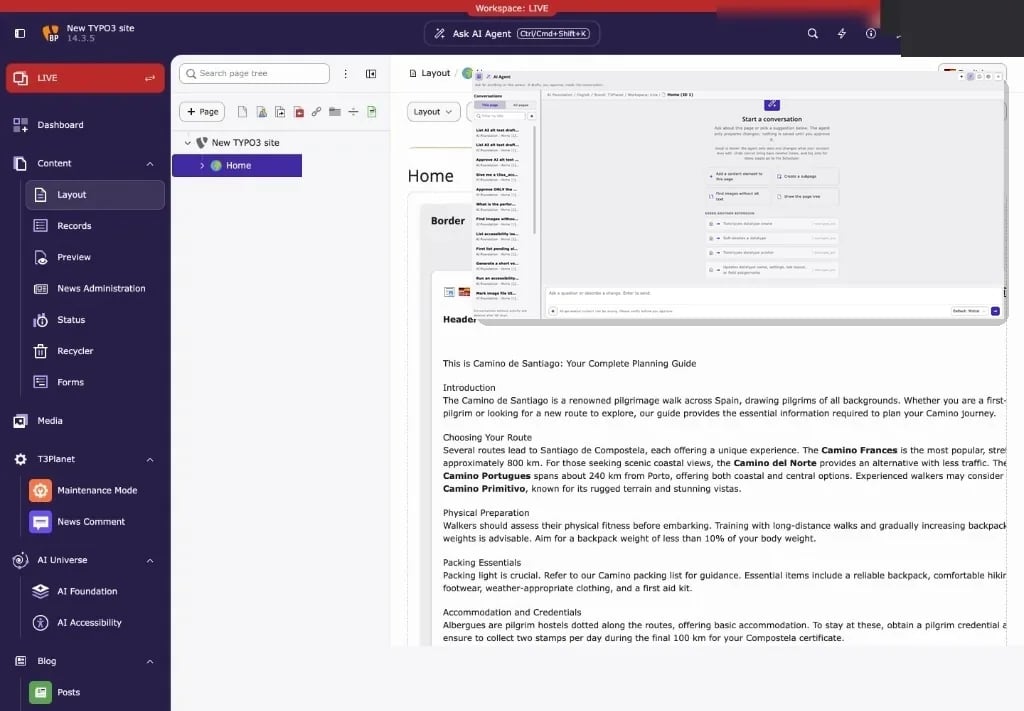
Ctrl/Cmd+Shift+K. - The AI agent window opens on top of the page. Check that the context line shows the right page, then type your request.
Esc or click Close to close the window. Your work in the backend stays open behind it.
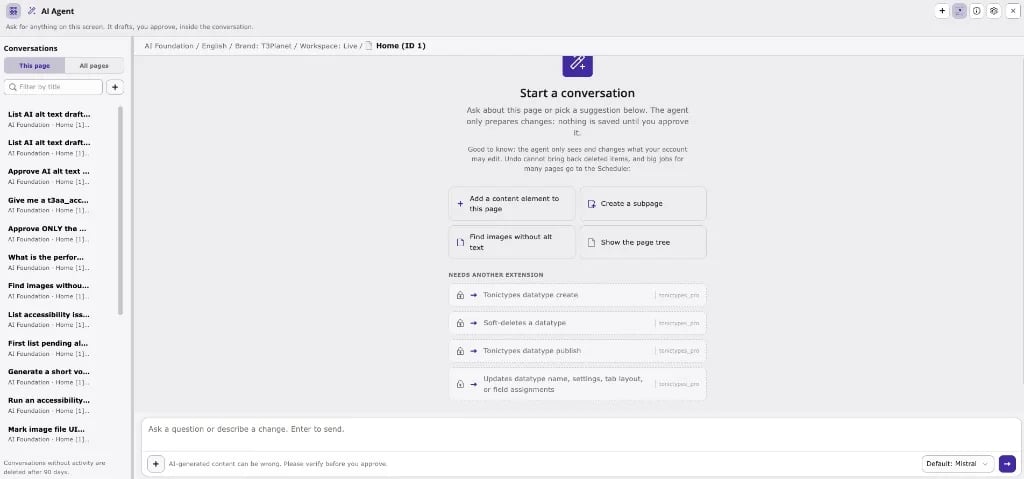
The window, part by part
The shared agent chrome (header icons, conversations, attach, provider picker) is documented in AI Foundation: Where the AI agent opens. For T3AA work, pay special attention to:Slash picker
Type/ in the message field to browse tools by their name in the agent. T3AA tools appear under the AI Accessibility / t3aa_ group when the extension is active.