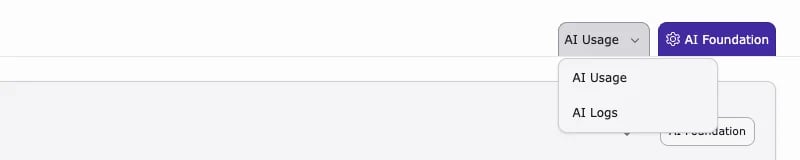
AI Logs
Events and errors, for example a provider without a required capability.- Filter by Channel: AI Assistant Content, AI Assistant SEO, AI Assistant Translation, AI Assistant Media, AI Assistant Prompts, AI Assistant Bulk Ops, or AI Assistant Forms.
- Filter by Level: Error, Warning, or Info.
- Open an entry to read the details.
- Use Export CSV to share entries, and Reset to clear the filters.
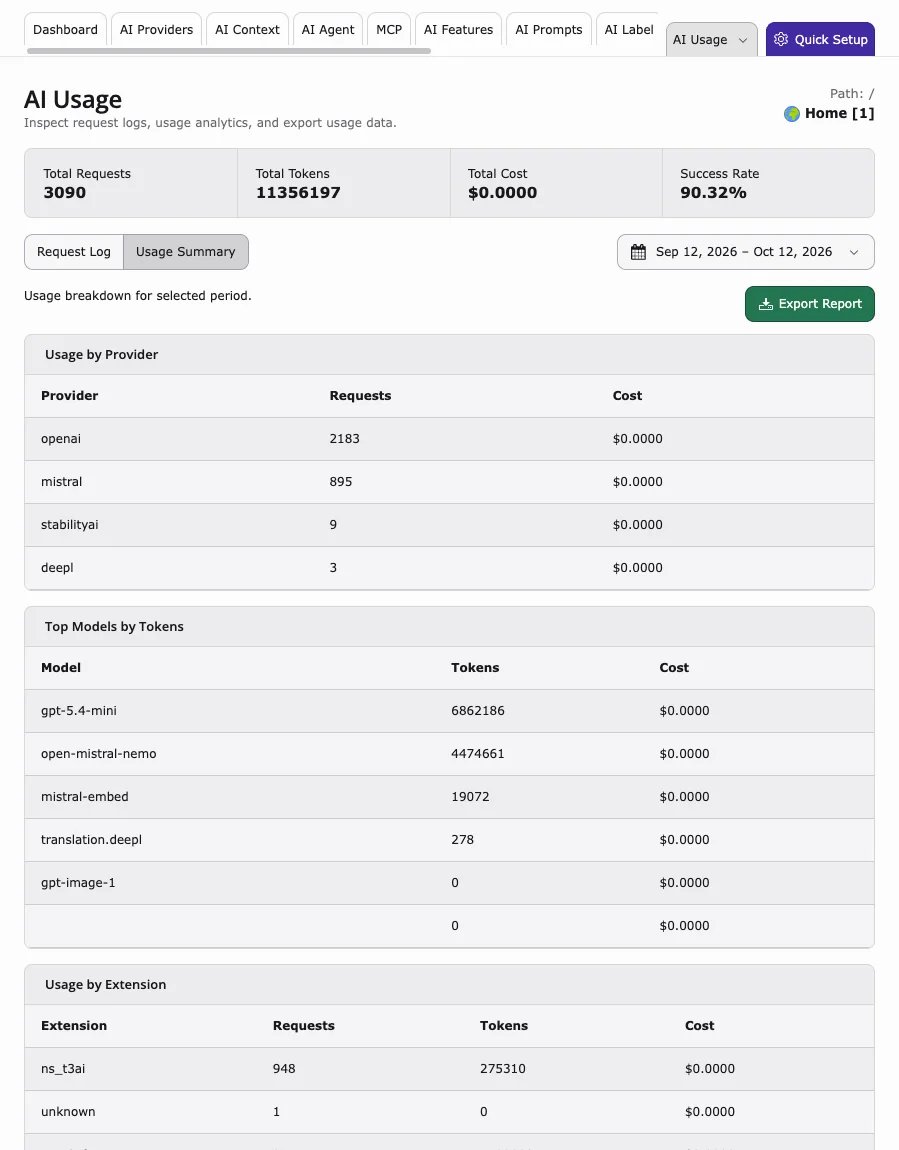
AI Usage
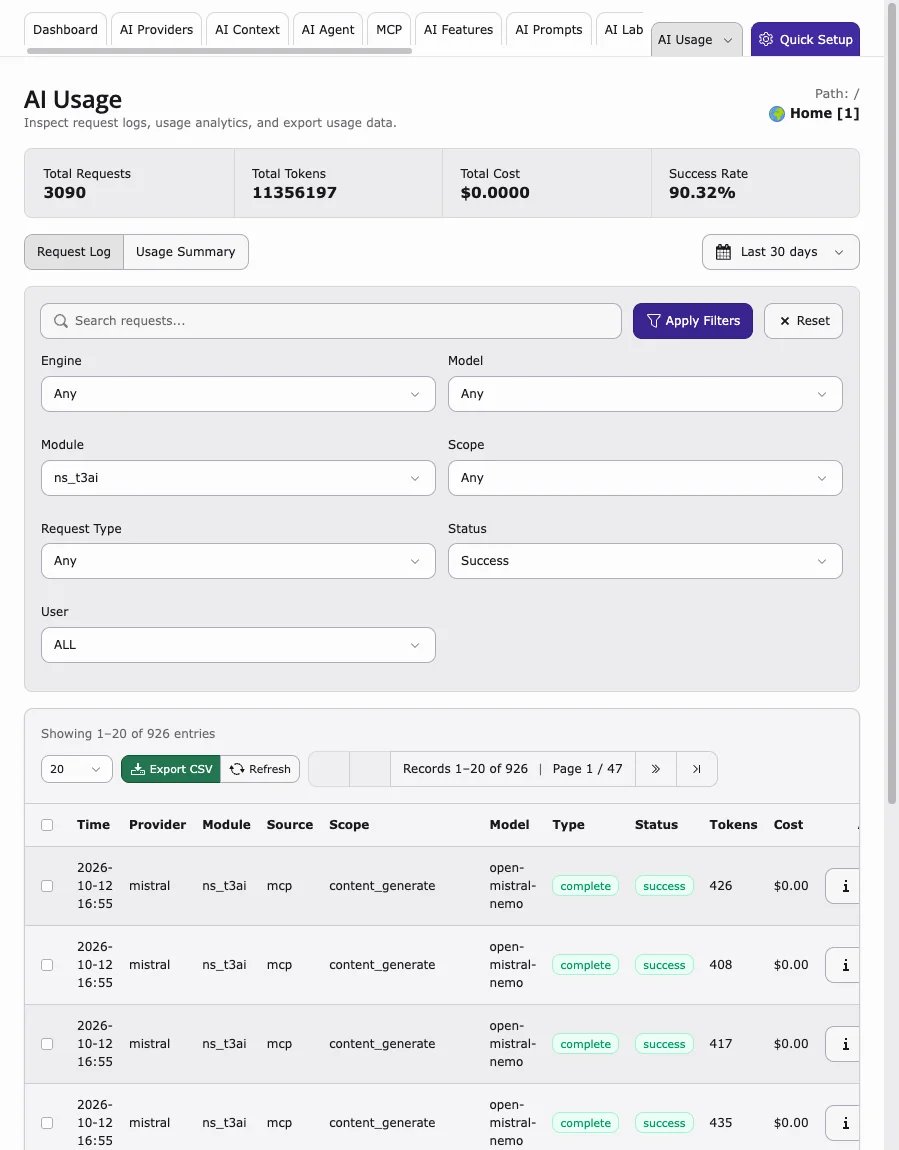
Request counts, tokens, costs, and the success rate.- Filter the Request Log by Module
ns_t3aito list T3AI requests only. - Narrow down by Engine, Model, Scope (for example
seo.meta_description,content_translate,image_generate), Request Type, Status, and User. User shows the source, for examplebackend_module,agent,mcp, orcli.
- Switch to Usage Summary for totals by provider, model, and extension. Export Report downloads the summary.