

See a page’s scores
- Open Content > Layout.
- Click a page in the page tree.
- Below the page title you see the AI Assistant strip.
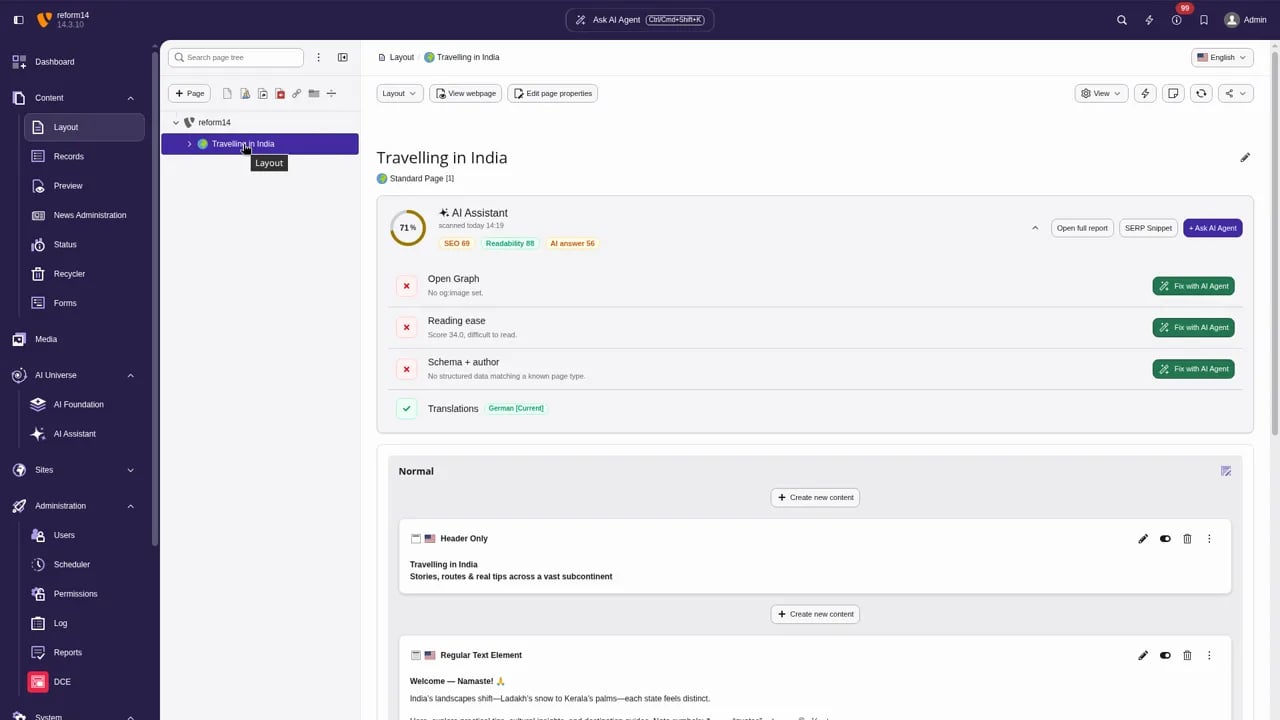
Preview the Google result
- In Content > Layout, click the page.
- Click SERP Snippet.
- See how the title and description look in Google.
- Close the preview.
Ask the AI about a page
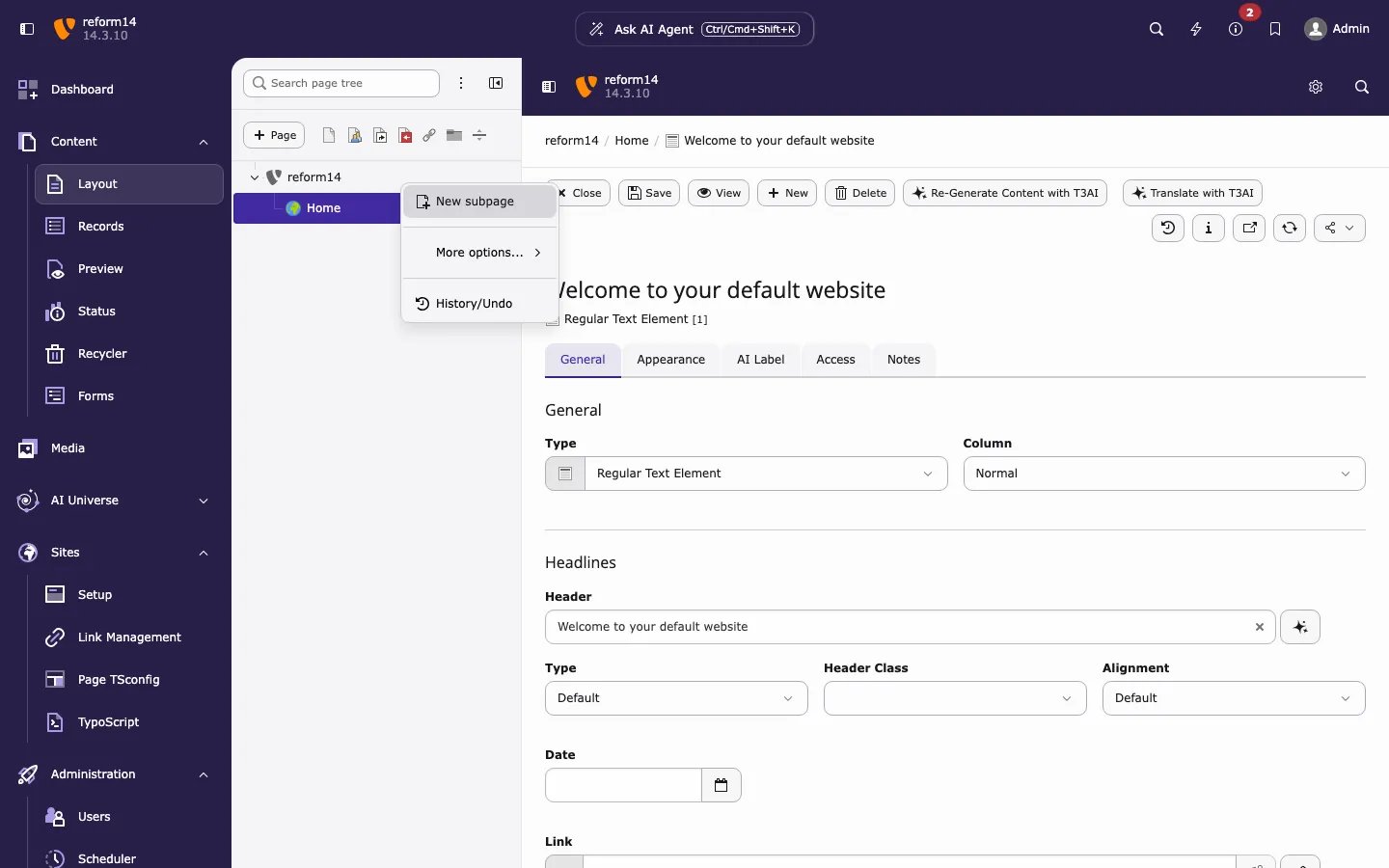
- Right-click a page in the page tree.
- Click Ask AI Agent about this page.
- Type a request, for example Summarize this page, and click send.
In the page properties
When you edit a page, the T3AI menu at the top offers Translate with T3AI. The SEO tools are now in the insights strip and the SEO & AI answers report.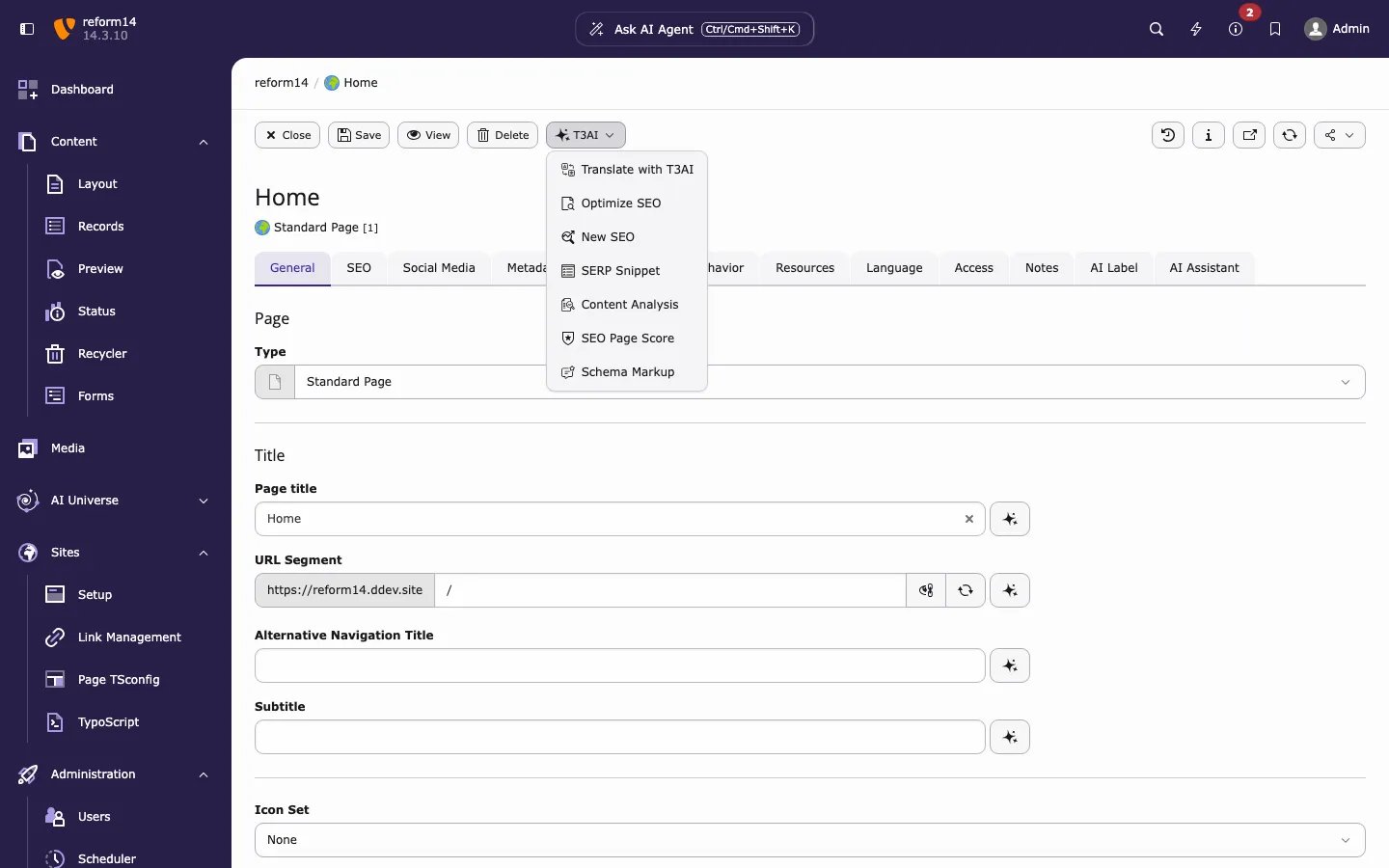
Good to know
- On each SEO field (title, description…) you can open AI suggestions. You get several options (5 by default). Pick one, then click Save. Nothing is saved before that.
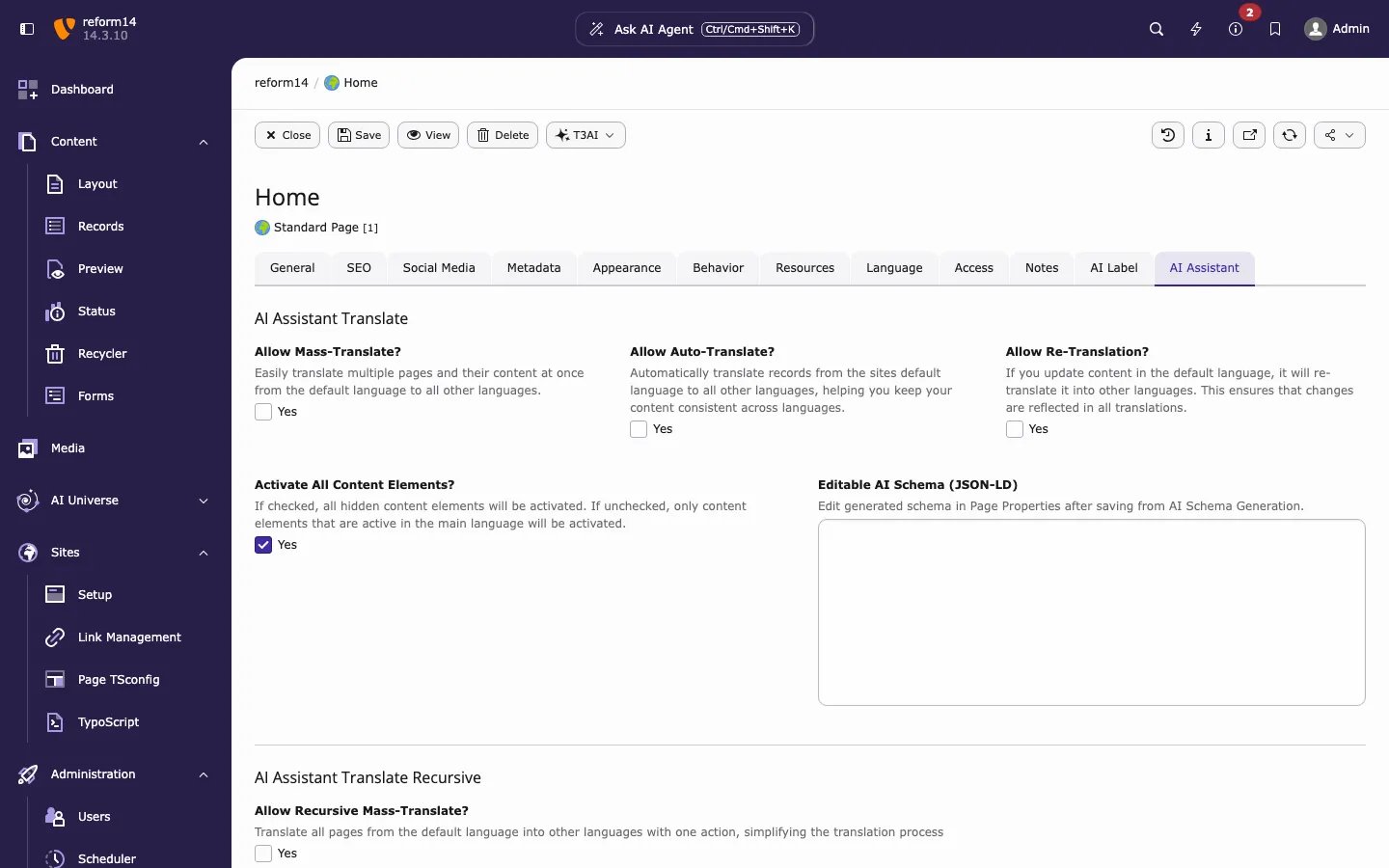
- In 14.6.1 there was an AI Assistant button and several right-click menus. They are replaced by the strip and Ask AI Agent about this page.