

ns_t3af). When T3AI (ns_t3ai) is installed, it adds 33 T3AI tools to the agent: SEO, translation, page, news, and blog creation, the translation glossary, the Mass SEO and Mass Translation queues, and AI images.
The AI agent needs TYPO3 13.4 LTS or 14.x. On TYPO3 v12, all other T3AI features work as usual, only without the AI agent.
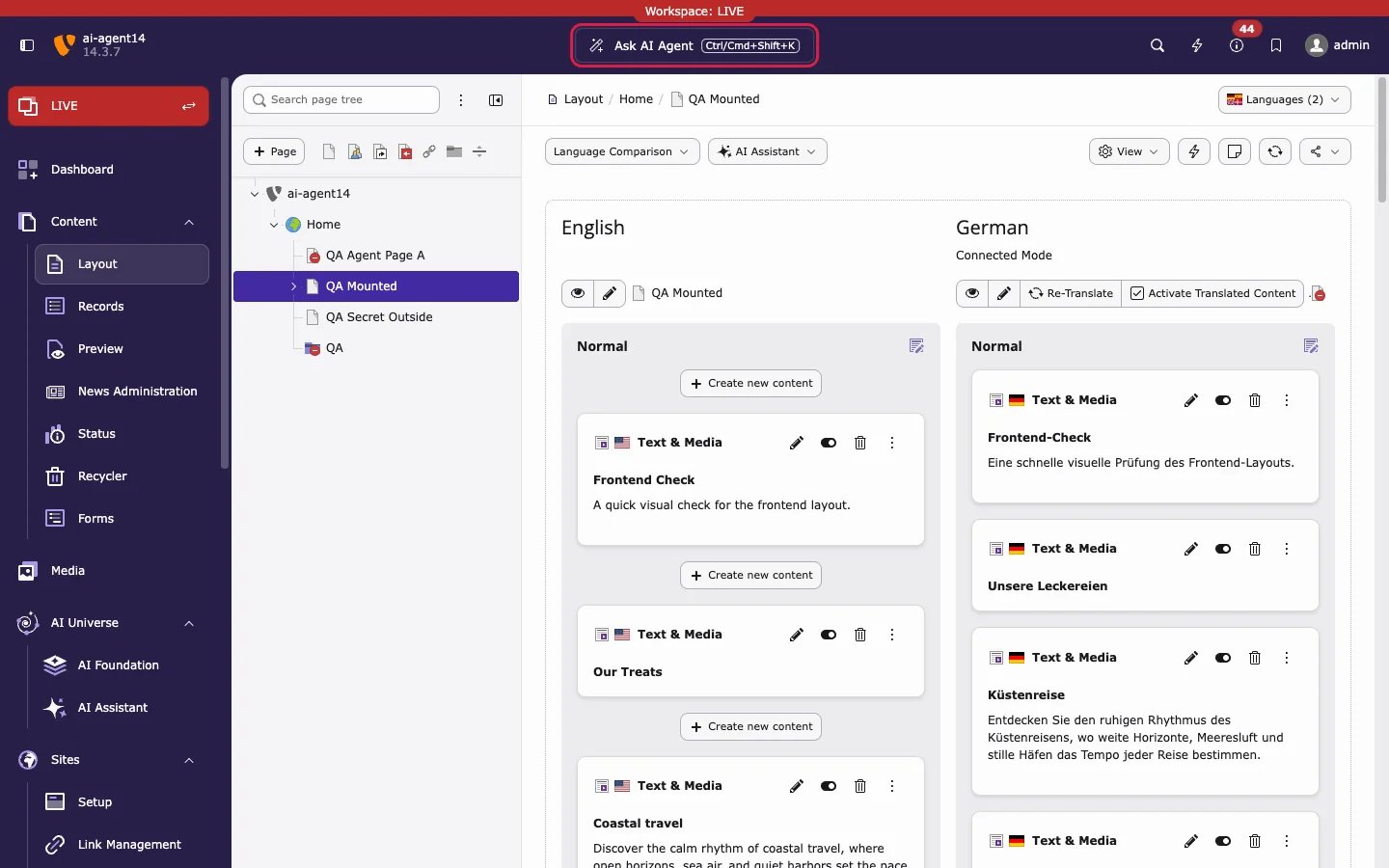
Get started in three steps
1
Select the page
Select the page you want to work on in the page tree, for example in Content > Layout. The AI agent uses this page as its context.
2
Click Ask AI Agent
Click Ask AI Agent in the center of the backend top bar, or press
Ctrl/Cmd+Shift+K. The AI agent window opens on top of the page.3
Ask, review, apply
Type your request, for example “Generate SEO for this page”, and press Enter. Review the preview card, then click Apply to save it or Cancel to discard it.
Read the pages in this order
Related
- AI Foundation: Ask AI agent: the AI Foundation manual for the agent, its settings, and the AI Agent module tabs.
- AI Foundation MCP Server: use the same T3AI tools from Cursor, Claude Desktop, or other MCP clients.