

Translation is supported only for TCA-based fields. Fields are considered translatable when the 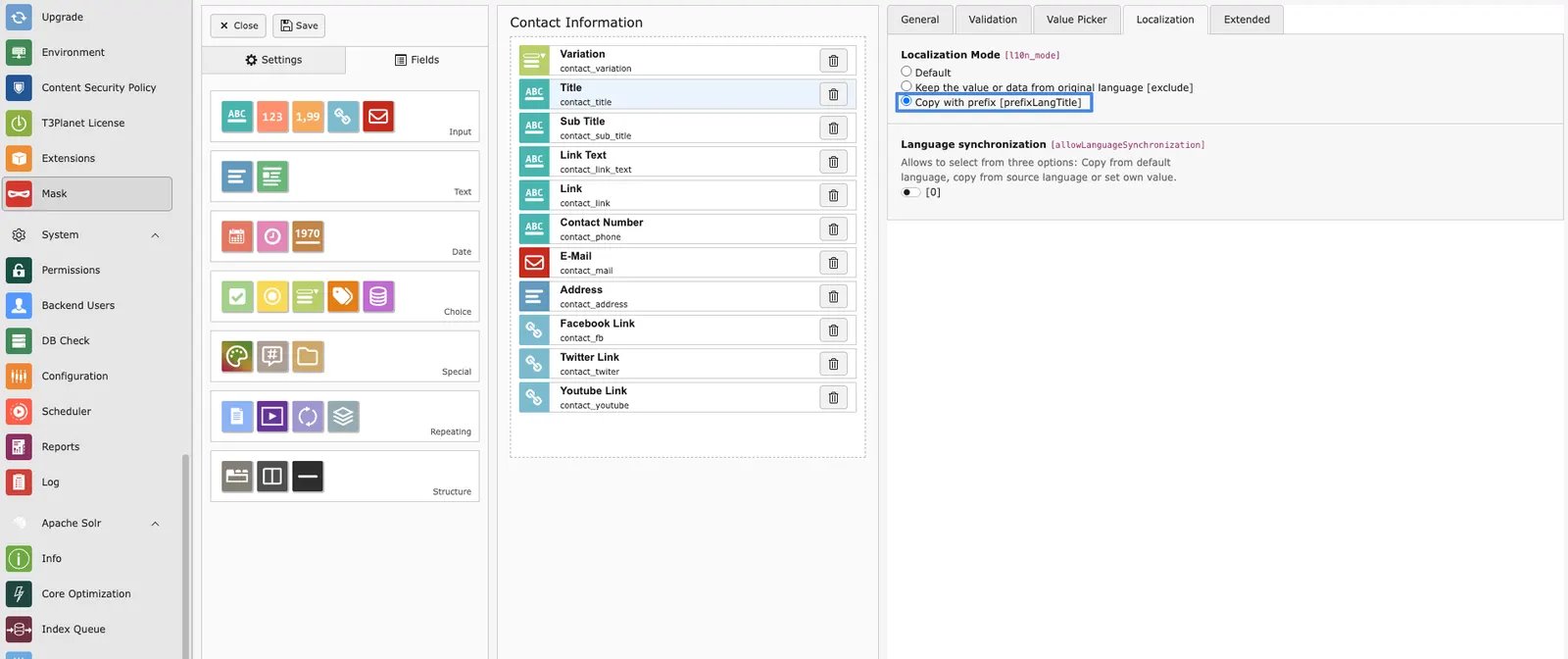
l10n_mode is set to prefixLangTitle. This functionality is implemented via a DataHandler hook, which applies exclusively to TCA records (not FlexForm fields).For Mask elements, ensure that the option Copy with prefix [prefixLangTitle] is enabled for each field that should be translated. Without this configuration, the fields will be ignored during the translation process.FlexForm translation is supported only when using the Standard FlexForm Structure. Custom or non-standard FlexForm configurations may not be processed correctly.For more details, refer to the TYPO3 official documentation: Standard FlexForm StructureAdditionally, Flux-based content elements support translation only after the content element has been created and saved at least once.
Note: This feature is available in T3AI 14.5.0 and all later tags.DCE & FlexForm Translation: Translate DCE and other FlexForm fields using the sheet-aware field mapper. Enabling “Map to TCA” is not required.
FlexForm field keys to skip from AI translation (comma-separated)
Define FlexForm field keys to skip from AI translation to exclude specific fields from being translated. Enter a comma-separated list of FlexForm field keys that should be ignored during the AI translation process. How it works:- The system reads the configured field keys.
- During translation, matching FlexForm fields are skipped.
- All other fields are translated normally by the AI.